 By carl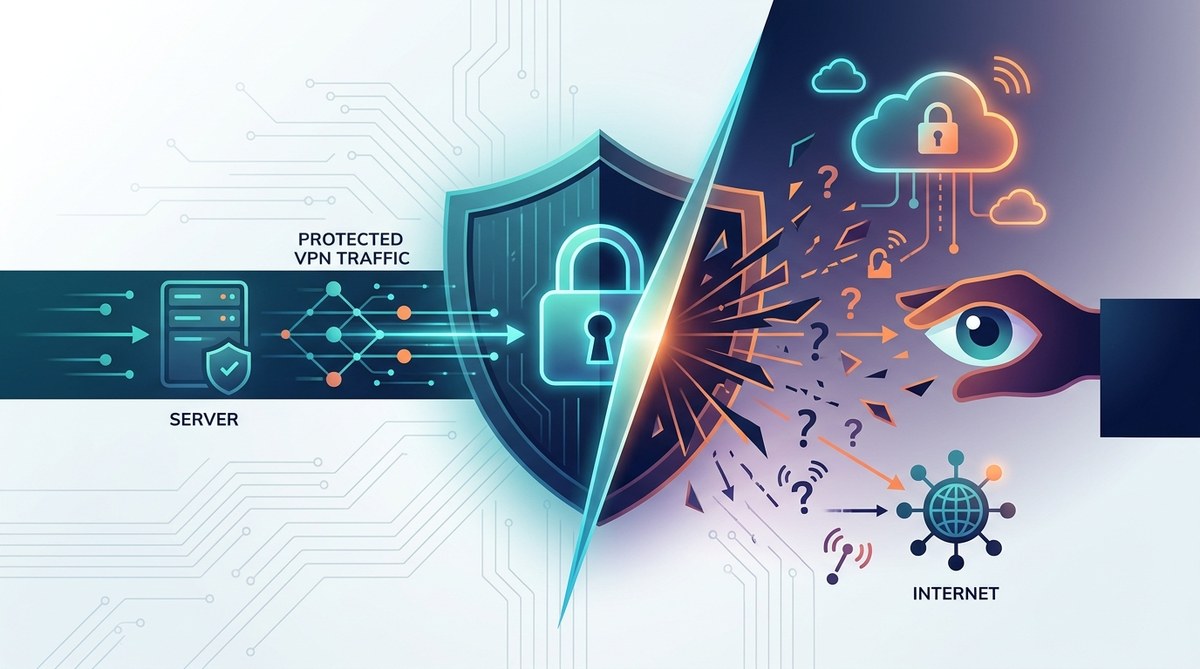
Split tunneling sounds like a superpower for your VPN. You get to choose which apps use the encrypted tunnel and which access the open internet directly. That means faster streaming, local printing without hassle, and less bandwidth hogging. But that freedom comes with a catch. Is split tunneling quietly undermining the very privacy you bought a VPN for? Let’s break it down.
Split tunneling is not inherently dangerous, but it creates a gap in your VPN protection. Every app you exclude from the tunnel exposes your real IP and unencrypted traffic to your ISP, local network, and potentially malicious actors. The real risk comes from misconfiguration, forgetting to pair it with a kill switch, or assuming all traffic is protected. Used correctly and with clear intent, split tunneling can be safe. Used carelessly, it invites privacy leaks.
What split tunneling actually does
A standard VPN routes all of your device’s traffic through a secure server. Every packet gets encrypted, every request appears to come from the VPN server’s IP, and your ISP only sees encrypted noise. Split tunneling breaks that rule: you decide which applications or destinations use the VPN and which bypass it.
There are two main types. Inclusive split tunneling sends only selected apps through the VPN. Everything else goes direct. Exclusive split tunneling does the opposite: all traffic uses the VPN except for the apps you exclude. Most commercial VPNs offer one or both modes.
The real privacy risks of split tunneling
If you are a tech professional or a privacy conscious individual, you already know that a VPN is only as strong as its weakest link. Split tunneling creates several weak links that can compromise your privacy.
Your ISP sees your unprotected traffic
Every app you exclude from the VPN sends data over your normal internet connection. Your ISP can see the websites you visit, the services you use, and the metadata of those connections. If you are using split tunneling to keep your banking app on the VPN but let your news reader bypass it, your ISP still knows you are reading the news. That might be acceptable for some use cases, but it undermines the privacy blanket a full tunnel provides.
DNS leaks are more likely
When you exclude an app from the tunnel, your device often sends DNS queries through the default system resolver. If your VPN is configured to use its own DNS servers, but the excluded app uses a different resolver (like your router’s or a public one), a DNS leak occurs. That leak reveals exactly which domains the excluded app is requesting. And in some configurations, DNS queries from the tunneled side can also leak if the VPN does not enforce DNS redirection for all interfaces.
IP leaks can happen at the OS level
Operating systems were not designed with split tunneling in mind. A buggy VPN client or a misconfigured routing table can cause the excluded app to send traffic through the VPN tunnel anyway (wasting resources) or, worse, cause the VPN app’s traffic to leak out directly. Both scenarios defeat the purpose of using a VPN in the first place.
Local network exposure
If you exclude an app to access a local printer or a network drive, that app is now fully exposed to other devices on your local network. On a coffee shop Wi Fi, that means anyone on the same network could potentially intercept that app’s traffic. The VPN cannot protect data that never enters the tunnel.
Common split tunneling mistakes and their consequences
Here is a table of typical errors and the privacy damage they cause.
| Mistake | What happens | Privacy impact |
|---|---|---|
| Excluding the VPN client itself from the tunnel | Your VPN app sends traffic outside the encrypted tunnel | Complete loss of VPN protection; your real IP is visible |
| Forgetting to disable split tunneling when using public Wi Fi | All excluded apps transmit sensitive data in plain text | Credential theft, session hijacking, data injection |
| Using inclusive mode without restricting LAN access | Local network devices can see your excluded traffic | Local eavesdropping on file transfers or printing |
| Relying on split tunneling for torrent traffic | Your real IP is exposed for those downloads | ISP notices your torrent activity; potential legal notices |
| Not testing for DNS leaks after configuring | DNS queries leak to your ISP even for tunneled apps | Your browsing history is still visible on the DNS level |
How to configure split tunneling safely (a step by step process)
Follow these steps to minimize the privacy risks of split tunneling.
-
Identify your threat model. Ask yourself: what data absolutely must stay encrypted? For many people, that includes email, banking, and password managers. Other traffic like streaming video or news might be acceptable to route directly. Write down a list.
-
Choose the right mode. If you only need a few apps protected, use inclusive mode (tunnel only those apps). If you need most apps protected and a few exceptions, use exclusive mode and add only the safe apps to the bypass list. Exclusive mode is generally safer because fewer apps leak.
-
Enable a kill switch. A kill switch blocks all internet traffic if the VPN connection drops. When using split tunneling, the kill switch should apply only to the tunneled traffic. Some VPN clients handle this automatically; others require manual rules. Read more in our guide on how to set up a kill switch and why it matters for VPN users.
-
Test for leaks. After configuring, run a DNS leak test and an IP leak test. Make sure the tunneled apps show only the VPN server IP and the excluded apps show your real IP as expected. Do not skip this step. We recommend testing your VPN for DNS, IP, and WebRTC leaks in 5 minutes.
-
Audit your exclusion list regularly. New apps you install might automatically fall outside the tunnel if you are using inclusive mode. Check your split tunneling settings every few weeks.
When split tunneling is a smart trade off
Split tunneling is not always a privacy risk. In some scenarios, it improves your security posture overall.
| Scenario | Why split tunneling helps |
|---|---|
| Accessing local network resources while using VPN for browsing | Allows LAN access for printers, scanners, or file shares without exposing those devices to remote VPN routing. |
| Reducing VPN server load for low risk traffic | Streaming video through a VPN can overload your connection and the server. Sending Netflix direct avoids that, freeing bandwidth for secure work. |
| Complying with corporate VPN policies | Many companies require a VPN for sensitive tools but forbid VPN for personal traffic. Split tunneling respects that boundary. |
| Avoiding geolocation conflicts with local services | Some services (like ride sharing or food delivery) rely on your real location. Exclusive tunneling for those apps keeps them accurate. |
Expert advice: Treat split tunneling like an access control list. Every app you exclude is a door you left unlocked. Only unlock doors you are comfortable leaving open, and always check that the VPN provider’s split tunneling implementation has been audited for leaks. Independent security reviews matter more than marketing claims.
The missing piece: a proper kill switch
If you plan to use split tunneling, you must understand how your VPN handles kill switches. Many cheap VPNs apply the kill switch globally, blocking all traffic even from excluded apps when the VPN drops. That can break your workflow. Better VPNs allow you to set a per app kill switch. Look for a provider that offers this granularity, and read about 5 common VPN mistakes that compromise your privacy to avoid other pitfalls.
Making smart decisions about split tunneling
Split tunneling is a feature, not a flaw. The risk comes from using it without a clear plan and without verifying that your configuration works as intended. For most privacy focused users, keeping the tunnel full is the safest default. But if you need split tunneling for practical reasons, you can use it safely by following the steps above.
Before you enable it, take five minutes to review your VPN logging policies and ensure your provider does not log your activities. That way, even if some traffic escapes the tunnel, at least the VPN side remains private.
Combine split tunneling with a kill switch, test for leaks every time you change settings, and never assume that an excluded app is secure just because it is on your machine. With those precautions, you can enjoy the convenience of split tunneling without inviting a privacy disaster.