 By carl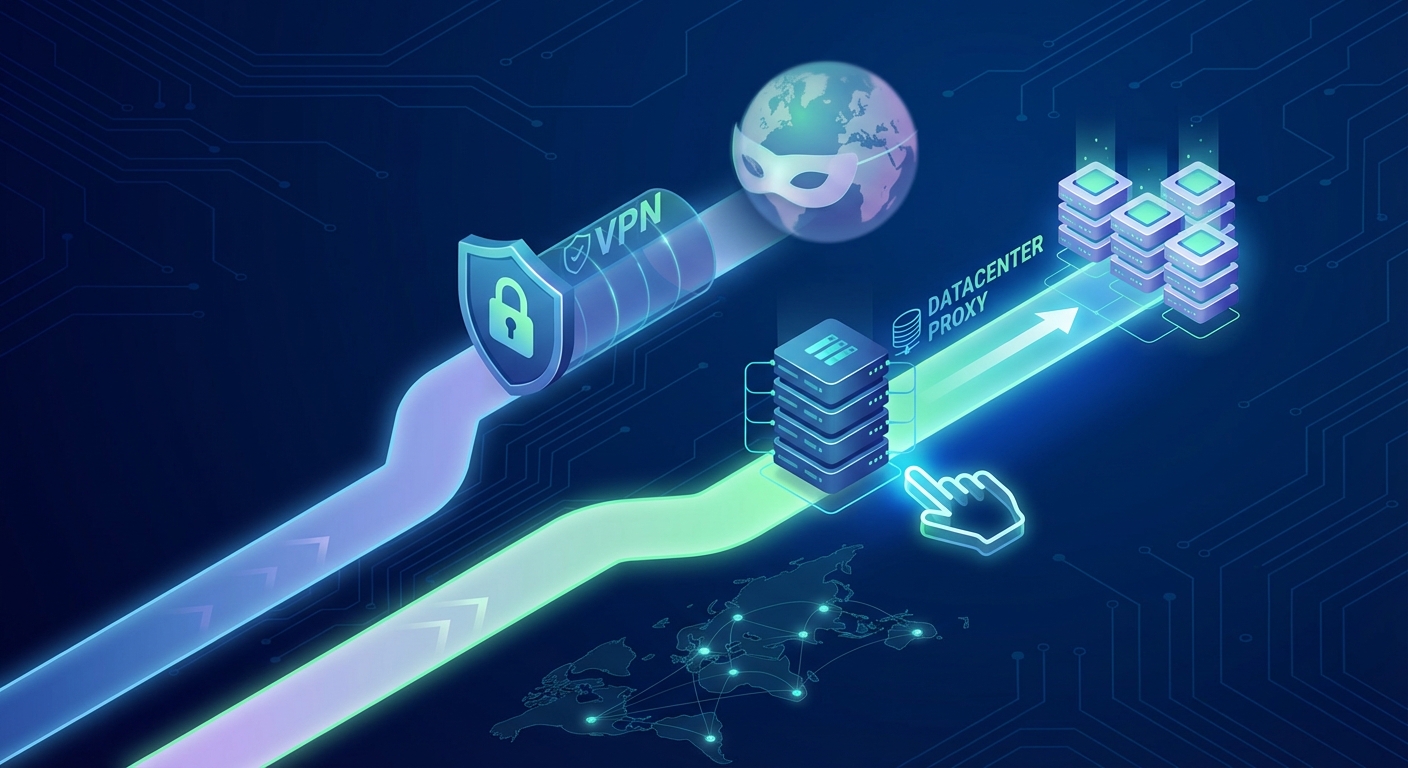
Choosing between a datacenter proxy and a VPN isn’t about picking the “better” tool. It’s about matching the right technology to your specific task. VPNs encrypt your entire internet connection and route all traffic through a single server. Datacenter proxies route individual requests through high-speed servers without encrypting your whole connection. Both hide your IP address, but they work differently and excel in different scenarios.
Datacenter proxies excel at high-volume tasks like web scraping, automation, and accessing geo-restricted content at scale. VPNs work better for general browsing privacy and encrypting all device traffic. The datacenter proxy vs VPN decision depends on whether you need speed and volume or full-device encryption. Most technical users and businesses choose proxies for automation, VPNs for personal security.
Understanding what each tool actually does
VPNs create an encrypted tunnel between your device and a VPN server. Every application on your device routes through this tunnel. Your ISP sees encrypted traffic going to the VPN server. Websites see the VPN server’s IP address instead of yours.
Datacenter proxies work at the application level. You configure specific programs or scripts to send requests through the proxy server. Only that traffic routes through the proxy. Everything else uses your regular connection. No encryption happens by default, though some providers offer HTTPS proxies.
The architectural difference matters. VPNs protect everything but create a single point of failure. If the VPN connection drops, your real IP might leak unless you use a kill switch. Proxies let you route different tasks through different servers simultaneously. You can send scraping requests through five different datacenter IPs while browsing normally.
Speed differences that actually matter
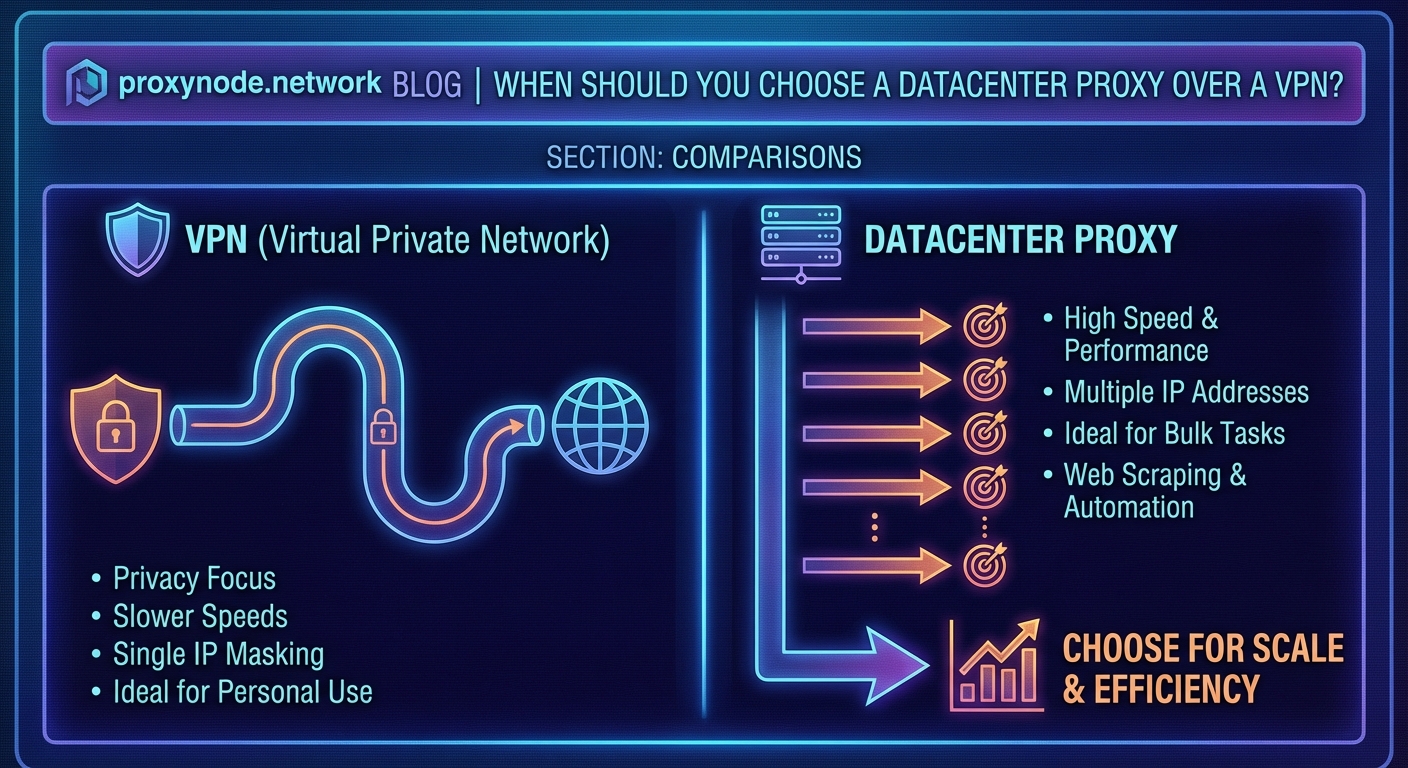
VPNs encrypt every packet. That encryption overhead reduces speed. A good VPN might cut your connection speed by 10 to 30 percent. The server location matters too. Connecting to a VPN server across the ocean adds latency.
Datacenter proxies skip encryption. They run on powerful servers with gigabit connections in professional data centers. Response times stay fast because you’re hitting infrastructure designed for heavy traffic. Many datacenter proxies can handle thousands of requests per second without breaking a sweat.
This speed difference becomes critical at scale. Scraping 10,000 product pages through a VPN takes significantly longer than using datacenter proxies. The VPN also struggles with concurrent connections. Most VPN services limit how many simultaneous connections you can maintain.
For tasks requiring hundreds or thousands of requests per hour, datacenter proxies outperform VPNs by a factor of three to ten. The lack of encryption overhead and superior infrastructure makes them the default choice for automation projects.
When datacenter proxies make more sense
You should choose a datacenter proxy over a VPN for these specific scenarios:
- Web scraping projects that need to collect data from hundreds or thousands of pages
- Automated testing of websites from different geographic locations
- Price monitoring tools that check competitor websites continuously
- Social media management across multiple accounts without triggering security flags
- Accessing geo-restricted content libraries when you need multiple locations simultaneously
- SEO rank checking tools that verify search results from different countries
- Ad verification campaigns checking how ads display in various regions
These tasks share common requirements. They need volume, speed, and often multiple IP addresses at once. A VPN can’t efficiently handle these workloads.
When VPNs work better than proxies
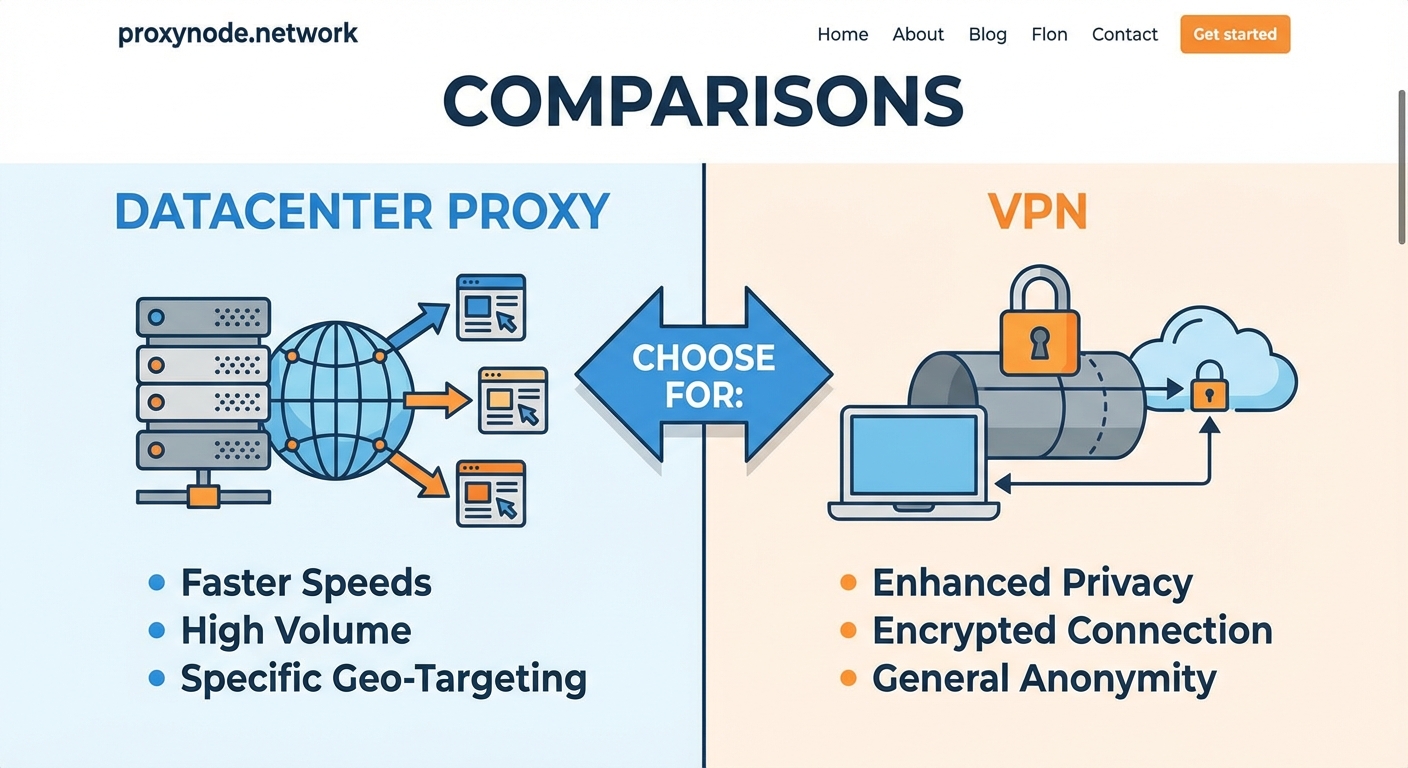
VPNs remain the better choice for different use cases:
- Protecting your entire device when using public WiFi networks
- Hiding all browsing activity from your ISP or network administrator
- Securing video calls, messaging apps, and other real-time communication
- Bypassing censorship in restrictive countries where deep packet inspection blocks proxies
- Protecting devices that can’t be configured to use proxies individually
VPNs encrypt everything. That matters when you’re transmitting sensitive data or when someone might intercept your traffic. Coffee shop WiFi, hotel networks, and airport connections all present security risks that VPNs mitigate.
Cost structures and what you actually pay for
VPN pricing is straightforward. You pay a monthly subscription, usually between $5 and $15. That subscription covers unlimited bandwidth and all your devices. The business model works because most users don’t saturate their connections.
Datacenter proxy pricing varies dramatically. Some providers charge per IP address. Others bill by bandwidth consumed. High-volume users might pay $50 to $500 monthly depending on their needs. The pricing reflects the infrastructure costs of maintaining fast, reliable proxy servers.
| Feature | Datacenter Proxy | VPN |
|---|---|---|
| Typical monthly cost | $50 to $500+ | $5 to $15 |
| Billing method | Per IP or bandwidth | Flat subscription |
| Concurrent connections | Hundreds to thousands | 5 to 10 devices |
| Best for | Automation and scraping | Personal privacy |
| Speed impact | Minimal | 10 to 30% reduction |
The cost difference makes sense when you consider the use cases. A business scraping competitor prices needs proxy infrastructure. A person protecting their browsing needs a VPN subscription.
Configuration complexity and technical requirements
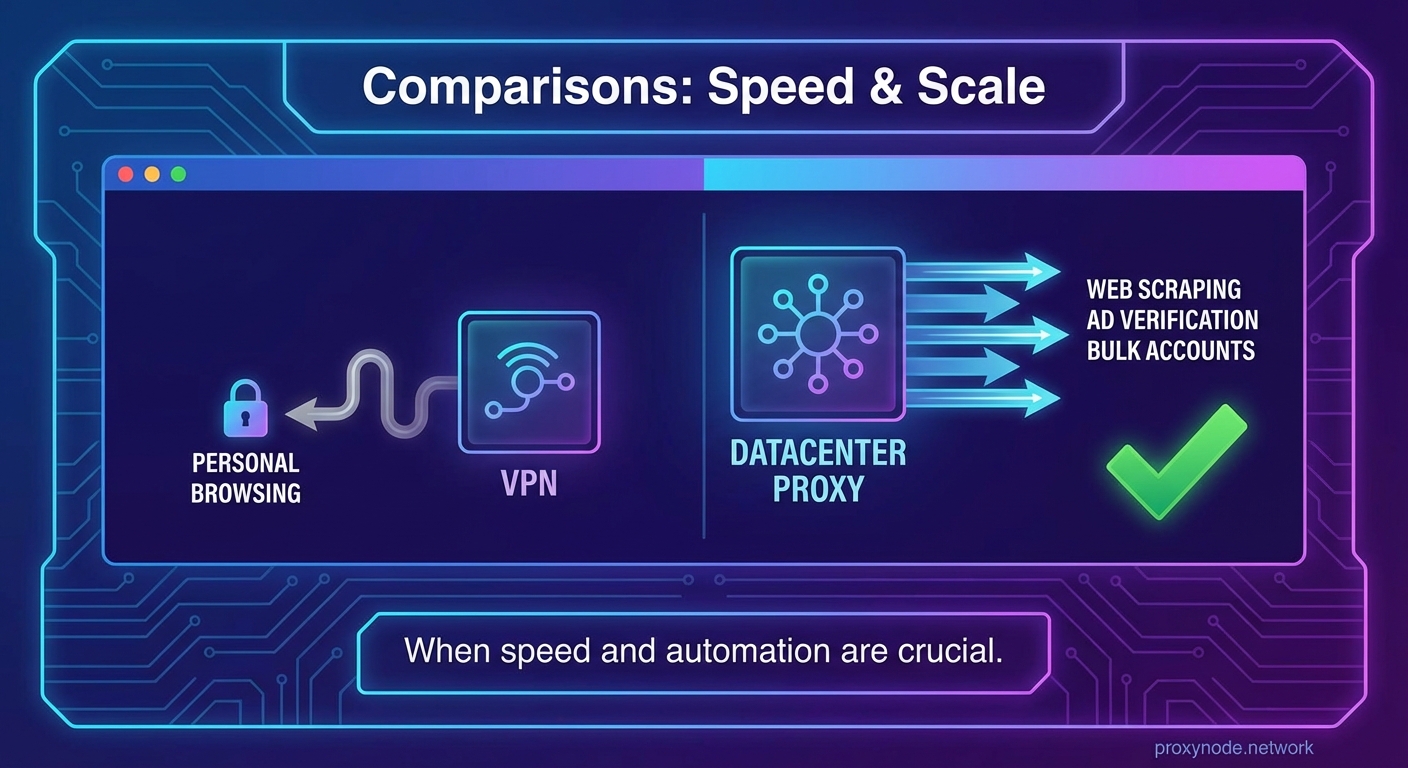
Setting up a VPN takes minutes. Download the app, log in, click connect. The VPN handles routing automatically. Non-technical users manage VPNs without issues.
Datacenter proxies require configuration. You need to:
- Get proxy credentials from your provider including IP addresses, ports, usernames, and passwords
- Configure your scraping tool, browser, or application to use the proxy settings
- Test the connection to verify the proxy works correctly
- Set up rotation logic if you’re using multiple proxies
- Handle authentication and connection errors in your code
Most datacenter proxy users write scripts or use automation tools. The technical barrier filters out casual users. That’s intentional. These tools target developers, data scientists, and technical professionals.
Detection and blocking considerations
Websites can detect datacenter proxies more easily than VPNs. Datacenter IP addresses come from known ranges. Services like Cloudflare maintain lists of datacenter IPs and can block them automatically. Your proxy might work fine on one site and get blocked immediately on another.
VPN detection happens too, but less frequently. VPN IP addresses look more like residential connections. Some streaming services block known VPN servers, but general websites rarely bother.
The detection difference matters for your use case. Scraping public data from e-commerce sites? Datacenter proxies work fine. Trying to create accounts on platforms with strict anti-bot measures? You might need residential proxies instead.
Legal and ethical usage boundaries
Both tools can be used responsibly or irresponsibly. Using a datacenter proxy to scrape publicly available product prices falls within normal business intelligence. Using it to bypass paywalls or access private data crosses ethical lines.
VPNs face similar considerations. Protecting your privacy on public WiFi is responsible use. Hiding illegal activity behind a VPN doesn’t make it legal.
Respect these guidelines:
- Only scrape publicly accessible data
- Follow robots.txt files and rate limits
- Don’t use proxies to circumvent security measures protecting private information
- Avoid creating fake accounts or manipulating online systems
- Check the terms of service for websites you’re accessing
The tool itself is neutral. Your usage determines whether you’re acting ethically.
Combining both tools strategically
Some scenarios benefit from using both technologies together. You might run a VPN on your computer for general privacy while configuring your scraping scripts to use datacenter proxies. This separation keeps your personal browsing encrypted while letting your automation tools work efficiently.
Another approach routes your proxy traffic through a VPN. This adds encryption to proxy requests, though it reintroduces the speed penalty. Most users skip this complexity unless they’re handling particularly sensitive automated tasks.
The decision tree is simple. For personal privacy and device security, use a VPN. For automation, scraping, and high-volume tasks, use datacenter proxies. For both needs, use both tools for their respective purposes.
Performance at scale tells the real story
Testing reveals clear performance differences. Running 1,000 requests through a VPN might take 15 to 20 minutes. The same requests through a pool of datacenter proxies complete in 2 to 3 minutes. The gap widens as volume increases.
VPNs also struggle with failure handling. If your VPN connection drops mid-scrape, your entire operation stops. With proxies, you can detect failures and rotate to a different IP automatically. Your scraper keeps running even when individual proxies fail.
Connection limits matter too. VPNs typically allow 5 to 10 simultaneous connections. Datacenter proxy pools support hundreds of concurrent connections. This parallelization dramatically speeds up large-scale data collection.
Making the right choice for your situation
Start by defining your primary need. Do you want to protect your personal browsing and encrypt all traffic? Get a VPN. Do you need to automate web tasks, collect data, or test from multiple locations? Get datacenter proxies.
Budget plays a role too. VPNs cost less for casual use. Datacenter proxies make financial sense when you’re running a business operation that depends on data collection or automation.
Technical skill matters. VPNs require almost no technical knowledge. Datacenter proxies assume you can configure applications and handle authentication. If you’re comfortable with APIs and command-line tools, proxies won’t intimidate you.
Getting started without overcommitting
Don’t buy a year-long subscription immediately. Most datacenter proxy providers offer trial periods or small starter packages. Test with your actual use case. Verify the proxies work with your target websites. Check the speed and reliability.
VPN services often provide money-back guarantees. Try the service for a week. Test it with your typical internet usage. Make sure it doesn’t slow your connection too much.
Start small, measure results, then scale up. A $20 test purchase teaches you more than hours of reading reviews.
Matching tools to real workflows
Think about your actual daily tasks. A marketing analyst checking ad placements across regions needs datacenter proxies. A freelancer working from coffee shops needs a VPN. A development team testing their application from different countries might need both.
Your workflow dictates your tools. Don’t choose based on what sounds more sophisticated or what others recommend. Choose based on what solves your specific problem efficiently.
The datacenter proxy vs VPN debate resolves quickly when you focus on your actual requirements instead of abstract comparisons. One tool isn’t universally better. Each excels in its domain.
Why the right tool makes everything easier
Choosing correctly between datacenter proxies and VPNs eliminates frustration. Using a VPN for web scraping leads to slow performance and constant troubleshooting. Using datacenter proxies for personal privacy leaves gaps in your security.
Match the tool to the task. Your automation runs faster. Your privacy stays protected. Your budget goes further. The technical decision becomes straightforward once you understand what each technology actually does and where it performs best.