 By carl
You’ve probably heard someone swear their VPN makes them completely invisible online. Or maybe you’ve seen claims that free VPNs work just as well as paid ones. These beliefs sound reassuring, but they’re dangerous half-truths that could leave your data exposed.
VPNs provide valuable privacy protection by encrypting your connection and masking your IP address, but they’re not magic shields. Understanding what VPNs can and cannot do helps you make smarter security decisions, avoid dangerous misconceptions, and use these tools effectively. No single technology makes you completely anonymous or invulnerable online, and believing otherwise puts your data at serious risk.
VPNs make you completely anonymous online
This is perhaps the most dangerous misconception floating around. VPNs hide your IP address and encrypt your traffic, but they don’t erase your digital footprint.
Your browser fingerprint still identifies you. Cookies track your behavior across websites. Login credentials tie activities directly to your identity. If you sign into Facebook or Gmail while connected to a VPN, those services know exactly who you are.
Payment methods also reveal your identity. When you purchase something online, your credit card or PayPal account connects that transaction to you, regardless of your VPN status.
DNS leaks can expose your browsing activity even when you think you’re protected. If your device bypasses the VPN tunnel for DNS requests, your internet service provider sees which websites you visit.
A VPN is one layer of privacy protection, not a cloak of invisibility. True anonymity requires multiple tools working together, along with careful attention to your online behavior.
Here’s what actually happens when you use a VPN:
- Your ISP sees encrypted traffic going to a VPN server, but not the specific websites you visit
- Websites see the VPN server’s IP address instead of yours
- Your actual location remains hidden from the sites you access
- The VPN provider can potentially see your traffic unless they use a verified no-logs policy
The difference between privacy and anonymity matters. Privacy means others can’t easily see what you’re doing. Anonymity means they can’t identify who’s doing it. VPNs help with privacy but don’t guarantee anonymity.
Free VPNs offer the same protection as paid services
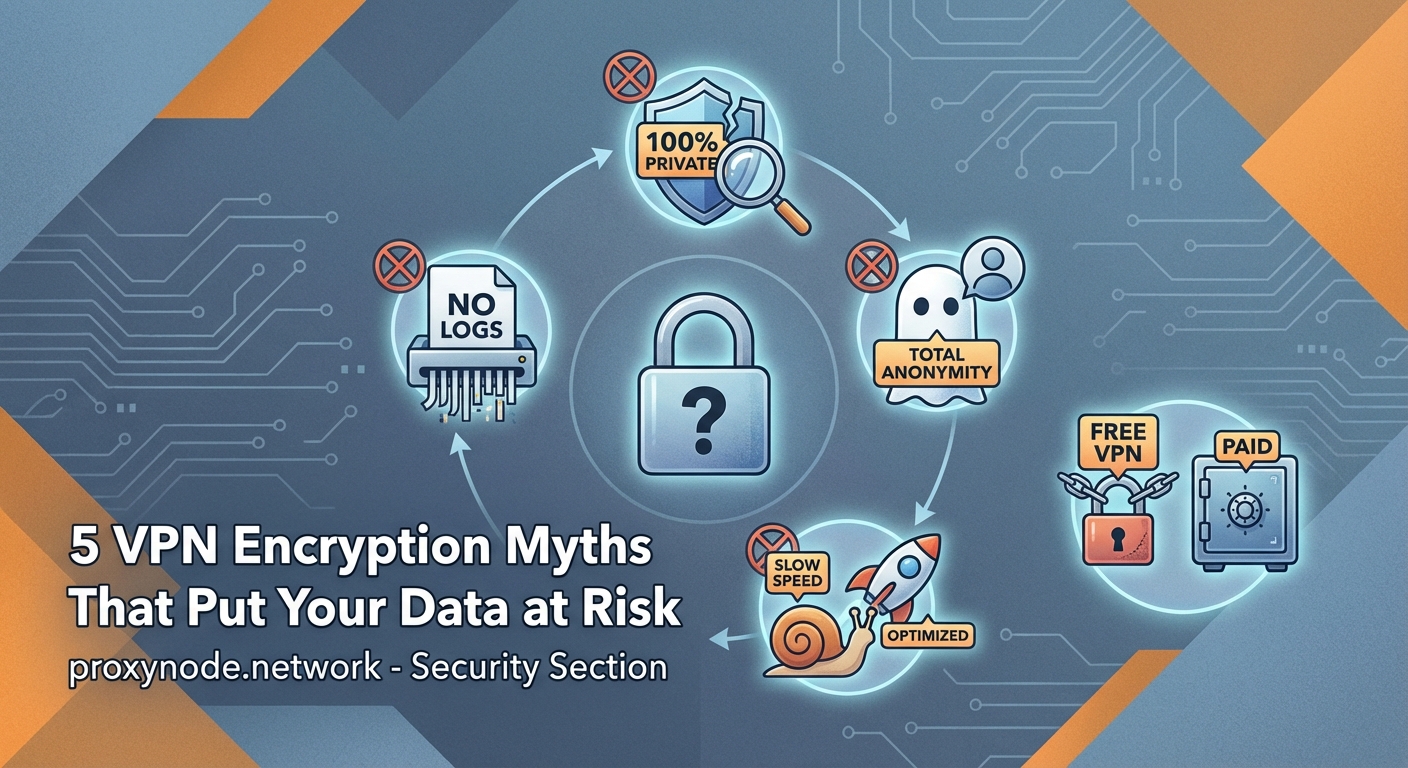
If you’re not paying for the product, you are the product. This old saying applies perfectly to free VPN services.
Free VPNs need to make money somehow. Many do this by:
- Injecting advertisements into your browsing sessions
- Selling your browsing data to third-party marketers
- Limiting bandwidth so severely that the service becomes unusable
- Offering weak encryption that provides minimal actual protection
Some free VPNs have been caught installing malware on user devices. Others log every website you visit and sell that information to data brokers. A 2020 study found that 38% of free Android VPN apps contained malware.
| VPN Type | Typical Features | Privacy Risk |
|---|---|---|
| Free | Limited servers, ads, data caps | High – often logs and sells data |
| Freemium | Basic protection, upgrade prompts | Medium – may log some activity |
| Paid | Full server access, strong encryption | Low – reputable providers have audited no-logs policies |
Paid VPN services invest in infrastructure. They maintain hundreds or thousands of servers across multiple countries. They hire security experts to audit their systems. They can afford to implement strong encryption protocols without cutting corners.
The cost difference isn’t huge either. Quality VPN services typically run between five and ten dollars per month. That’s less than two coffee shop visits, and it protects all your online activity.
VPNs protect you from all malware and viruses
A VPN encrypts your connection and routes it through a secure server. That’s all it does from a technical standpoint.
Malware arrives through multiple vectors that VPNs don’t address. Email attachments, infected downloads, compromised websites, and social engineering attacks all bypass VPN protection entirely.
Think of it this way: a VPN is like tinting your car windows. People can’t easily see inside, but the tint doesn’t prevent someone from slashing your tires or breaking your windshield.
You still need:
- Antivirus software to scan files and catch malicious programs
- A firewall to block unauthorized network access
- Regular software updates to patch security vulnerabilities
- Common sense about which links you click and which files you download
Some VPN providers bundle additional security features like ad blocking or malware filtering. These extras help, but they’re not substitutes for dedicated security software.
Phishing attacks remain effective regardless of VPN use. If you enter your password on a fake banking website, the VPN can’t stop that credential from being stolen. The encrypted tunnel just means your ISP can’t see you making that mistake.
Using a VPN slows your internet to a crawl
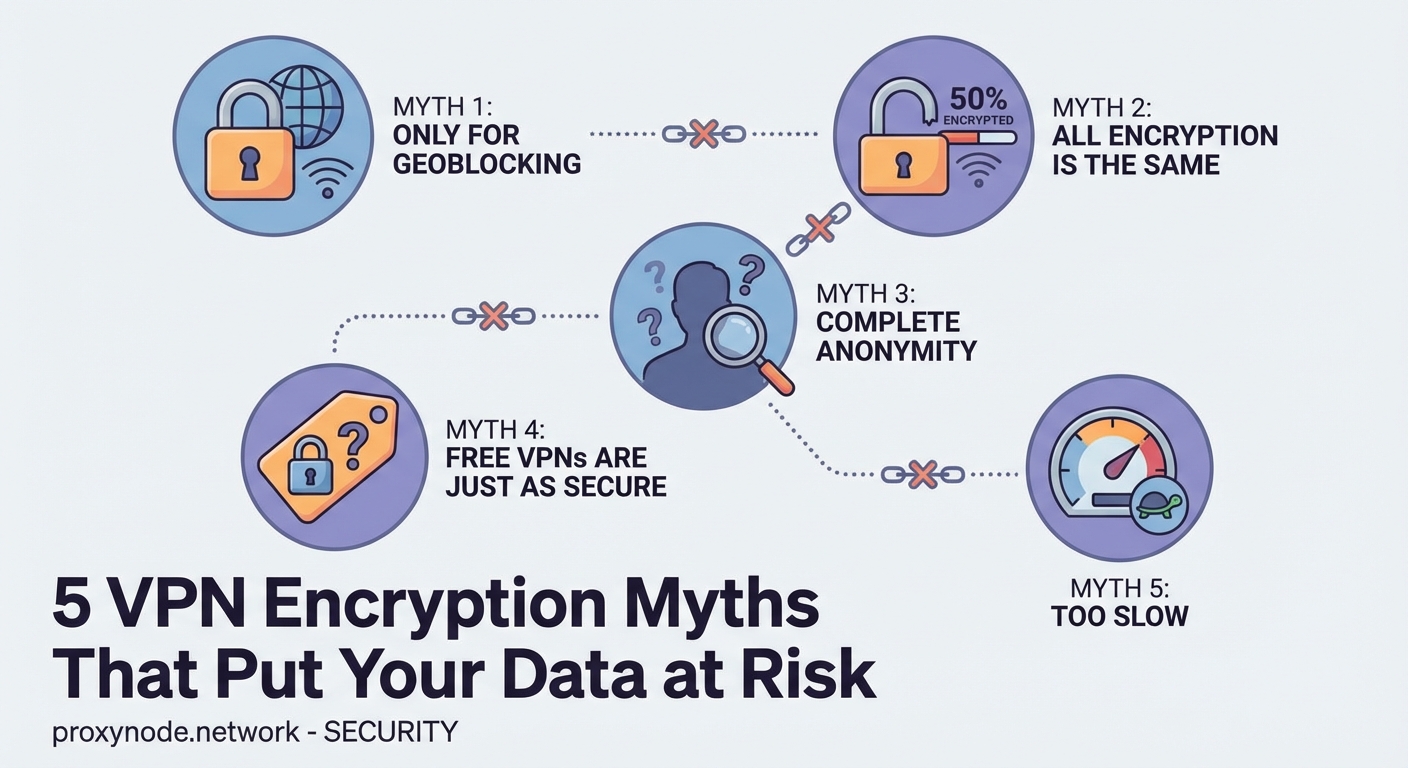
This used to be true. Early VPN technology did create significant slowdowns. Modern VPNs have largely solved this problem.
Encryption does add some overhead. Your data gets wrapped in an encrypted package, sent to a VPN server, unwrapped, and then forwarded to its destination. This process takes time.
But the impact is usually minimal with quality providers. You might see a 10-20% speed reduction under normal conditions. For most activities, you won’t notice the difference.
Several factors affect VPN speed:
- Server distance: Connecting to a server on another continent adds latency
- Server load: Overcrowded servers slow down for everyone
- Encryption protocol: Newer protocols like WireGuard offer better performance than older options
- Your base connection speed: If you start with 500 Mbps, losing 50 Mbps barely matters
Streaming video in HD typically requires around 5 Mbps. Even with VPN overhead, most modern connections easily handle this. You can watch Netflix, YouTube, or other services without buffering.
Gaming presents more challenges because latency matters more than raw bandwidth. Competitive players might notice the difference, but casual gaming works fine through most VPNs.
Some VPNs actually improve speeds in specific situations. If your ISP throttles certain types of traffic, a VPN hides that traffic and prevents throttling. Users sometimes see faster torrent speeds or better streaming performance when using a VPN.
VPN providers never keep logs of your activity
The phrase “no-logs VPN” appears everywhere in marketing materials. But what does it actually mean?
Every VPN keeps some logs. They have to for basic operations. The question is what type of logs they maintain and for how long.
Connection logs track when you connect, how long you stay connected, and how much data you transfer. These logs don’t reveal which websites you visit, but they do prove you were using the service at a specific time.
Activity logs record the actual websites and services you access. These are the dangerous logs that could expose your browsing history.
Reputable VPN providers:
- Keep minimal connection logs for troubleshooting and network management
- Avoid storing activity logs that show your browsing behavior
- Regularly delete even connection logs after a short period
- Submit to independent audits verifying their logging practices
The legal jurisdiction matters enormously. VPN companies must comply with local laws. A provider based in a country with mandatory data retention laws can’t truly offer a no-logs service, no matter what their marketing claims.
Look for providers that have been tested in real-world situations. Several VPN companies have had their servers seized by law enforcement. When investigators found no usable logs, that proved the no-logs policy was genuine.
Privacy policies deserve careful reading. The fine print often contradicts bold marketing claims. A provider might say “we don’t log your activity” in headlines while admitting to extensive logging in the terms of service.
Third-party audits provide the best verification. Companies like PwC and Deloitte examine VPN infrastructure and confirm whether logging practices match public statements.
Building a realistic security mindset
Understanding what VPNs actually do helps you use them effectively as part of a broader security strategy.
VPNs excel at specific tasks. They hide your IP address from websites. They encrypt your traffic so your ISP can’t spy on your browsing. They let you access region-locked content. They add a layer of protection on public WiFi networks.
But they’re not complete security solutions. You still need strong passwords, two-factor authentication, regular software updates, and healthy skepticism about suspicious links.
The best approach combines multiple tools. Use a VPN for privacy. Run antivirus software for malware protection. Enable your firewall. Keep your operating system and applications updated. Back up important data regularly.
Stay skeptical of absolute claims. No technology makes you completely safe online. Anyone promising total anonymity or perfect security is either lying or confused.
Privacy is a practice, not a product. The tools matter, but so do your habits. A VPN can’t protect you if you post sensitive information on social media or use the same password everywhere.
Choose your VPN provider carefully. Read independent reviews. Check for third-party audits. Avoid free services unless you understand exactly how they make money. Pay attention to jurisdiction and legal requirements.
Test your VPN regularly. Use online tools to check for DNS leaks, WebRTC leaks, and IP address exposure. Verify that your real location stays hidden when the VPN is active.
Your threat model determines which features matter most. Casual users need different protection than journalists working in hostile countries. Understand your specific risks and choose tools accordingly.
VPNs work best when you understand their limitations. They’re powerful privacy tools that deserve a place in your security toolkit, but they’re not magic solutions that solve every problem. Use them wisely, combine them with other security measures, and stay informed about both their capabilities and their constraints.