 By carl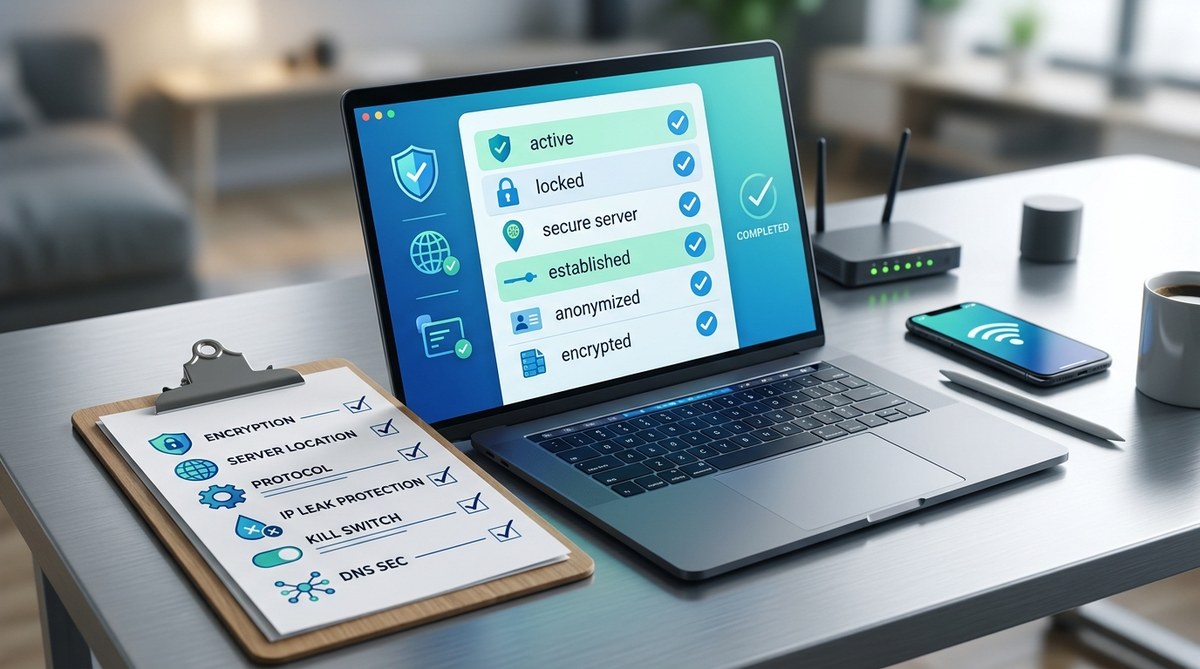
Getting online without proper security measures can leave your data vulnerable. Whether you’re using a VPN or a proxy, following a detailed security checklist helps ensure your privacy stays intact. Public Wi-Fi, self-hosted setups, or even regular browsing can expose you to risks if you’re not vigilant. This guide walks you through practical steps to confirm your connection is secure, reliable, and privacy-friendly before you hit connect.
Securing your VPN or proxy connection involves verifying encryption standards, preventing leaks, and ensuring your privacy policies are sound. Following this checklist reduces risks, protects your data, and keeps your online activity private from prying eyes.
Understand The Importance Of A Security Checklist
Before connecting to any VPN or proxy, you need to confirm that your connection is safe. Many overlook this step and expose themselves to risks like data leaks, tracking, or cyberattacks. A security checklist acts as a safeguard, helping you identify vulnerabilities before they can be exploited. It’s especially vital when connecting in risky environments, such as public Wi-Fi or untrusted networks. This process isn’t just about choosing a provider; it’s about confirming that your connection is genuinely secure.
Key Elements of a VPN and proxy security checklist
Having a clear set of checks ensures you don’t miss critical security features. Here’s what to verify:
- Encryption standards
- Leak protections
- Logging policies
- Protocol selection
- Kill switch functionality
- Compatibility and device security
- Provider transparency and support
Let’s go through each in detail.
1. Verify Encryption Standards and Protocols
Encryption is the backbone of privacy. Confirm your VPN or proxy uses industry-standard encryption protocols such as AES-256. This level of encryption is virtually unbreakable with current technology.
Additionally, choose protocols that balance security and speed. For VPNs, options like WireGuard and OpenVPN are considered secure and efficient. For proxies, ensure they support secure versions like SOCKS5 with encryption.
“Always opt for providers that explain their encryption methods clearly. Weak or outdated encryption can expose your data,” advises cybersecurity expert Jane Doe.
How to check
- Review the provider’s technical specifications.
- Look for mentions of AES-256 or higher.
- Confirm support for secure protocols like WireGuard or OpenVPN.
2. Ensure Leak Protection Is Enabled
Leaks can inadvertently expose your real IP address or DNS requests, defeating the purpose of using a VPN or proxy.
- DNS leak protection prevents your DNS queries from leaking outside the VPN tunnel.
- WebRTC leak protection stops browser-based leaks that expose your IP.
- IPv6 leak protection is vital if your network supports IPv6, which can bypass VPN protections.
How to test
Use independent tools to verify leaks. Websites like ipleak.net can test for DNS, WebRTC, and IP leaks. Run these tests before trusting your connection.
| Technique | Common Mistake | Description |
|---|---|---|
| DNS leak test | Ignoring DNS leaks | DNS requests reveal your real location if not protected |
| WebRTC leak test | Browser leaks | WebRTC can expose your IP even with VPN active |
| IPv6 leak test | IPv6 traffic | IPv6 can bypass VPN if not disabled or supported |
3. Confirm the Kill Switch Is Active
A kill switch automatically disconnects your internet if the VPN drops. Without it, your real IP can be exposed during interruptions.
- Check if the provider offers a kill switch option.
- Verify it is enabled in your app or configuration.
- Test by disconnecting the VPN and ensuring internet access is blocked.
“A kill switch is your last line of defense. Don’t skip this feature,” recommends network security specialist John Smith.
4. Review Logging and Privacy Policies
Your VPN or proxy provider’s logging policies determine how much data they keep. Opt for providers with a strict no-logs policy.
- Read the privacy policy carefully.
- Ensure they do not log browsing activity or connection timestamps.
- Confirm their jurisdiction does not compel data retention.
Common mistakes
- Trusting providers that claim no logs but have ambiguous policies.
- Using free services that monetize your data.
Quick tip
Use howtogeek’s guide to understand what to look for in privacy policies.
5. Check Protocol Compatibility and Device Support
Ensure your VPN or proxy supports all the devices you plan to use. Compatibility reduces the risk of misconfiguration.
- Verify support for Windows, Mac, Android, iOS, and routers.
- Confirm they support secure protocols.
- Use multi-device plans for consistent protection.
6. Confirm Provider Transparency and Support
A trustworthy provider offers transparent policies and responsive support.
- Look for clear contact options.
- Read user reviews for support quality.
- Confirm they publish regular updates and security patches.
7. Test Your Connection Before Use
Once everything is set up, run comprehensive tests:
- Use leak testing tools to confirm no leaks.
- Check your IP address matches your VPN server.
- Verify your connection speed meets your needs.
8. Practice Safe Configuration and Usage
- Always use strong, unique passwords for your VPN accounts.
- Enable multi-factor authentication if available.
- Keep your app and device software up to date.
- Avoid using outdated protocols or custom configurations that could weaken security.
9. Be Aware of Common Mistakes and How to Avoid Them
| Mistake | How to avoid | Why it matters |
|---|---|---|
| Disabling leak protection | Keep leak protections enabled | Prevents IP, DNS, WebRTC leaks |
| Using free VPNs with shady policies | Choose reputable providers | They may log or sell your data |
| Ignoring protocol settings | Use secure protocols like WireGuard | Reduces vulnerabilities |
| Forgetting to update software | Regularly update VPN apps | Ensures security patches are applied |
10. Keep Track of Your Security Practices
Regularly review your connection security. Set reminders to test leaks and update policies. Staying proactive ensures your privacy remains intact.
Wrapping Up Your Secure Connection
Securing your VPN or proxy connection is an ongoing process. It’s not enough to install software and forget it. Use this checklist as a guide to verify that your connection is private and protected. Regular testing and staying aware of potential leaks or vulnerabilities make a big difference.
Remember, privacy is a journey. Each step you take to strengthen your security makes it harder for others to track or intercept your data. Keep learning, stay cautious, and enjoy a safer online experience.
Protect Your Privacy with Confidence
Applying this VPN and proxy security checklist empowers you to browse, stream, and communicate without exposing your identity or data. Make it a habit to review your settings regularly. Privacy doesn’t happen by chance; it’s built through deliberate actions. Start today and keep your digital footprint small and secure.