 By carl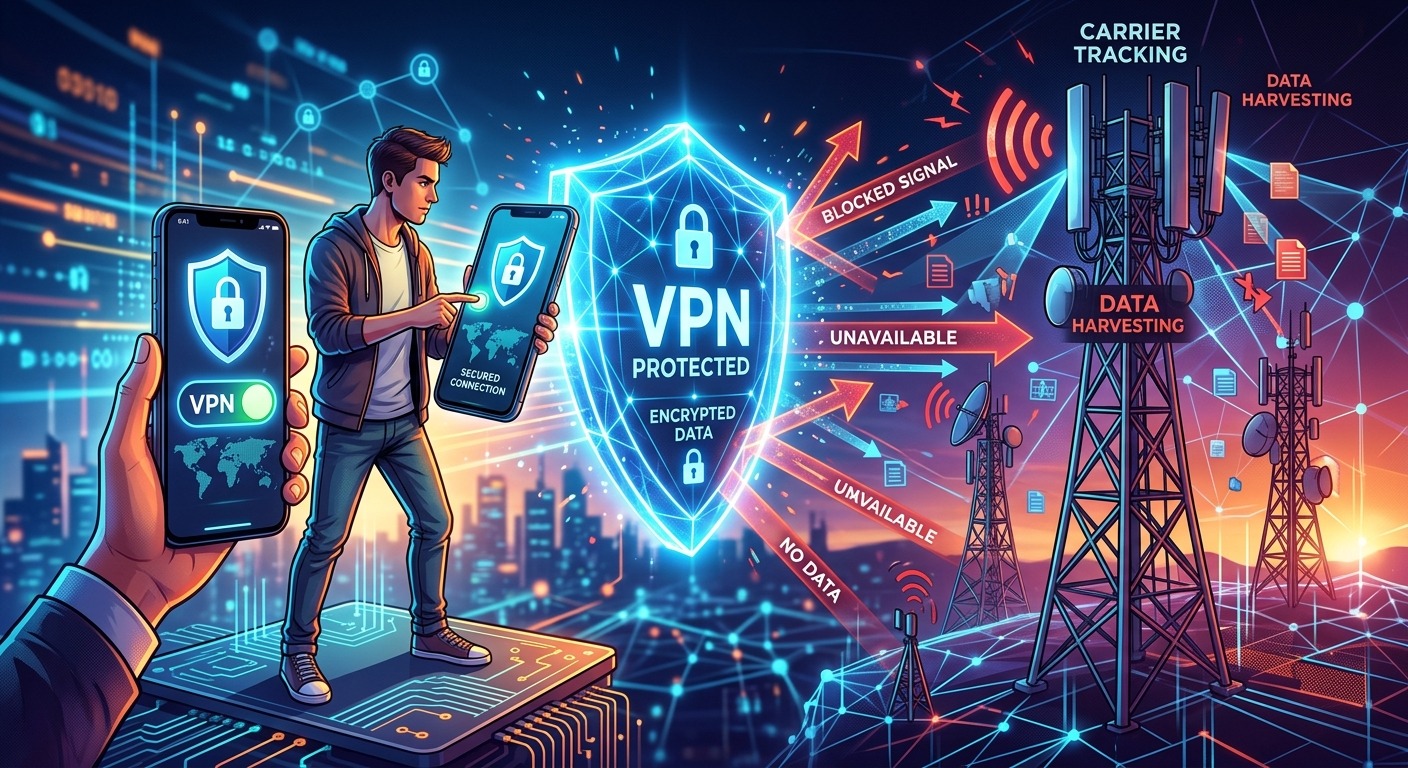
Most people tap the VPN button on their phone and feel a quiet sense of relief. The lock icon appears, the app shows a foreign IP address, and a comfortable assumption settles in: you are invisible now. On a home broadband connection, that logic holds up reasonably well. On a mobile device connected through a carrier’s cellular network, it falls apart in ways that are easy to overlook and genuinely difficult to close without the right configuration.
What the VPN Icon Doesn’t Tell You
Running a VPN on your smartphone encrypts your traffic and masks your IP address from websites and apps. But your mobile carrier operates at a different layer entirely. It sees your device’s hardware identifiers, your account details, and the patterns in how you connect, none of which a VPN touches. This article covers the specific signals your carrier can still read and the practical steps you can take to limit them.
What a VPN Hides and Where Its Protection Ends
When you connect through a VPN on your phone, your traffic gets encrypted before it leaves the device. Websites you visit see the VPN server’s IP address instead of yours. Your internet provider, in a home context, sees only an encrypted stream of data flowing to the VPN server’s address. That is a meaningful layer of protection for many threat models.
On mobile, the situation is more layered. Your carrier is not just acting as a pipe for your internet traffic. It is also the entity that authenticates your device onto the cellular network, assigns you a connection, and logs activity against your registered account. The VPN sits on top of that carrier relationship. It does not replace it, and it cannot reach below it.
Think of it this way: the VPN seals the envelope before you hand it to the postal service. But the postal service already knows your name, your home address, and exactly which mailbox it came from. Sealing the envelope does not change any of that.
Your SIM Is a Registered Identity Document
Every SIM card contains an IMSI, which stands for International Mobile Subscriber Identity. This is a fixed number tied directly to your account with the carrier. Every time your phone connects to a cell tower, that identifier is transmitted as part of the authentication handshake. Your carrier logs this. It knows which towers your phone connected to, and it knows exactly when.
This happens before any VPN session begins. It happens at the cellular radio layer, which operates independently from the IP layer where your VPN functions. Encrypting your DNS queries and routing your HTTPS traffic through a server abroad does nothing to hide the fact that your IMSI just authenticated against a tower near your home at a specific time on a specific day.
The IMSI is, in practical terms, a persistent identifier tied to your real name, your billing address, and your government-issued ID in most countries. No amount of VPN configuration changes that underlying reality.
Carrier Metadata Survives the VPN Tunnel
Beyond the IMSI, mobile carriers collect and retain what is broadly called metadata. This covers connection timestamps, data volumes transferred, tower handoffs as you move through a city, and the technical parameters of each session. Even when the content of your traffic is fully encrypted inside the VPN tunnel, this metadata paints a detailed picture of your behavior and your physical movements.
Signaling protocols used in LTE and 5G networks carry substantial identity and location information as a structural byproduct of how cellular authentication works. LTE security guidance from the National Institute of Standards and Technology covers how these protocols handle device identity at the network layer, and it makes clear that a great deal of information flows before a single byte of application-layer traffic ever reaches the VPN tunnel. This is not surveillance added on top of the system. It is built into the cellular authentication process itself.
A VPN changes what your carrier can read inside your packets. It does not change the fact that the carrier is the entity delivering those packets, and it knows exactly whose registered account is generating them.
Account Linkage Ties Your Traffic Back to You
There is another angle that often gets overlooked. Even if a carrier somehow could not read your IMSI at the network layer, your account still links your device to your identity in the billing system. Your phone number, your plan, your payment method, and your home address are all on file. The relationship between you and your carrier is not anonymous. It was never designed to be.
If a carrier, a legal request to a carrier, or a data broker with access to carrier records wants to tie a particular session to a specific person, they do not need sophisticated technical tools. They already know the account holder. The VPN makes the content of sessions harder to inspect. It does not sever the relationship between the session and the registered account behind it.
This is where the gap becomes very real for people with serious privacy concerns. The VPN is protecting your traffic from observers on the network path. It is not protecting your identity from the entity that runs the network infrastructure you depend on to connect.
Decoupling Your Data Connection From Your Registered Identity
Closing this gap requires stepping back from the idea that a VPN alone can solve mobile privacy. The more durable approach involves decoupling your data connection from your primary, name-linked identity altogether. That means addressing the carrier relationship at the root rather than just adding encryption on top of it.
One practical way to accomplish this is to use a secondary data source that is not tied to your registered carrier account. eSIM for VPN configurations make this increasingly accessible. An eSIM-based data plan provisioned under a separate, minimally attributed account means your browsing and application traffic runs over a connection that is not linked to your billing address and government-verified identity from the start. You still get the encryption and IP masking the VPN provides, but the carrier relationship underneath it is now far less attached to your real identity.
This is not a perfect solution. The secondary SIM still has an IMSI, and that IMSI is still logged by whatever network it authenticates against. But if the account behind it is not registered to your name, the linkage chain that makes carrier metadata dangerous is substantially weakened. Your primary carrier, the one that verified your identity when you signed up, is no longer the entity handling your data traffic.
Building a Layered Mobile Privacy Setup
Once you understand each layer, hardening a mobile setup becomes a matter of addressing them deliberately rather than hoping one tool covers everything. The hardening process moves from the inside out: application layer first, then IP layer, then carrier layer.
Start with the VPN client itself. Choose a provider with a genuine no-logs policy, preferably one that has been audited by an independent security firm with published results. Enable the kill switch so that traffic cannot leak if the tunnel drops unexpectedly. On both Android and iOS, verify that DNS queries are routing through the VPN tunnel and not falling back to your carrier’s resolvers. DNS leaks are common, and they are frequently the reason someone who believes they are protected is still exposing their browsing behavior to their carrier.
Next, address the device identifiers that sit below the VPN but above the SIM. Android allows MAC address randomization per network connection, and iOS has randomized MAC addresses by default for several years. Randomized MAC addresses limit the persistent identifiers your phone broadcasts to Wi-Fi access points, though they do not affect how your device is identified at the cellular layer during tower authentication.
For the cellular layer, keeping a primary SIM for voice and SMS while routing all data through a secondary, non-attributed plan is where the approach above delivers real separation. Your main carrier will still log call and message metadata, but your browsing and application traffic is no longer attributed to the account tied to your identity. That separation of signals matters more than it might initially seem, because it means a carrier data pull or a legal request targeting your primary account no longer automatically includes your browsing history.
At the application layer, use a browser that does not send activity back to a signed-in cloud account. A browser authenticated to a profile with your name attached can undo every other layer of privacy protection, because it ties browsing behavior directly to an identified account regardless of what IP address the traffic appears to originate from. Browser-level identity is one of the most underestimated leaks in mobile privacy setups.
Keep everything updated. Vulnerabilities in VPN clients are discovered periodically, and running outdated software can expose traffic or leak device identifiers even when the tunnel status indicator shows it is connected and functioning.
What This Configuration Actually Defends Against
The combination described here addresses a specific and realistic threat model: a carrier, a government request directed at a carrier, or a data broker with access to carrier records attempting to build a behavioral profile tied to your verified identity. It closes real surveillance vectors that a VPN alone leaves wide open.
It is not a defense against device-level malware, against a dishonest VPN provider logging your traffic, or against behavioral fingerprinting based on how you interact with specific applications over time. Being precise about what a configuration protects against is part of what makes it a genuine security posture rather than a performance of one.
Carriers have structural access to metadata that VPN encryption cannot reach. Working around that requires addressing the carrier relationship itself, not just the payload inside the connection. A layered setup that pairs a trustworthy VPN with a secondary, non-attributed data source, consistent DNS hygiene, and updated client software is the honest version of mobile privacy. Not perfect, but grounded in how these networks actually function and what they can actually see, regardless of what your VPN app’s status screen says.