 By carl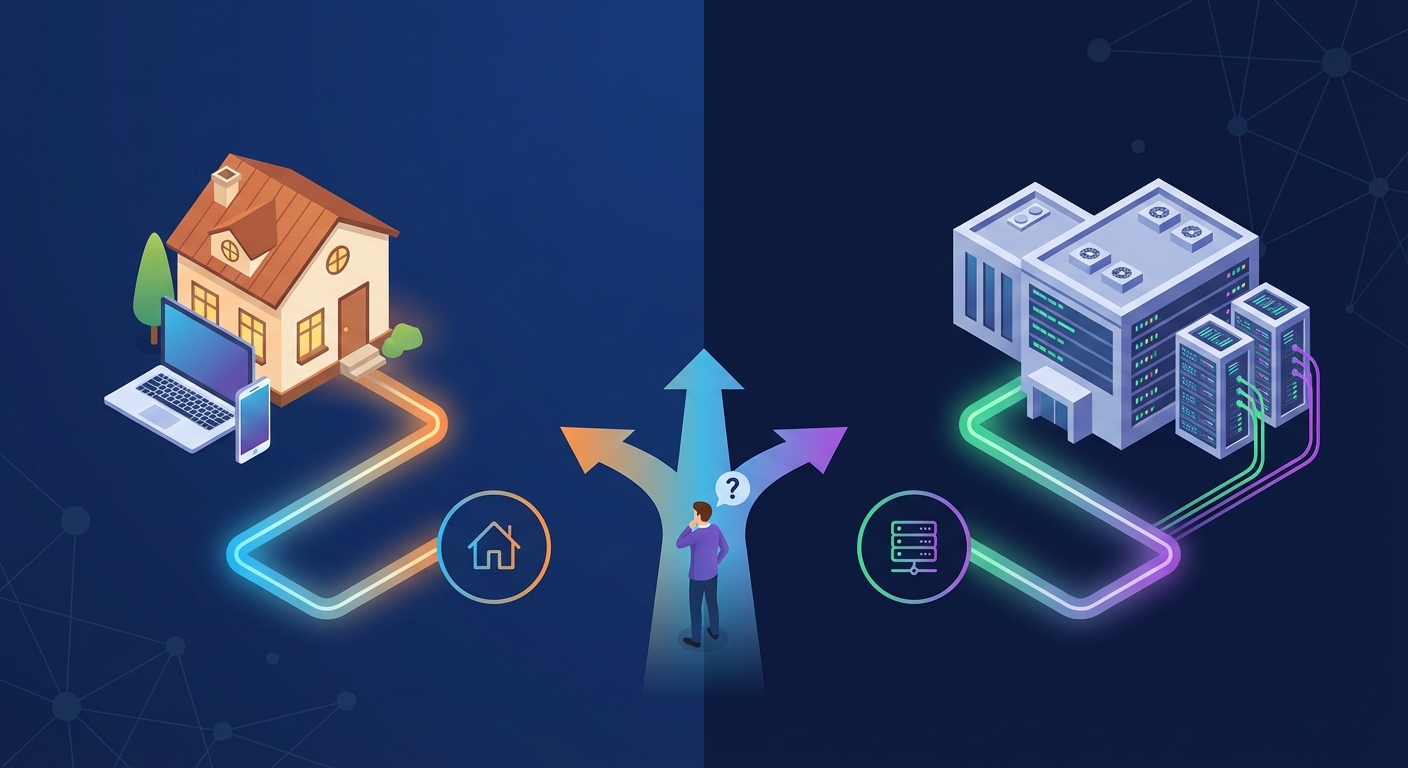
You’re staring at two proxy options and wondering which one to pick. One promises speed and affordability. The other offers authenticity and stealth. Both claim to be the best choice for your project.
The truth is, neither residential nor datacenter proxies are universally better. They excel in different scenarios, and choosing the wrong type can waste money, trigger blocks, or slow your operations to a crawl.
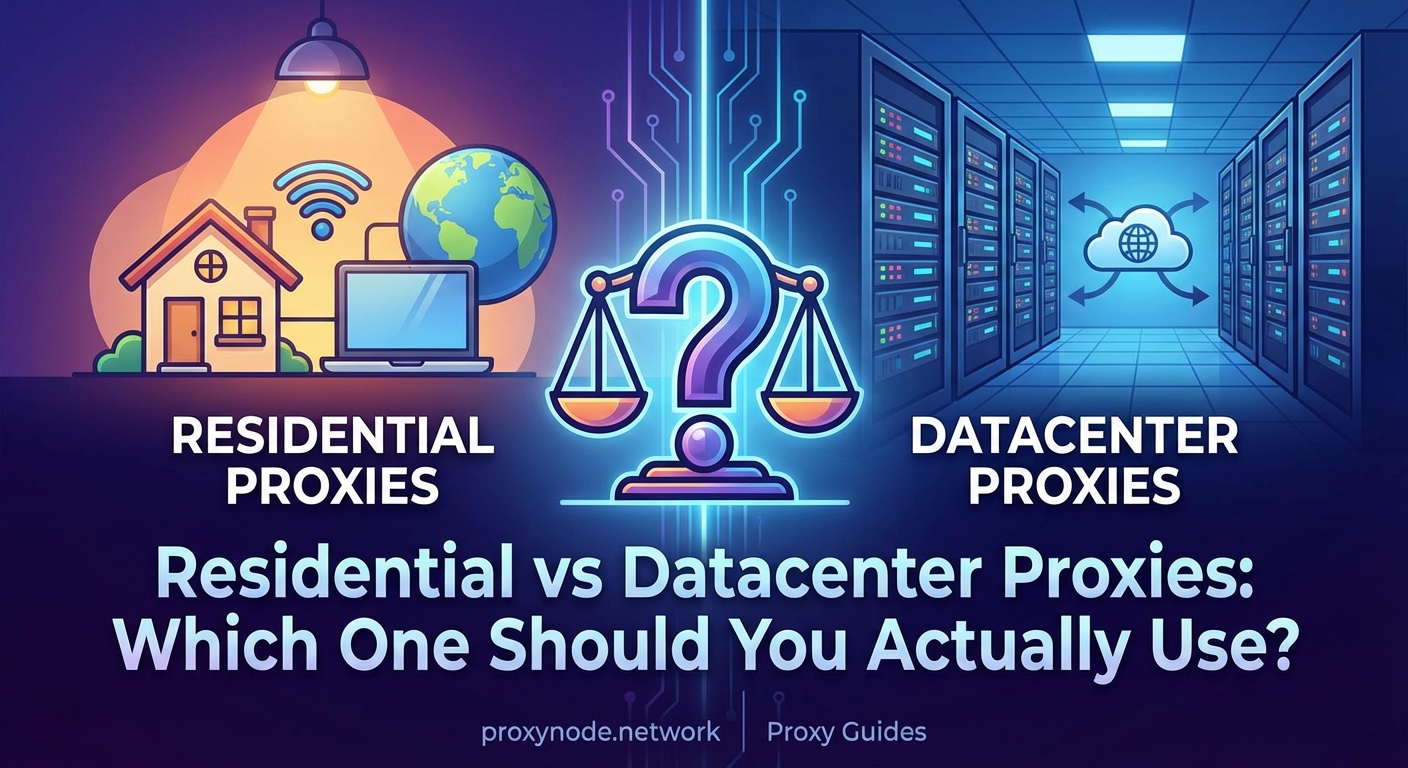
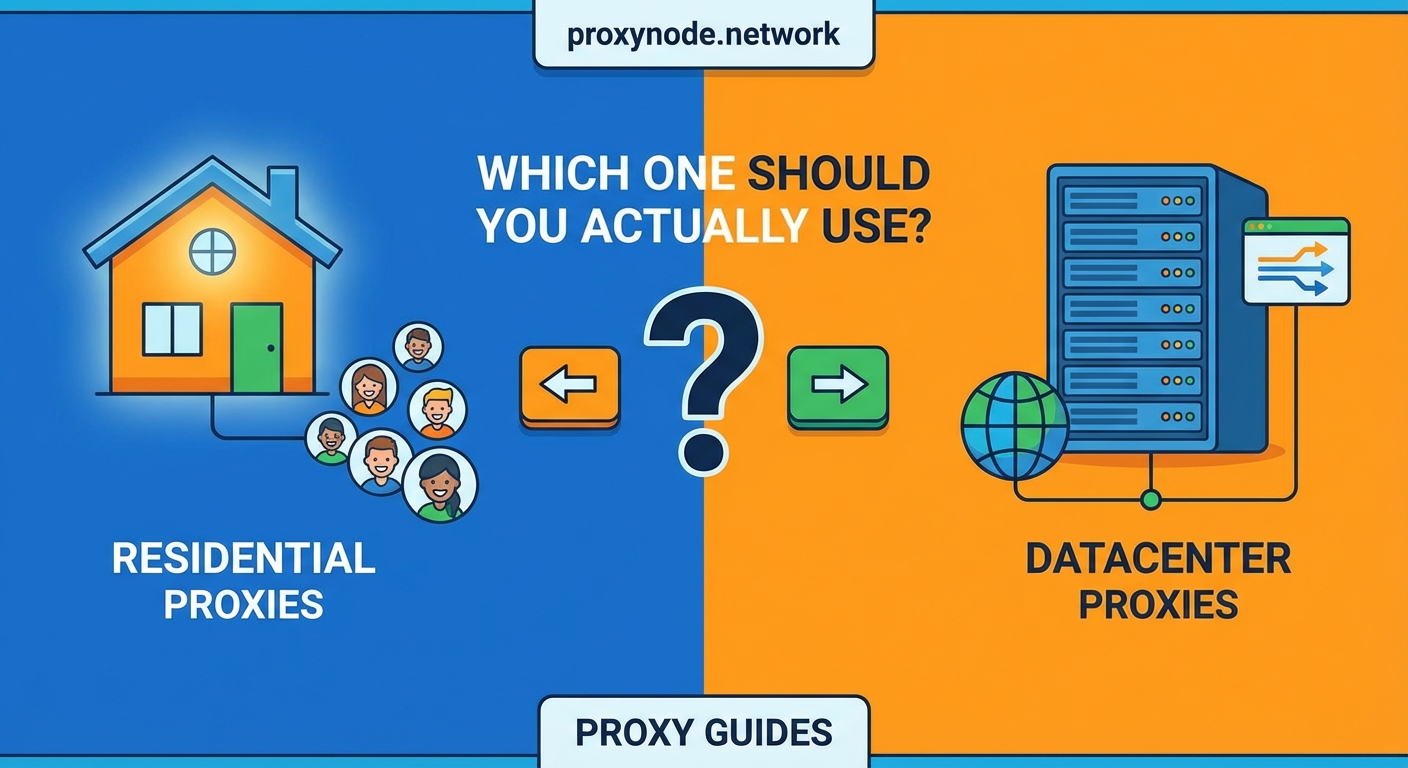
Residential proxies route traffic through real home IP addresses, offering high authenticity but at higher costs and slower speeds. Datacenter proxies come from server farms, delivering fast performance and low prices but with higher detection risks. Your choice depends on whether you prioritize stealth or speed for your specific task.
What makes residential proxies different
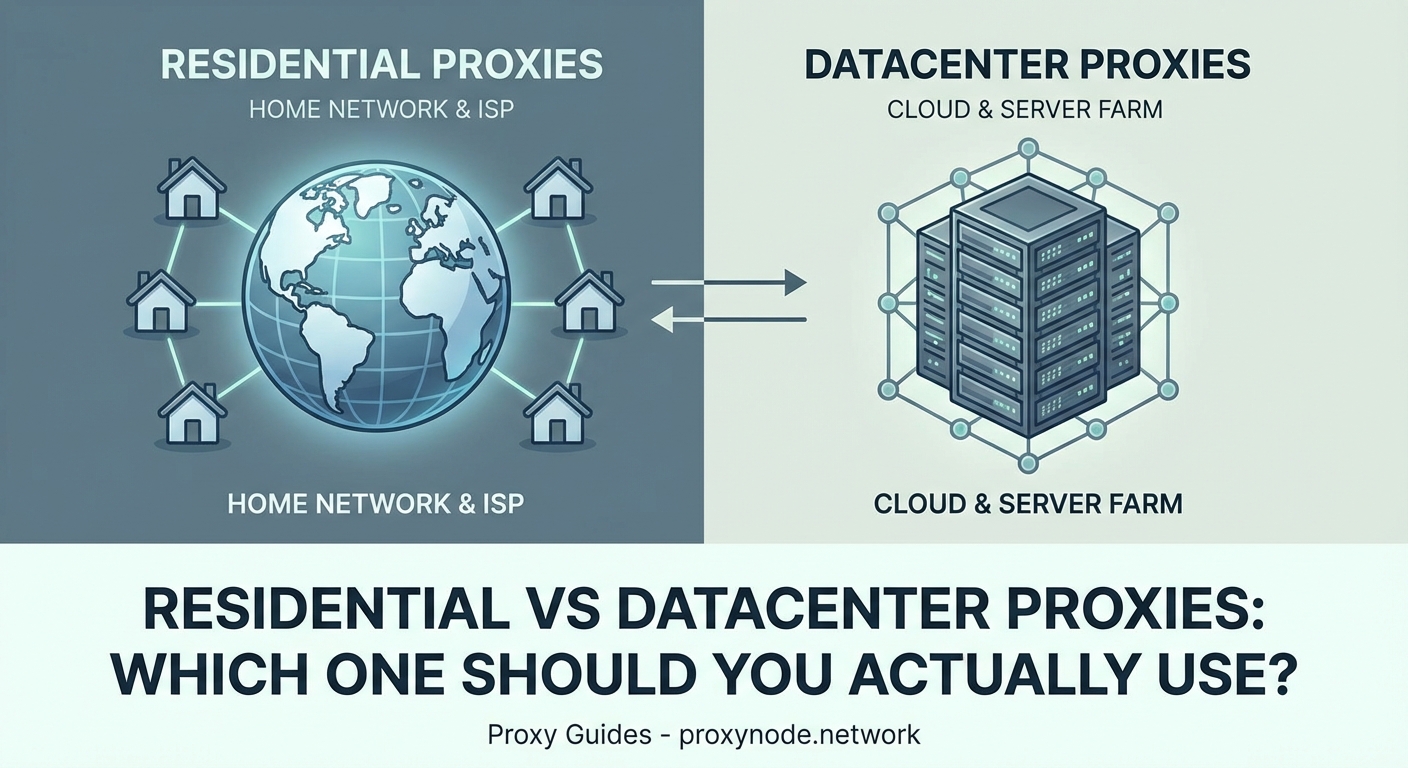
Residential proxies use IP addresses assigned by internet service providers to actual homes and mobile devices. When you connect through one, websites see traffic coming from a regular person’s connection.
These IPs carry legitimacy because they belong to real users. Internet service providers assign them to customers who pay for home internet. Websites trust them more because they match the profile of genuine visitors.
The supply chain matters here. Proxy providers partner with users who agree to share their unused bandwidth. Some providers bundle this into free VPN apps or browser extensions. Others pay users directly for access.
This creates a massive network of rotating IPs spread across cities and countries. You can target specific locations down to the city level. Some providers even offer mobile residential proxies that route through cellular networks.
The main advantage is authenticity. Residential IPs rarely appear on blocklists. They pass anti bot systems that datacenter IPs trigger immediately. For tasks requiring high trust levels, they’re often the only option that works.
How datacenter proxies operate differently
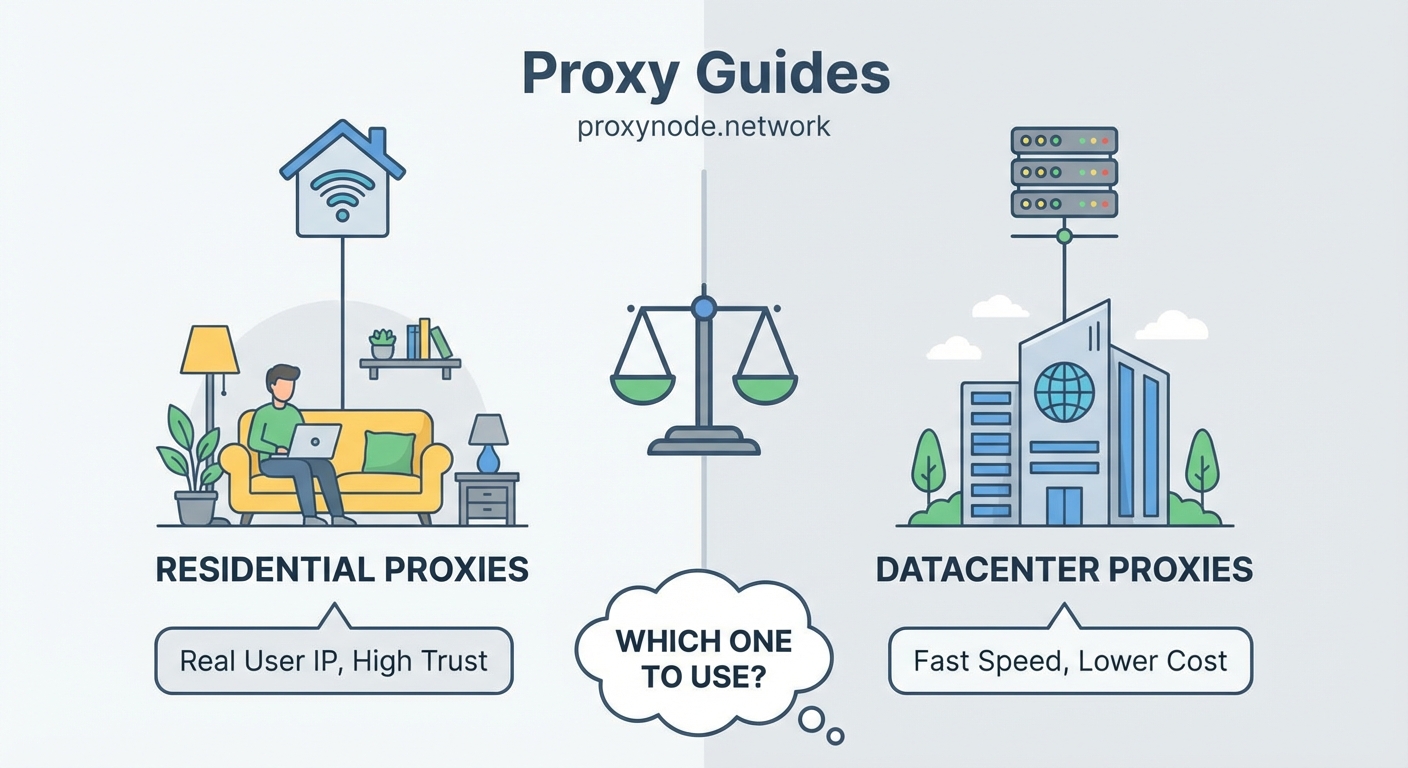
Datacenter proxies come from server farms owned by hosting companies. These IPs have no connection to internet service providers or residential users. They exist purely for commercial use.
Cloud providers and hosting companies generate thousands of IPs from single locations. These addresses live in data centers alongside web servers and cloud infrastructure. They’re built for speed and volume.
The architecture is simpler. No partnerships with users. No bandwidth sharing agreements. Just direct access to server IPs that can handle massive traffic loads.
Speed is the standout feature. Datacenter proxies deliver response times measured in milliseconds. They handle concurrent connections without slowdowns. For high volume tasks, nothing beats their performance.
Cost efficiency is another major factor. Without the complexity of residential networks, providers can offer datacenter proxies at a fraction of the price. You get more bandwidth for less money.
The tradeoff is detection. Websites know which IP ranges belong to data centers. Anti scraping systems flag them aggressively. Some platforms block entire datacenter subnets by default.
Breaking down the core differences
| Factor | Residential Proxies | Datacenter Proxies |
|---|---|---|
| IP Source | Home internet users | Server farms |
| Speed | Moderate to slow | Very fast |
| Cost | High | Low |
| Detection Risk | Low | High |
| Rotation Options | Large pools | Limited pools |
| Geographic Targeting | Precise | Basic |
| Best For | Sneaker drops, social media, ad verification | SEO monitoring, market research, price scraping |
Speed differences show up immediately in real world use. Datacenter proxies load pages in under a second. Residential proxies might take three to five seconds depending on the user’s connection quality.
Price gaps are substantial. Residential proxies typically cost $5 to $15 per gigabyte. Datacenter proxies run $0.50 to $2 per gigabyte. For large scale operations, this difference adds up fast.
Detection rates tell the full story. Residential proxies maintain success rates above 90% on most platforms. Datacenter proxies might see 50% to 70% success rates on protected sites, sometimes lower.
When residential proxies make sense
Social media management requires residential IPs almost exclusively. Platforms like Instagram and Facebook flag datacenter traffic instantly. Managing multiple accounts without residential proxies leads to suspensions.
Sneaker botting depends entirely on residential proxies. Limited release sites employ sophisticated detection that blocks datacenter IPs before checkout. Success in this space requires rotating residential IPs with good speed.
Ad verification needs the authenticity of real user connections. Advertisers checking if their campaigns display correctly across regions rely on residential proxies to see actual user experiences.
Price monitoring on competitor sites works better with residential IPs when those sites actively block bots. E commerce platforms often whitelist residential ranges while blocking known datacenter subnets.
Here are specific scenarios where residential proxies are worth the extra cost:
- Creating or managing accounts on platforms with strict bot detection
- Accessing geo restricted content that validates IP legitimacy
- Testing localized website experiences from specific cities
- Bypassing rate limits on sites that trust residential traffic
- Scraping platforms that explicitly block all datacenter ranges
When datacenter proxies are the better choice
SEO monitoring tools run efficiently on datacenter proxies. Checking search rankings across locations doesn’t require fooling sophisticated anti bot systems. Speed matters more than stealth here.
Market research at scale benefits from datacenter performance. Pulling product data from thousands of pages demands fast connections and high concurrency. Detection risk is lower on sites without aggressive protection.
Price comparison engines scrape retail sites that don’t heavily police bot traffic. Many e commerce platforms allow datacenter scraping at reasonable rates. The speed advantage cuts project time significantly.
Academic research involving public data sources works fine with datacenter IPs. Government databases, public records, and open data portals rarely implement strict IP filtering.
Consider datacenter proxies when:
- Your target sites don’t employ advanced bot detection
- Speed and cost efficiency outweigh stealth requirements
- You’re accessing public data that welcomes automated collection
- Project budgets can’t accommodate residential proxy pricing
- You need to process large volumes of requests rapidly
Hybrid approaches that combine both types
Smart operators don’t pick one type exclusively. They match proxy type to specific tasks within larger workflows.
Start with datacenter proxies for initial testing. Verify your scraping logic works correctly before investing in expensive residential bandwidth. Switch to residential only after confirming your approach.
Use datacenter proxies for bulk operations on permissive sites. Reserve residential proxies for protected platforms or final verification steps. This balances cost with effectiveness.
Some projects benefit from datacenter proxies for navigation and residential proxies for critical actions. Browse product catalogs with fast datacenter IPs, then switch to residential for adding items to cart or checking out.
The best proxy strategy isn’t about choosing one type. It’s about understanding which tasks require authenticity versus speed, then allocating your budget accordingly. Most successful operations use both types strategically.
Technical factors that affect performance
Connection protocols impact both proxy types differently. HTTP proxies work fine for basic web scraping. SOCKS5 proxies handle more traffic types but add slight overhead.
Rotation strategies matter more for residential proxies. Sticky sessions maintain the same IP for set durations, useful for account based actions. Rotating sessions change IPs with each request, better for distributed scraping.
Pool size determines your options. Residential providers with millions of IPs offer better geographic coverage and lower reuse rates. Datacenter providers might have thousands of IPs but from fewer locations.
Bandwidth limits affect residential proxies more severely. Many providers cap usage or charge overages. Datacenter proxies typically offer unlimited bandwidth within reason.
Authentication methods vary by provider. Username and password authentication works universally. IP whitelisting offers better security but requires static IPs on your end.
Common mistakes that waste money
Buying residential proxies for tasks that don’t need them drains budgets fast. If datacenter proxies work for your use case, there’s no reason to overspend.
Choosing cheap residential providers often backfires. Low quality pools reuse IPs too frequently or source them unethically. You end up with blocked IPs that defeat the purpose.
Ignoring geographic requirements leads to poor results. Scraping a UK site from US residential IPs might work but could trigger location based blocks or show wrong content.
Failing to test before scaling wastes resources. Always validate your approach with small batches before committing to large proxy purchases.
Not monitoring success rates blinds you to problems. Track which IPs get blocked and adjust your strategy accordingly. Both proxy types require ongoing optimization.
Evaluating providers before committing
Trial periods reveal provider quality better than marketing claims. Test actual performance on your target sites before buying bulk packages.
Check IP pool composition. Ask providers how many unique IPs they maintain and how often they rotate. Residential providers should have millions. Datacenter providers should clearly state their subnet diversity.
Review location coverage against your needs. If you need proxies in Southeast Asia, verify the provider actually maintains IPs there rather than just claiming global coverage.
Read terms carefully regarding refunds and bandwidth rollover. Some providers lock you into contracts with no flexibility. Others offer pay as you go models that reduce risk.
Test customer support responsiveness. When proxies fail during critical operations, you need fast technical help. Send pre purchase questions to gauge their response quality.
Making the right choice for your situation
Start by mapping your specific requirements. List the sites you’re targeting, the actions you need to perform, and the volume you expect to handle.
Research how aggressively your target sites block bots. Try accessing them through known datacenter IPs first. If you get blocked immediately, residential proxies are probably necessary.
Calculate your budget realistically. Residential proxies might cost 10 times more than datacenter options. Make sure the benefits justify the expense for your use case.
Consider starting small with both types. Buy minimal packages of each and test them against your actual targets. Real world results beat theoretical comparisons.
Factor in your technical skill level. Residential proxies often require more sophisticated rotation and session management. Datacenter proxies are simpler to implement for beginners.
Getting started with confidence
You now understand the fundamental differences between residential and datacenter proxies. Speed and cost favor datacenter. Authenticity and stealth favor residential.
Your specific use case determines the right choice. High stakes operations on protected platforms need residential proxies. Bulk data collection from permissive sites works fine with datacenter options.
Most successful proxy users eventually adopt hybrid strategies. They match proxy type to task requirements rather than committing to one solution universally.
Start with clear goals and test methodically. The proxy market offers options for every budget and use case. Choose based on your actual needs, not provider marketing hype.