 By carl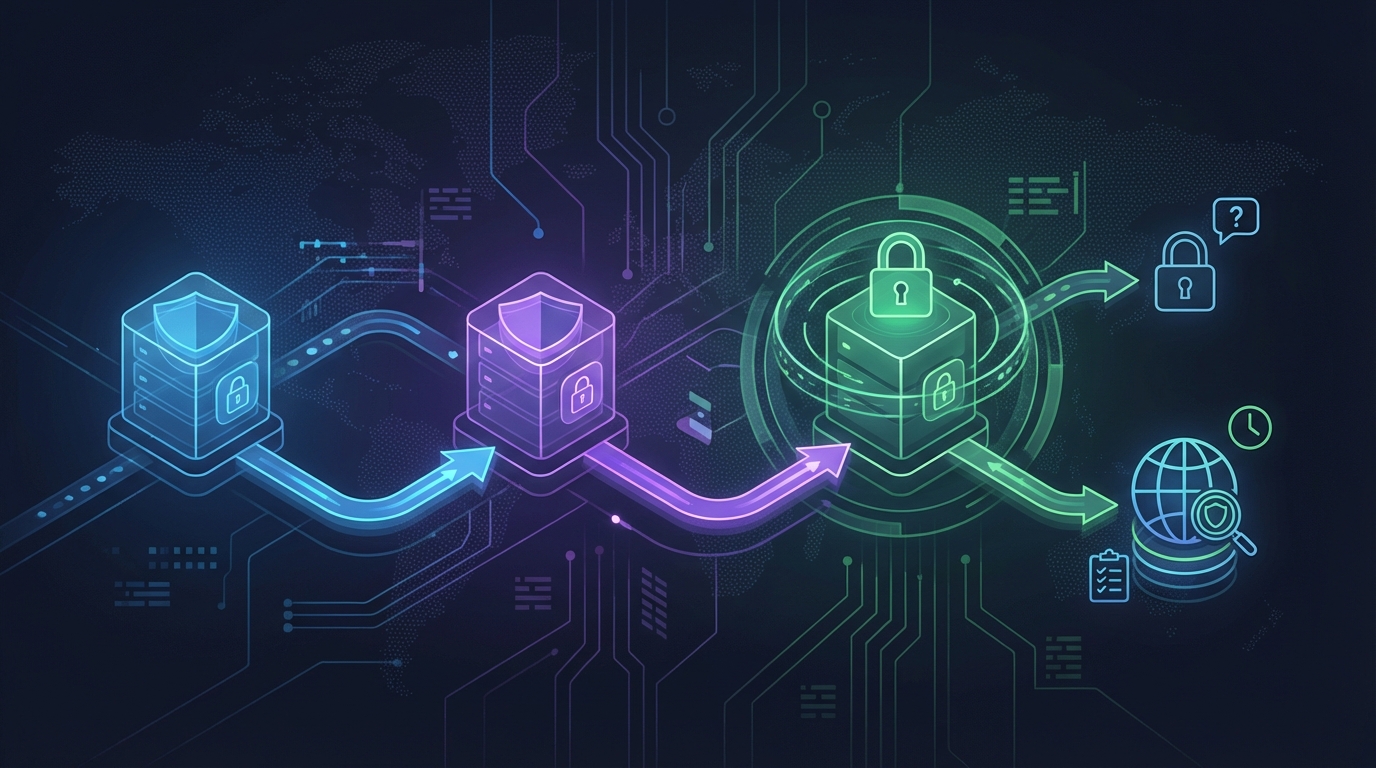
Routing your internet traffic through one proxy server adds a layer of privacy. Routing it through two, three, or more creates a chain that makes tracking your original IP address significantly harder. But proxy chaining isn’t something you set up randomly. It requires specific tools, careful configuration, and a clear understanding of when the added complexity actually helps.
Chaining multiple proxies routes your traffic through several servers in sequence, masking your original IP behind multiple layers. This technique works best for high-risk research, whistleblowing, or bypassing sophisticated tracking, but it slows down your connection and requires proper configuration to prevent leaks. Most everyday privacy needs don’t justify the performance trade-off.
Why anyone chains proxies in the first place
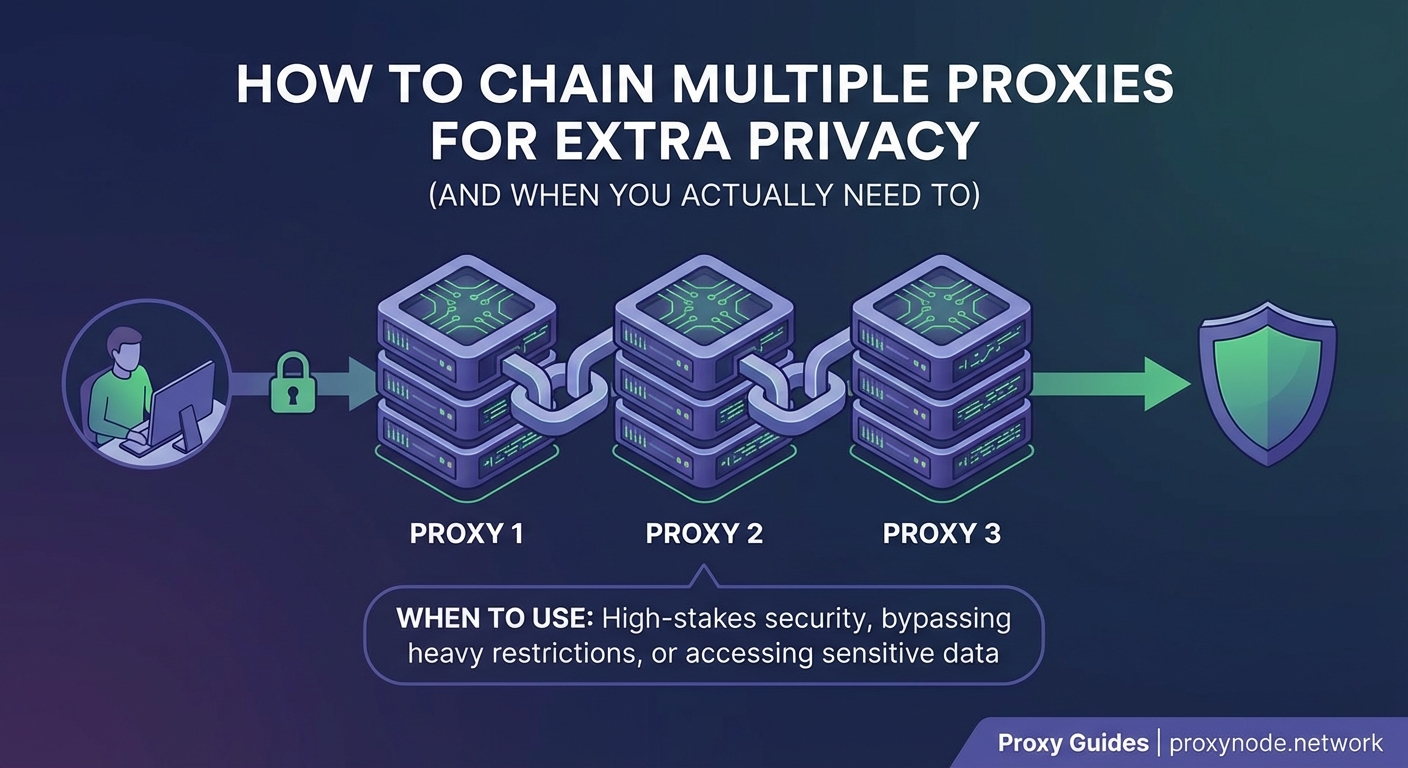
A single proxy server sits between you and the internet, forwarding your requests and masking your IP address from the destination site. When you chain proxies, you connect to Proxy A, which connects to Proxy B, which connects to Proxy C, and only then reaches the final website.
The destination sees Proxy C’s IP address. Proxy C only knows about Proxy B. Proxy B only knows about Proxy A. Proxy A knows your real IP, but has no idea what website you’re visiting because it only sees an encrypted connection to Proxy B.
This layered approach makes correlation attacks much harder. Even if someone compromises one proxy in the chain, they can’t see both your real IP and your final destination.
But this setup comes with real costs. Each additional proxy adds latency. Your connection speed drops. More points of failure mean more chances something breaks. And if you configure the chain incorrectly, you might leak your real IP anyway.
When proxy chaining actually makes sense

Most people don’t need to chain proxies. A single well-configured proxy or VPN handles everyday privacy needs just fine. But certain situations justify the extra complexity.
Investigative journalism and research: If you’re researching sensitive topics or communicating with sources in hostile environments, a single proxy might not provide enough protection. Government agencies and sophisticated adversaries can sometimes correlate timing patterns or compromise individual servers.
Penetration testing and security research: Security professionals often chain proxies when testing systems to avoid revealing their actual location, especially when working across different jurisdictions.
Bypassing advanced tracking systems: Some websites and services use sophisticated fingerprinting and behavior analysis that can sometimes track users even through a single proxy. Multiple layers make this correlation much harder.
Whistleblowing and activism: When personal safety depends on anonymity, the performance hit from chaining proxies becomes acceptable.
For streaming geo-restricted content, managing multiple social media accounts, or general web browsing, a single proxy works fine. The added complexity of chaining usually creates more problems than it solves.
Three methods to set up a proxy chain
Using ProxyChains on Linux and macOS
ProxyChains is a command-line tool that forces any application to route traffic through a series of proxy servers. It works on Linux and macOS systems.
- Install ProxyChains using your package manager (apt, yum, brew, or pacman depending on your system).
- Open the configuration file, usually located at /etc/proxychains.conf or /etc/proxychains4.conf.
- Choose your chaining mode: dynamic_chain (skips dead proxies), strict_chain (requires all proxies to work), or random_chain (randomizes the order).
- Add your proxy servers to the [ProxyList] section at the bottom of the file.
- Run any application by prefixing it with proxychains or proxychains4.
Your configuration file should look something like this:
strict_chain
proxy_dns
[ProxyList]
socks5 192.168.1.100 1080
socks5 10.0.0.50 9050
http 203.0.113.10 8080
After saving, you can run commands like proxychains4 firefox or proxychains4 curl https://example.com to route that specific application through your chain.
Browser extensions for simpler setups
Several browser extensions let you chain proxies without touching configuration files. FoxyProxy, Proxy SwitchyOmega, and similar tools work well for Firefox and Chrome-based browsers.
These extensions typically let you define multiple proxy profiles and switch between them. To create a chain, you configure the first proxy in your browser extension, then configure that proxy server itself to forward traffic to the next proxy in your sequence.
This approach requires you to have control over at least one proxy server in your chain. You can’t chain random public proxies this way because you need to modify the server configuration.
The benefit is convenience. You get a visual interface, easy profile switching, and no command-line work. The downside is less flexibility and the requirement to manage at least one proxy server yourself.
SSH tunneling for technical users
If you have SSH access to multiple servers, you can create a proxy chain using SSH port forwarding. This method provides strong encryption and works well when you already manage your own servers.
- Create an SSH tunnel from your local machine to your first server:
ssh -D 1080 [email protected] - On the first server, create another tunnel to the second server:
ssh -D 1081 [email protected] - Configure your application to use the SOCKS proxy at localhost:1080.
This creates a chain where your traffic goes through both servers before reaching the internet. You can extend this to as many servers as you have SSH access to, though each hop adds more latency.
The main advantage is that you control the entire chain and everything uses SSH encryption. The disadvantage is the technical complexity and the requirement to manage your own servers.
Common mistakes that break your privacy
Even a properly configured proxy chain can leak your real IP if you make certain mistakes. Here’s what to watch for:
| Mistake | Why it breaks privacy | How to fix it |
|---|---|---|
| DNS leaks | Your system sends DNS requests outside the proxy chain | Force DNS through the chain using proxy_dns in ProxyChains or configure DNS over the proxy |
| WebRTC leaks | Browser features expose your local IP address | Disable WebRTC in browser settings or use an extension to block it |
| Application bypasses | Some apps ignore proxy settings and connect directly | Use ProxyChains to force all traffic through the chain, or use a firewall to block direct connections |
| Mixed traffic | Some traffic goes through the chain while other traffic doesn’t | Route all traffic through the chain or use separate devices for different activities |
| Time zone and language leaks | Browser settings reveal your real location | Adjust time zone, language, and locale settings to match your proxy exit point |
Testing for leaks should happen before you rely on your chain for anything sensitive. Visit IP checking websites while connected through your chain. Check what IP address they see, what DNS servers they detect, and whether WebRTC exposes anything.
Run these tests from multiple checking sites because some are more thorough than others. If any test reveals your real IP or location, something in your chain is misconfigured.
Performance trade-offs you need to accept
Every proxy you add to your chain increases latency. If Proxy A adds 50ms, Proxy B adds 75ms, and Proxy C adds 100ms, you’re looking at 225ms of added delay before your request even reaches the destination website.
For browsing text-based websites, this might feel acceptable. For video streaming, video calls, or online gaming, it becomes unusable.
Bandwidth also takes a hit. Each proxy in your chain processes your traffic, and the slowest proxy becomes your bottleneck. If you’re routing through three proxies and one of them only handles 5 Mbps, your entire chain maxes out at 5 Mbps regardless of how fast the others are.
Connection stability decreases too. With one proxy, you have one point of failure. With three proxies, you have three points of failure. If any single proxy in a strict chain goes down, your entire connection breaks.
“I’ve seen people set up elaborate five-proxy chains and then wonder why their connection keeps dropping. For most threat models, two or three well-chosen proxies provide enough protection without destroying usability. More isn’t always better.” – Security researcher on proxy chain design
Choosing the right proxies for your chain
Not all proxies work well in a chain. Free public proxies often have terrible performance, log everything, or inject ads and malware into your traffic. Using them in a chain just multiplies these problems.
Residential proxies look like regular home internet connections, making them harder to detect and block. But they’re expensive and slower than datacenter proxies. Datacenter proxies are fast and cheap but easier for websites to identify and block.
For a privacy-focused chain, consider this structure:
- First hop: A trusted VPN or proxy service you pay for, preferably in a privacy-friendly jurisdiction
- Middle hop: A different paid service or a server you control via SSH
- Exit hop: Choose based on your needs (residential if you need to avoid detection, datacenter if you need speed)
Mixing proxy types and jurisdictions makes correlation harder. If all your proxies are from the same provider or the same country, you’re not gaining much additional protection.
Geographic diversity matters too. Spreading your proxies across different countries and legal jurisdictions means no single government can easily compel all of them to cooperate.
Testing your chain before you trust it
Before you use a proxy chain for anything that matters, test it thoroughly. Here’s a systematic approach:
- Check your visible IP address at multiple IP checking websites to confirm they all show your exit proxy, not your real IP.
- Run a DNS leak test to verify your DNS queries go through the chain.
- Test for WebRTC leaks using browser-based checking tools.
- Verify that your browser’s time zone, language, and other identifying information match your exit location.
- Try accessing a service that blocks proxies to see if your chain gets detected.
- Monitor your connection for several hours to check stability and identify disconnections.
Create a checklist and run through it every time you modify your chain configuration. One small mistake can compromise everything.
Alternatives that might work better
Proxy chaining isn’t the only way to achieve strong anonymity. Depending on your threat model, these alternatives might serve you better:
Tor network: Routes your traffic through three random nodes, providing strong anonymity without requiring you to set up and maintain multiple proxies. The Tor Browser handles everything automatically.
Nested VPN connections: Connect to VPN A, then connect to VPN B through that connection. Similar concept to proxy chaining but often easier to configure and more stable.
Virtual machines with separate network paths: Run different activities in separate virtual machines, each with its own proxy or VPN configuration. This prevents correlation between activities.
Tails or Whonix operating systems: These privacy-focused operating systems route all traffic through Tor by default and include protections against common leaks.
Each approach has different trade-offs in terms of speed, convenience, cost, and protection level. Match the tool to your specific needs rather than assuming the most complex option is automatically the best.
Making your chain work reliably
Proxy chains break more often than single-proxy setups. Here’s how to keep yours running:
- Monitor each proxy individually: Test each proxy server on its own before adding it to the chain. If one is unreliable, it will break the entire chain.
- Use dynamic chaining when possible: This mode skips dead proxies instead of failing completely, though it provides slightly less protection than strict mode.
- Keep backup configurations: Save multiple working chain configurations so you can switch if one stops working.
- Document your setup: Write down exactly how you configured everything. You’ll forget the details and need to troubleshoot later.
- Update proxy lists regularly: Proxies come and go. What works today might be offline next week.
Set up monitoring to alert you when your chain breaks. This could be as simple as a script that checks your visible IP every few minutes and sends a notification if it changes unexpectedly.
Legal and ethical considerations
Just because you can chain proxies doesn’t mean you should in every situation. Using multiple layers of proxies to hide your identity while conducting illegal activities doesn’t make those activities legal. It just makes attribution harder.
Many websites’ terms of service prohibit accessing their platform through proxies. While violating terms of service isn’t usually illegal, it can get your account banned.
Some jurisdictions have laws about using anonymization tools, especially in combination with other activities. Research the legal situation in your country and in the countries where your proxy servers are located.
Use proxy chains for legitimate privacy protection, security research with proper authorization, or to protect yourself in situations where your safety depends on anonymity. Don’t use them to harass people, commit fraud, or bypass security measures protecting systems you don’t have permission to access.
Building this into your workflow
Once you have a working proxy chain, integrate it into your routine so you don’t forget to use it when you need it.
Create shell aliases or scripts for common tasks. Instead of typing out the full ProxyChains command every time, set up something like alias secure-browser='proxychains4 firefox' in your shell configuration.
Use separate browser profiles for different activities. One profile for regular browsing without proxies, another configured to always use your chain. This prevents accidentally browsing sensitive sites without protection.
Consider using containers or virtual machines for high-security activities. This provides additional isolation and makes it harder to accidentally leak information.
Document your threat model and when you need to use the chain versus when a single proxy suffices. Not everything requires maximum privacy, and using the chain unnecessarily just slows you down and makes you stand out more.
Making informed privacy decisions
Chaining multiple proxies provides powerful privacy protection when you genuinely need it. The technique makes sense for high-risk research, whistleblowing, security testing, or situations where your safety depends on anonymity. For everyday browsing, streaming, or managing multiple accounts, a single well-configured proxy usually works better.
Set up your chain carefully, test it thoroughly, and understand both its capabilities and limitations. A misconfigured chain can give you false confidence while actually leaking your identity. Take time to verify everything works before you trust it with anything sensitive.
Start with a simple two-proxy chain, make sure it works reliably, and only add more complexity if your specific situation requires it. Privacy is about matching your tools to your actual threats, not about using the most complicated setup possible.