 By carl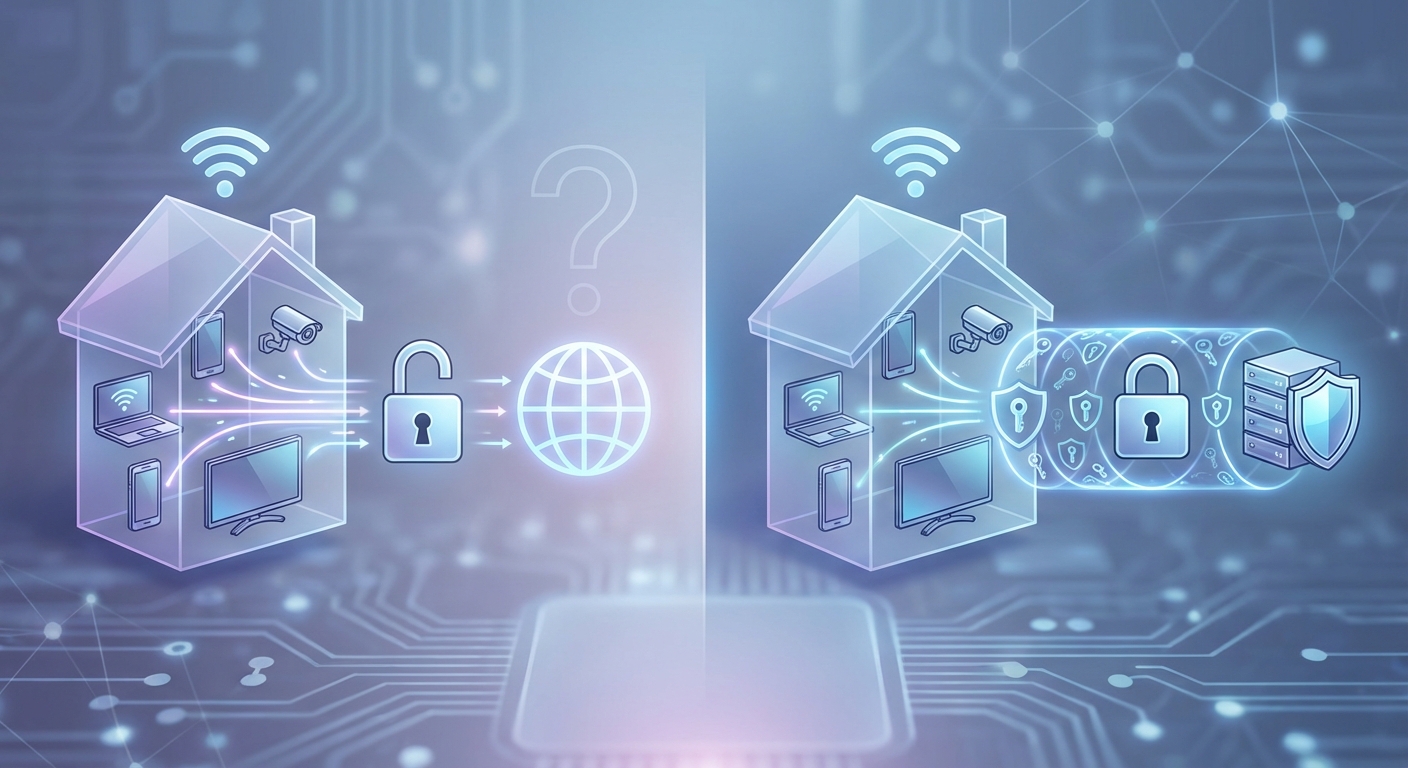
You’re sitting at home, scrolling through articles about online privacy, and the same question keeps popping up: do I need a VPN at home? The internet is full of conflicting advice. Some sources make it sound like you’re exposed without one. Others suggest it’s overkill for everyday browsing. The truth is somewhere in between, and it depends on what you actually do online.
A VPN at home isn’t essential for everyone, but it adds valuable privacy protection if you’re concerned about your ISP tracking your activity, want to access region-locked content, or frequently work with sensitive information. Most casual users can get by without one, but understanding what a VPN actually does helps you make an informed choice based on your specific needs and habits.
What a VPN Actually Does for Your Home Network
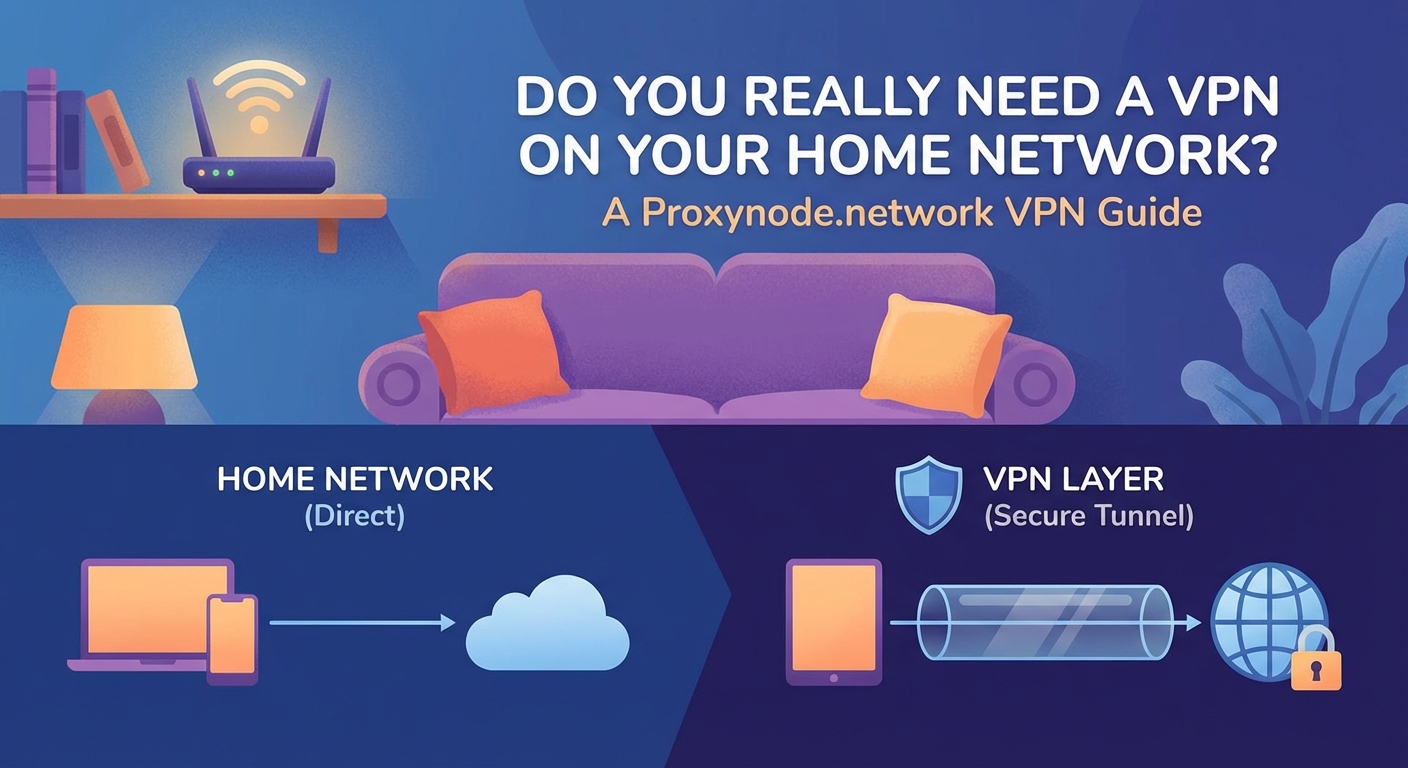
A VPN creates an encrypted tunnel between your device and the internet. Your internet service provider can normally see every website you visit, even if the site itself uses HTTPS. With a VPN active, your ISP only sees that you’re connected to a VPN server. Everything else stays hidden inside that encrypted tunnel.
This matters because ISPs in many countries can legally collect and sell your browsing data. They can also throttle certain types of traffic, like streaming video or gaming. A VPN masks what you’re doing, making it harder for your ISP to build a profile of your online habits.
But there’s a tradeoff. Your connection gets routed through an extra server, which adds latency and can slow things down. The VPN provider can technically see your traffic instead of your ISP. You’re shifting trust from one company to another.
When a Home VPN Makes Real Sense
Some situations benefit clearly from running a VPN on your home network.
Your ISP Has a History of Throttling
Internet providers sometimes slow down specific types of traffic during peak hours. If you notice your streaming quality drops every evening or your game ping spikes at certain times, your ISP might be managing bandwidth by targeting certain protocols.
A VPN can mask the type of traffic you’re sending, making it harder for your ISP to selectively throttle you. This doesn’t always work perfectly, but it can help in networks where throttling is aggressive.
You Want Access to Region-Locked Content
Streaming services show different content libraries depending on your location. A VPN lets you appear as if you’re browsing from another country, which can unlock shows and movies not available in your region.
This is one of the most common reasons people use VPNs at home. Just be aware that streaming platforms actively block known VPN servers, so you’ll need a provider that regularly updates its server addresses.
You Handle Sensitive Work or Personal Data
If you work from home and regularly access company systems, your employer might require a VPN. Even if they don’t, adding an extra layer of encryption makes sense when you’re handling confidential information.
The same applies if you’re managing financial records, medical information, or anything else you’d rather keep private from your ISP and anyone else monitoring network traffic.
You Live Somewhere with Aggressive Surveillance or Censorship
Not everyone has the luxury of a neutral internet connection. Some countries actively monitor and restrict what citizens can access online. A VPN can help bypass these restrictions and add a layer of privacy against government surveillance.
Even in countries without official censorship, some people simply prefer keeping their online activity as private as possible. That’s a valid reason on its own.
When You Can Skip the VPN
Not everyone needs to run a VPN all the time. Here are situations where it adds little value.
You Mostly Browse Major Websites
If your internet use consists mainly of checking email, browsing social media, and visiting mainstream news sites, a VPN doesn’t add much. These sites already use HTTPS encryption, which protects the content of your communication from anyone snooping on the network.
Your ISP can still see which sites you visit, but they can’t read the actual content. For many people, that level of privacy is sufficient.
You’re Not Concerned About ISP Data Collection
Some people just don’t care if their ISP knows they visited a recipe blog or checked sports scores. If you’re not worried about your browsing history being collected or sold, and you don’t face throttling issues, a VPN might be unnecessary overhead.
You’re Worried About Speed
VPNs always add some latency. For activities where every millisecond counts, like competitive gaming or video conferencing, the extra delay can be noticeable. If performance is your top priority and you don’t have specific privacy concerns, running without a VPN makes sense.
You Trust Your Network Setup
If you’ve already taken steps to secure your home network with a good router, strong passwords, and regular firmware updates, you’ve covered many basic security concerns. A VPN adds privacy from your ISP but doesn’t fundamentally change your security posture against other threats.
How to Decide What’s Right for You
Here’s a practical framework for making this decision.
- Write down what you actually do online at home. Be specific: streaming, gaming, work, general browsing, financial management, etc.
- Identify which of those activities you’d prefer to keep private from your ISP or other observers.
- Check if your ISP has a history of throttling or data collection practices that concern you.
- Consider whether you need access to content that’s blocked in your region.
- Weigh the privacy benefits against the potential speed reduction and monthly cost.
This exercise helps you move past generic advice and focus on your actual situation.
Common Misconceptions About Home VPNs
Let’s clear up some confusion.
A VPN doesn’t make you anonymous. Your VPN provider can see your traffic, and many keep logs. Law enforcement can request those logs. You’re more private than without a VPN, but you’re not invisible.
A VPN isn’t a security tool. It doesn’t protect you from malware, phishing, or compromised websites. It encrypts your connection and masks your IP address. That’s it. You still need good security practices like strong passwords and updated software.
Free VPNs are usually a bad deal. If you’re not paying for the product, you are the product. Free VPN services often make money by collecting and selling your data, which defeats the entire purpose. Some inject ads into your browsing. Others have poor security. Stick with reputable paid services if you decide to use a VPN.
You don’t need a VPN on every device. You can run a VPN selectively. Maybe you use it on your laptop when working but leave it off on your smart TV for better streaming performance. That’s perfectly fine.
What to Look for in a Home VPN Service
If you decide a VPN makes sense for your situation, here’s what matters.
| Feature | Why It Matters | What to Avoid |
|---|---|---|
| No-logs policy | Provider shouldn’t store your browsing history | Vague privacy policies, history of data breaches |
| Server locations | More locations mean better access to region-locked content | Very limited server selection, all in one country |
| Connection speed | Minimizes the performance hit | Providers that don’t publish speed test results |
| Device support | Should work on all your devices | Apps that only cover one or two platforms |
| Price transparency | Clear pricing with no hidden fees | Automatic renewals at much higher rates |
Read independent reviews before choosing a provider. Look for services that have been audited by third-party security firms. Check how they handle law enforcement requests and where they’re legally based.
A VPN is a privacy tool, not a magic shield. It solves specific problems related to ISP monitoring and geographic restrictions. If those aren’t concerns for you, other security measures might be more valuable than a monthly VPN subscription.
Setting Up a VPN at Home
If you’ve decided to try a VPN, here’s the basic process.
- Choose a reputable VPN provider and sign up for a plan. Most offer monthly or annual subscriptions, with annual plans being significantly cheaper per month.
- Download and install the VPN app on your devices. Most providers offer apps for Windows, Mac, iOS, Android, and sometimes Linux.
- Log in with your account credentials and connect to a server. Start with a server in your own country for the best speed, or choose another location if you’re trying to access region-locked content.
- Verify the connection is working by checking your IP address online. It should show the VPN server’s location, not your actual location.
- Test your internet speed with and without the VPN to understand the performance impact on your connection.
Some routers let you install VPN software directly, which protects every device on your network automatically. This is more advanced but can be worth it if you want whole-home coverage without installing apps on each device.
Alternatives Worth Considering
A VPN isn’t the only way to improve your online privacy at home.
Encrypted DNS services like DNS over HTTPS or DNS over TLS prevent your ISP from seeing which domains you’re requesting. This is lighter weight than a full VPN and doesn’t slow your connection as much.
Browser privacy extensions can block trackers and ads, which reduces how much data websites collect about you. Combined with HTTPS-only mode, this covers many privacy concerns without the complexity of a VPN.
Tor browser provides much stronger anonymity than a VPN, though it’s significantly slower. It’s overkill for most home users but worth knowing about if you have serious privacy needs.
Better router security with regular firmware updates, strong passwords, and disabled remote management can prevent many security issues that people mistakenly think VPNs solve.
The Real Cost of Running a VPN
Beyond the monthly subscription fee, consider these factors.
Your internet speed will take a hit. Expect 10-30% slower speeds depending on the provider and server location. For most browsing this is barely noticeable, but it can affect streaming quality or download times.
Some websites and services block VPN traffic. You might need to disable your VPN to access your bank’s website, use certain streaming services, or complete online purchases. This gets annoying if you’re constantly toggling it on and off.
Battery life on mobile devices decreases when running a VPN because of the extra encryption work. Not dramatically, but it’s noticeable if you’re already struggling to make it through the day.
You’re trusting another company with your data. This isn’t necessarily bad, but it’s a tradeoff worth acknowledging. You’ve shifted your privacy concern from your ISP to your VPN provider.
Making the Choice That Fits Your Life
There’s no universal answer to whether you need a VPN at home. It depends on your threat model, your ISP’s behavior, what you do online, and how much you value privacy versus convenience and cost.
For someone who streams content from multiple regions, works remotely with sensitive data, and lives somewhere with ISP throttling, a VPN is probably worth the investment. For someone who casually browses mainstream websites and doesn’t worry much about data collection, the benefits might not justify the cost and hassle.
The good news is you don’t have to decide forever. Most VPN services offer money-back guarantees. Try one for a month. See if you actually use it. Notice whether the speed impact bothers you. Then make an informed decision based on real experience rather than abstract privacy concerns.
Your home network is your space. Whether you add a VPN layer or not, the important thing is understanding what you’re protecting against and making a choice that matches your actual needs rather than following generic advice that might not apply to your situation.