 By carl
You download a free VPN, flip the switch, and assume you’re protected. But here’s the uncomfortable truth: that app might be doing the opposite of what you installed it for. Instead of shielding your browsing habits, it could be packaging them up and selling them to the highest bidder.
Most free VPNs are not safe for serious privacy protection. They often log your data, inject ads, lack encryption, or sell your browsing history to third parties. While a handful of reputable free options exist with strict limitations, truly private browsing typically requires a paid service with transparent policies, regular audits, and no financial incentive to monetize your information.
The Business Model Problem With Free VPNs
Running a VPN costs real money. Servers, bandwidth, infrastructure, and maintenance all add up fast.
When you’re not paying with your wallet, you’re paying another way.
Free VPN providers need revenue. Some inject ads into your browsing sessions. Others collect detailed logs of every site you visit and sell that data to advertisers, data brokers, or worse. A 2020 study found that 86% of free VPN apps on Android had unacceptable privacy policies, and 38% contained malware.
The math is simple. If a service costs money to run but doesn’t charge users, it’s making money from those users somehow.
Premium VPNs charge subscription fees because that’s their business model. Your payment covers their costs and profit. Free VPNs need a different model, and that model almost always involves your data.
What Free VPNs Actually Do With Your Information
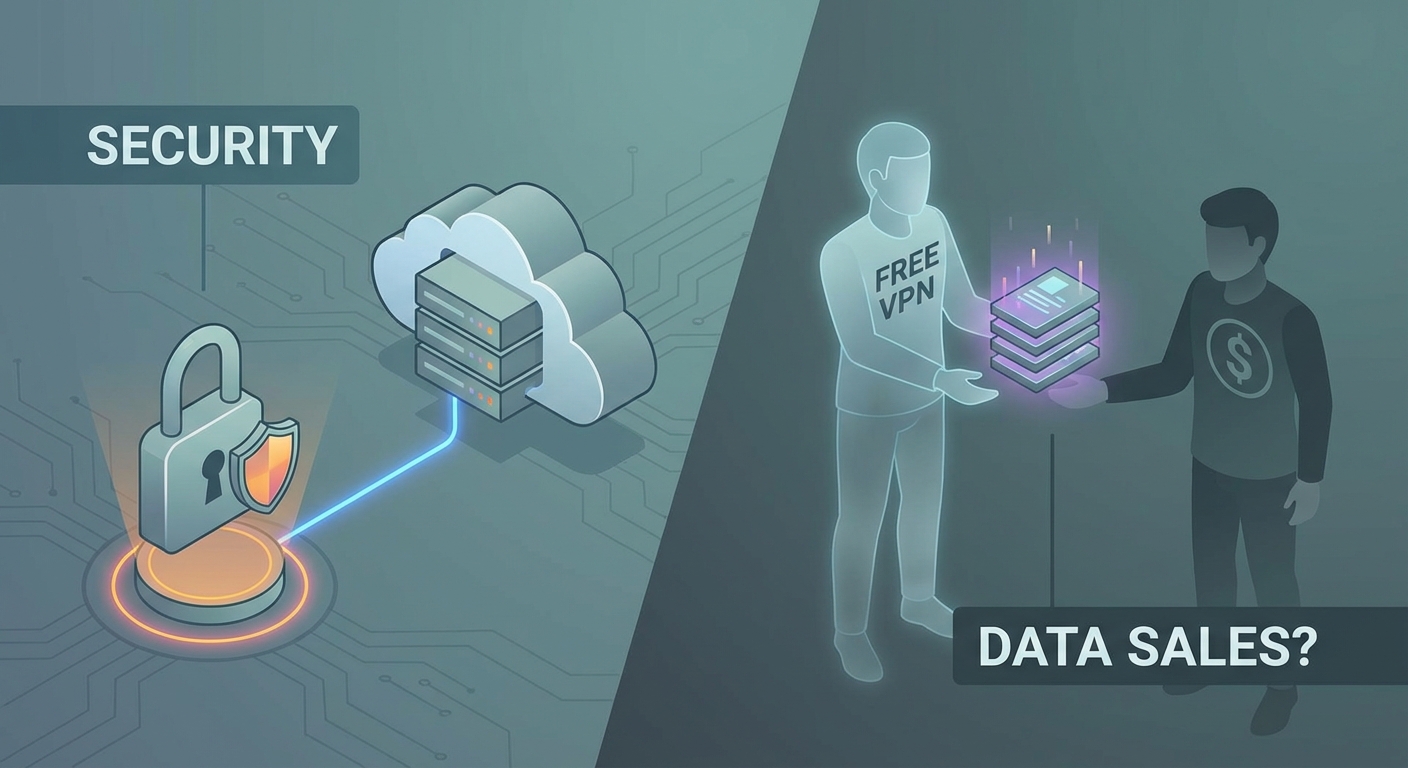
Here’s what happens behind the scenes with many free services:
- Browsing history collection: Every website you visit gets logged and timestamped
- DNS query tracking: Your searches and site visits are recorded at the DNS level
- Device fingerprinting: Your phone or computer gets a unique identifier for tracking across sessions
- Ad injection: Extra ads get inserted into web pages you visit
- Bandwidth reselling: Your connection gets used as an exit node for other users’ traffic
- Email harvesting: Your contact information gets sold to marketing lists
Some free VPNs are honest about these practices in their privacy policies. Most bury the details in legal language that nobody reads.
The worst offenders don’t just collect data. They actively compromise your security. Outdated encryption protocols, leaked DNS requests, and IP address exposure are common. You think you’re protected, but you’re actually more exposed than if you weren’t using a VPN at all.
Red Flags That Scream Danger
You can spot problematic free VPNs by watching for these warning signs:
| Warning Sign | What It Means | Risk Level |
|---|---|---|
| No privacy policy or vague terms | They’re hiding what they do with your data | Critical |
| Based in a country with poor privacy laws | Your data can be accessed or sold freely | High |
| Requires excessive permissions | They want access to more than they need | High |
| Unlimited bandwidth claims | Either lying or monetizing your connection | Medium |
| No information about encryption | Probably using weak or no encryption | Critical |
| Owned by a data analytics company | Your data IS the product | Critical |
Apps that request permission to access your contacts, photos, or other unrelated data are particularly suspicious. A VPN only needs network access to function.
Check the company behind the app. If you can’t find clear ownership information, that’s a massive red flag. Legitimate companies are transparent about who runs them and where they’re located.
The Rare Exceptions That Actually Work
Not every free VPN is a scam. A small number of legitimate companies offer limited free tiers as a way to let users test their service before upgrading.
These services typically:
- Limit your monthly bandwidth to 500MB or 10GB
- Restrict you to a few server locations
- Throttle your connection speed
- Display occasional upgrade prompts
The limitations make sense. They give you enough access to evaluate the service without letting you use it as a permanent free solution. The company’s real business model is converting free users to paid subscribers, not selling your data.
ProtonVPN and Windscribe are examples of this approach. They offer genuinely private free tiers with real encryption and no logging, but with strict bandwidth caps that push serious users toward paid plans.
Even with these exceptions, the free tier won’t match a paid service. You’ll get slower speeds, fewer servers, and limited features. But your data stays private, which is the whole point.
How to Evaluate Any Free VPN Before Installing
Before you trust a free VPN with your traffic, run through this checklist:
- Research the company ownership: Find out who runs it and where they’re based
- Read the actual privacy policy: Look for specific language about logging and data collection
- Check independent reviews: See what security researchers and tech publications say
- Test for leaks: Use leak testing tools to verify your IP and DNS aren’t exposed
- Monitor your device: Watch for unusual battery drain, data usage, or performance issues
The privacy policy is crucial. Look for clear statements like “we do not log browsing history” or “we do not collect personally identifiable information.” Vague language like “we may collect certain data to improve our service” is a warning sign.
Independent audits matter too. Reputable VPNs hire third-party security firms to verify their claims. If a free VPN has never been audited, you’re taking their word for everything.
You should also understand how to test if your VPN is actually working and protecting you using leak detection tools and other verification methods.
Common Mistakes That Expose You Even With a VPN
Installing a VPN doesn’t automatically make you safe. Users make critical errors that undermine their privacy:
- Leaving the VPN disconnected and forgetting to reconnect
- Using the VPN only on their computer but not their phone
- Assuming the VPN protects them from malware and phishing
- Ignoring DNS leaks that silently destroy your privacy
- Not checking if your VPN IP address is leaking
A VPN only protects the traffic that goes through it. If you’re connected to Wi-Fi at a coffee shop and your VPN disconnects, your traffic immediately becomes visible to anyone monitoring that network. Understanding what happens when your VPN disconnects helps you avoid these gaps.
VPNs also don’t protect you from logging into accounts that identify you, downloading infected files, or clicking phishing links. They encrypt your connection and hide your IP address. That’s it.
Many people also make common VPN mistakes that compromise their privacy without realizing it.
When Free Tools Make Sense and When They Don’t
Free VPNs can work for specific, limited use cases:
Good uses for limited free VPNs:
– Testing a service before committing to a subscription
– Occasional travel where you need a few days of protection
– Accessing region-locked content once in a while
– Learning how VPNs work before investing in one
Bad uses for free VPNs:
– Daily browsing with sensitive personal information
– Banking or financial transactions
– Torrenting or large file transfers
– Anything requiring consistent, reliable privacy
If you’re just trying to watch a video that’s blocked in your country once a month, a limited free VPN might be fine. If you’re trying to protect yourself from government surveillance or hide sensitive research, you need a paid service with a proven track record.
The decision between using a free VPN or paying for premium service depends entirely on your threat model and how much privacy you actually need.
Understanding the Alternatives
VPNs aren’t the only privacy tool available. Depending on your needs, other options might work better:
Proxy servers route your traffic through an intermediary server but typically don’t encrypt it. They’re faster than VPNs but less secure. Free proxies carry the same risks as free VPNs, and understanding what happens to your data when you connect to a free proxy server is critical.
Tor provides strong anonymity by routing your traffic through multiple volunteer-run servers. It’s free and genuinely private, but extremely slow. Good for high-security situations, impractical for daily use.
Paid VPNs cost between $3 and $12 per month depending on the service and subscription length. You get reliable encryption, no logging, better speeds, and customer support.
Browser privacy features like Firefox’s Enhanced Tracking Protection or Brave’s built-in shields block trackers and ads without routing all your traffic through a third party.
There are also scenarios where a proxy beats a VPN and vice versa, depending on what you’re trying to accomplish.
The best privacy tool is the one that matches your actual needs. Overkill wastes money. Underkill leaves you exposed. Understand what you’re protecting against before choosing a solution.
The Real Cost of “Free” Privacy
Free VPNs teach an important lesson about digital privacy: nothing is actually free.
When a company offers you a privacy tool at no charge, ask yourself how they’re paying for it. The answer tells you whether you can trust them.
Legitimate free options exist, but they’re rare and come with significant limitations. Most free VPNs are privacy theater. They make you feel protected while actually harvesting your data.
If privacy matters to you, budget for a paid service. Ten dollars a month is cheaper than the consequences of a data breach or identity theft.
And remember, even the best VPN only protects you if you use it correctly. Understanding whether your ISP can still track you when using a VPN and how to verify your protection helps you avoid false confidence.
Making the Right Choice for Your Privacy
The question isn’t really whether free VPNs are safe. It’s whether they’re safe enough for what you need.
For casual use with low privacy requirements, a reputable free tier might work. For anything involving personal information, financial data, or genuine privacy needs, free options fall short.
Start by defining what you’re actually trying to protect. Then choose the tool that matches that need without paying more than necessary or trusting less than you should.
Your privacy is worth protecting. Just make sure the tool you choose is actually protecting it.