 By carl
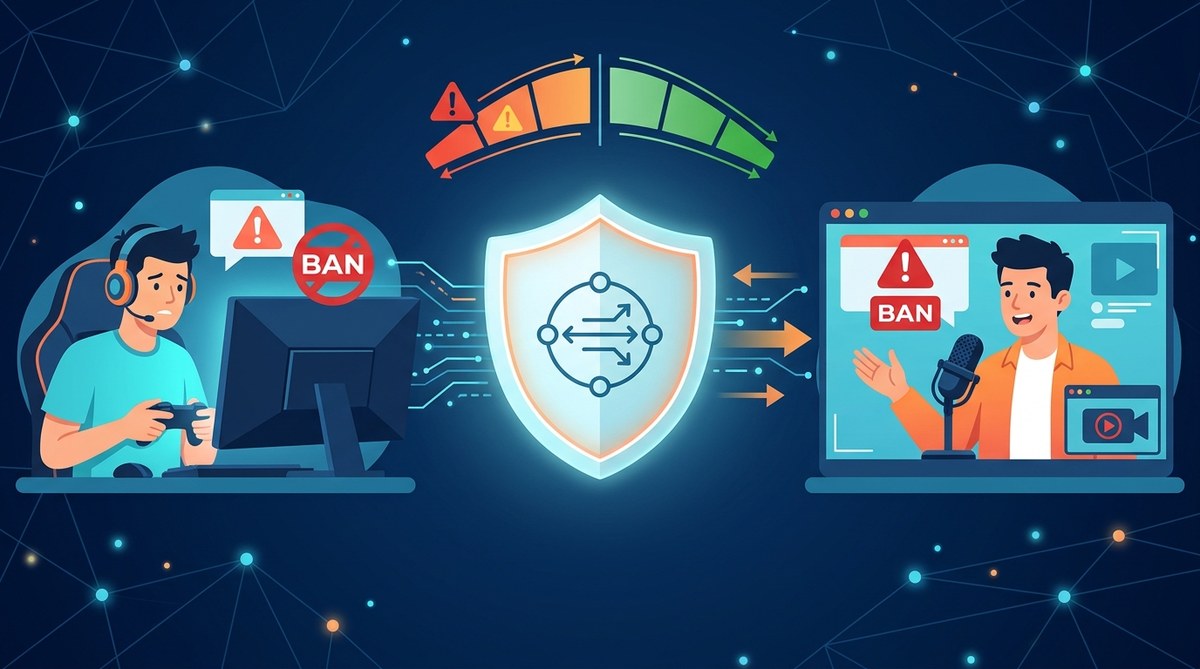
You have a good reason to be cautious. You have heard the horror stories: a friend lost their Steam library, a streamer got hit with a permanent Twitch suspension, or a competitive player caught a ban in Valorant. You want to protect your privacy or lower your ping, but the question keeps nagging at you: can you get banned for using a proxy?
The short answer is yes, but only under specific circumstances. Using a proxy or VPN is not automatically against the rules. The problem comes from how you use it. Game developers and streaming platforms care about one thing: fair play and authentic location data. If your proxy triggers their anti-cheat or fraud detection systems, you can get flagged. This guide breaks down exactly when you are at risk and how to stay safe.
Using a proxy will not get you banned by itself. Bans happen when the proxy IP is from a datacenter, when you switch regions to buy cheaper games, or when your connection triggers anti-cheat software. Gamers and streamers can use proxies safely by choosing residential IPs, avoiding region hopping, and testing for IP leaks before every session.
When a Proxy Triggers a Ban
The biggest risk comes from the type of IP address you are using. Most cheap or free proxies come from datacenter IP ranges. These are the same IPs used by bots, scrapers, and fraudsters. Game servers and streaming platforms maintain blocklists of these ranges. When you connect from one, you look like a bot.
Here is a breakdown of the most common ban scenarios:
| Scenario | Risk Level | Why It Happens |
|---|---|---|
| Using a free datacenter proxy | High | IP is on a known blocklist |
| Switching regions to buy games | Very High | Violates regional pricing terms |
| Logging into a game from a new IP mid-match | Medium | Triggers account security alerts |
| Streaming with a VPN that changes your country | High | Breaks licensing agreements with viewers |
| Using a proxy to evade a prior ban | Guaranteed | Permanent ban on detection |
The table above shows that the risk is not about the proxy itself. It is about the behavior the proxy enables. If you use a proxy to do something the platform considers cheating or fraud, you will get banned.
How Games and Streaming Sites Detect Proxies
Platforms do not just look at your IP. They use a combination of signals to decide if you are using a proxy. Understanding these signals helps you avoid detection.
- IP geolocation mismatch. If your account is registered in the United States but you suddenly log in from a Russian datacenter IP, the system flags you.
- ASN (Autonomous System Number) reputation. Each IP belongs to a network. If that network is a known hosting provider like DigitalOcean or AWS, it is marked as a proxy.
- Latency and routing anomalies. A proxy adds an extra hop. If your ping is consistently higher than normal or if your connection shows unusual routing patterns, anti-cheat software takes note.
- Browser fingerprinting. When you stream, the platform checks your browser’s user agent, installed plugins, and screen resolution. If your proxy IP does not match your browser fingerprint, it raises a red flag.
Expert advice: “Do not use a datacenter proxy for gaming or streaming. Ever. The IP range alone is enough to trigger a ban on most modern platforms. Instead, use a residential proxy or a VPN with obfuscation. The extra cost is worth protecting your account.” — Network security consultant, 2026
The 3 Most Common Ban Triggers for Gamers
1. Region Hopping for Cheaper Games
This is the number one reason gamers get banned. You see a game on Steam or the Epic Games Store that costs half as much in Argentina or Turkey. You connect through a proxy in that country, buy the game, and switch back. Valve and Epic have been cracking down hard on this since 2024. They now require a payment method from that region and can lock your account for “region abuse.”
2. Using a Proxy to Bypass a Previous Ban
If you already received a hardware ID ban or an account suspension, connecting through a proxy will not save you. Modern anti-cheat systems like Riot Vanguard and Valve Anti-Cheat (VAC) scan for more than just your IP. They check your hardware serial numbers, your operating system fingerprint, and even your installed programs. A proxy only hides your IP. It does not hide your machine.
3. Streaming Geo-Locked Content
Twitch and YouTube have strict licensing rules. If you use a proxy to appear in a different country so you can watch a geo-locked stream or play a region-restricted game, you risk a suspension. These platforms have teams dedicated to detecting VPN and proxy usage. They will flag your account for location fraud.
How to Use a Proxy Safely (Step by Step)
If you want the privacy benefits of a proxy without the ban risk, follow this process.
-
Choose a residential proxy provider. Avoid free proxy lists and datacenter IPs. Residential proxies come from real ISP addresses. They look exactly like a normal home connection. Check out our guide on Residential vs Datacenter Proxies: Which One Should You Actually Use? for a full comparison.
-
Test your IP before every session. Use a leak test tool to confirm your real IP is hidden and that your DNS requests are going through the proxy. Learn how with our How to Test Your VPN for DNS, IP, and WebRTC Leaks in 5 Minutes guide.
-
Do not switch regions mid-session. Log into your game or streaming platform from the same region every time. If you normally play from New York, do not connect through a Los Angeles proxy unless you are okay with a temporary flag.
-
Enable a kill switch. If your proxy disconnects, your real IP can leak. A kill switch blocks all internet traffic until the proxy reconnects. This is essential. Read more in How to Set Up a Kill Switch and Why It Matters for VPN Users.
-
Use a dedicated proxy for gaming only. Do not use the same proxy for torrenting, browsing shady sites, or scraping data. Keep your gaming traffic clean.
Common Mistakes That Lead to Bans
Even with a good proxy, people make mistakes. Here are the most common ones.
- Using a free proxy from a public list. These are almost always datacenter IPs that are already flagged.
- Forgetting to turn off the proxy before logging into your bank or email. This can trigger fraud alerts that affect your account standing.
- Not checking for IPv6 leaks. Your proxy might hide your IPv4 address, but your IPv6 address can still leak your real location. Our article on How to Detect and Block IPv6 Leaks When Using a VPN shows you how to fix this.
- Using the same proxy IP for multiple accounts. If one account gets banned, the others can be linked to it.
What to Do If You Get Banned
If you already received a ban, do not panic. First, figure out the reason. Check the ban message. Did it say “suspicious activity,” “region violation,” or “third-party software”? If the ban is for using a proxy, you have a few options.
- Appeal the ban. Most platforms allow one appeal. Be honest. Say you were using a proxy for privacy and did not realize it was against the rules. Do not lie.
- Remove the proxy from your setup. Before you appeal, disconnect from the proxy and clear your browser cookies and cache.
- Wait before creating a new account. If your appeal is denied, wait at least 30 days before creating a new account from your real IP. Otherwise, the system will link the new account to the banned one.
When a Proxy Is Actually Safer Than a VPN
Here is a twist. For some use cases, a proxy is safer than a VPN. A SOCKS5 proxy, for example, does not encrypt your traffic. That sounds bad, but it means the game server sees a more “normal” connection. Some anti-cheat systems flag VPN traffic because it uses encrypted tunnels that look like bot traffic. A residential SOCKS5 proxy can appear more natural.
If you want to try this approach, see our How to Set Up a SOCKS5 Proxy in 5 Minutes (Step-by-Step Guide). Just remember to pair it with a DNS leak test.
The Bottom Line on Proxy Bans
The fear of getting banned stops a lot of people from using proxies. But the truth is simpler than you think. You will not get banned for privacy. You will get banned for breaking the rules. If you use a residential proxy, stay in your home region, and test for leaks, you can enjoy better privacy and lower ping without losing your account.
Take the time to set it up right. Read through Best Practices for Using Proxies Safely and Effectively to build a solid foundation. Your account is worth the extra five minutes of setup.
Stay Safe and Keep Playing
No one wants to lose years of progress, rare skins, or a streaming career over a simple configuration mistake. The good news is that you now know exactly what to watch out for. Stick with residential IPs, avoid region hopping, and always test your connection before you hit that “Go Live” button or queue into a ranked match. With a little care, you can use a proxy as a tool for privacy without ever worrying about a ban notice in your inbox.