 By carl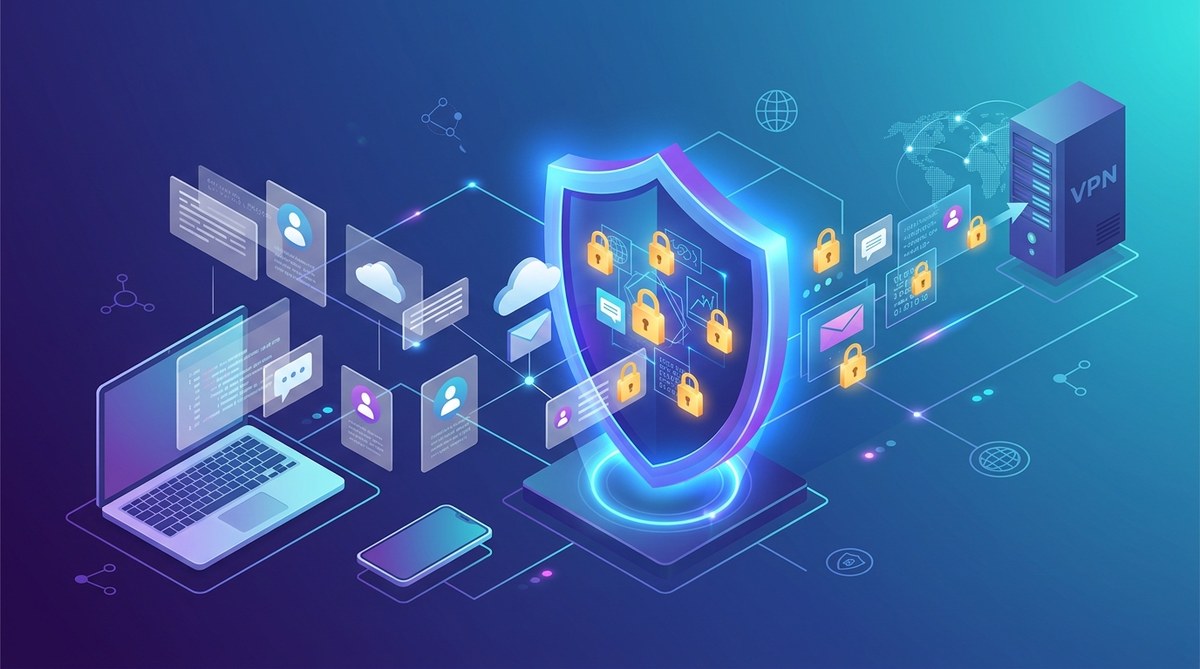
Protecting your online data is more important than ever. As digital threats grow more sophisticated, understanding how VPN encryption security works can help you stay safe. A VPN, or virtual private network, encrypts your internet traffic, making it nearly impossible for outside parties to see what you’re doing online. This layer of protection ensures your privacy and keeps your sensitive information secure, whether you’re browsing at home or on public Wi-Fi.
VPN encryption security is the cornerstone of online privacy. It uses advanced cryptographic methods to scramble your data, preventing eavesdroppers from accessing personal information, browsing habits, or financial details. Knowing how this encryption works and how to use it responsibly helps you stay protected from [cyber threats](https://www.cdc.gov/cybersecurity/resources/index.html) and surveillance.
How VPN encryption secures your data
VPN encryption is a process that transforms your data into a format that outsiders cannot read. When you connect to a VPN server, your device encrypts all outgoing data before it leaves your device. The VPN server then decrypts this data and sends it to its destination. When data returns, the process reverses. This encryption prevents hackers, ISPs, and government agencies from intercepting and understanding your online activity.
The cryptographic methods behind VPN encryption
VPN services typically rely on modern cryptographic protocols to secure your traffic. The most common ones include:
- AES (Advanced Encryption Standard): Widely considered the gold standard for encryption, AES uses a 128-bit or 256-bit key to encode data. Its strength lies in the difficulty of cracking the encryption, even with powerful computers.
- OpenVPN: An open-source protocol that often uses AES encryption. It’s highly configurable and widely trusted for its security.
- WireGuard: A newer protocol designed to be faster and more efficient than older options, while maintaining strong security standards.
- IKEv2/IPSec: Known for its speed and stability, especially on mobile devices, combining encryption protocols like AES with secure key exchange methods.
How encryption prevents data theft
Imagine sending a sensitive email or logging into your bank account. Without encryption, anyone monitoring your network could see your login details, passwords, or credit card numbers. VPN encryption acts like a secure tunnel, wrapping your information in a layer of cryptographic code. Only your device and the VPN server hold the keys to unlock this data. This process makes it extremely hard for hackers or malicious actors to access your information.
The importance of strong encryption keys
The security of VPN encryption depends heavily on the length and complexity of its keys. Longer keys, like 256-bit encryption, are exponentially harder to crack than shorter ones. This is why reputable VPN providers use robust key lengths. Weak or outdated encryption keys can be a vulnerability, so always choose a VPN that offers AES-256 encryption and up-to-date protocols.
Practical steps to maximize VPN encryption security
Using a VPN responsibly involves more than just turning it on. Here are steps to ensure your data remains secure:
- Choose a reputable VPN provider that uses strong encryption protocols like OpenVPN or WireGuard.
- Enable the highest encryption level offered, typically AES-256.
- Use a VPN with a strict no-logs policy to prevent your activity from being stored or shared.
- Activate features like a kill switch that disconnects your internet if the VPN drops, preventing leaks.
- Regularly update your VPN software to benefit from the latest security improvements.
- Avoid free VPN services that may compromise your data or use weaker encryption.
How to set up your VPN for optimal security
Getting your VPN configured correctly is vital. Follow these steps:
- Select a VPN protocol that balances speed and security, such as WireGuard or OpenVPN.
- Enable strong encryption standards within your VPN app settings.
- Turn on the kill switch feature.
- Verify your connection for leaks using tools that test DNS, IP, and WebRTC leaks.
- Maintain updated software and firmware on your device.
Common mistakes that weaken VPN encryption security
Even with a good VPN, mistakes can expose your data. Here’s a quick look at what to avoid:
| Technique | Mistake | Consequence |
|---|---|---|
| Using outdated protocols | Relying on PPTP or L2TP/IPSec | Vulnerable to attacks, weak encryption |
| Not enabling a kill switch | VPN drops without protection | Data leaks during disconnects |
| Connecting to free or untrusted VPNs | Using unreliable providers | Data may be logged or intercepted |
| Ignoring software updates | Running outdated VPN apps | Security flaws remain unpatched |
| Sharing login credentials | Using shared accounts | Increased risk of compromise |
Expert Tip: Always verify your VPN connection for leaks after setup and periodically check your privacy status. Tools like DNS leak testing help confirm your data is protected.
Common VPN encryption security pitfalls and how to avoid them
Knowing what can go wrong helps you stay prepared. Here are typical mistakes and how to sidestep them:
- Relying on weak encryption standards: Always select providers that use AES-256 encryption and modern protocols.
- Ignoring DNS leaks: Use leak testing tools and enable DNS leak protection features.
- Using free VPNs: Free services often lack strong encryption and may log your activity.
- Neglecting software updates: Keep your VPN client and device OS current to patch vulnerabilities.
- Overlooking the VPN’s logging policy: Choose providers with transparent policies and no activity logs.
| Technique | Mistake | Fix |
|---|---|---|
| Using weak protocols | PPTP, L2TP | Switch to OpenVPN or WireGuard |
| Not testing leaks | Skip leak tests | Regularly test your setup |
| Running outdated software | Ignoring updates | Enable auto-updates |
| Trusting free VPNs | Relying on unverified services | Opt for premium providers |
| Neglecting security settings | Not enabling kill switch | Activate all protective features |
How to keep your VPN encryption secure over time
Maintaining strong encryption isn’t a one-time action. Here are best practices:
- Regularly update your VPN app and device firmware.
- Choose VPN providers that continuously improve protocols.
- Stay informed about emerging security threats.
- Review your provider’s logging and privacy policy periodically.
- Use multi-factor authentication for your VPN account when available.
- Test your connection periodically for leaks or vulnerabilities.
Remember, good security is an ongoing process, not a set-it-and-forget-it task. Staying vigilant helps you keep your data safe.
Final thoughts on VPN encryption security
Understanding how VPN encryption safeguards your data empowers you to browse confidently. It’s essential to pick a provider with robust protocols and to configure your VPN properly. Avoid common mistakes like using outdated encryption or ignoring leaks. By following best practices, you can build a strong shield around your online activities.
Keeping your digital life private isn’t just a matter of turning on a VPN. It involves understanding the technology, choosing trustworthy services, and staying proactive. Apply these principles, and your data will be much better protected against the ever-present risks of the internet era.