 By carl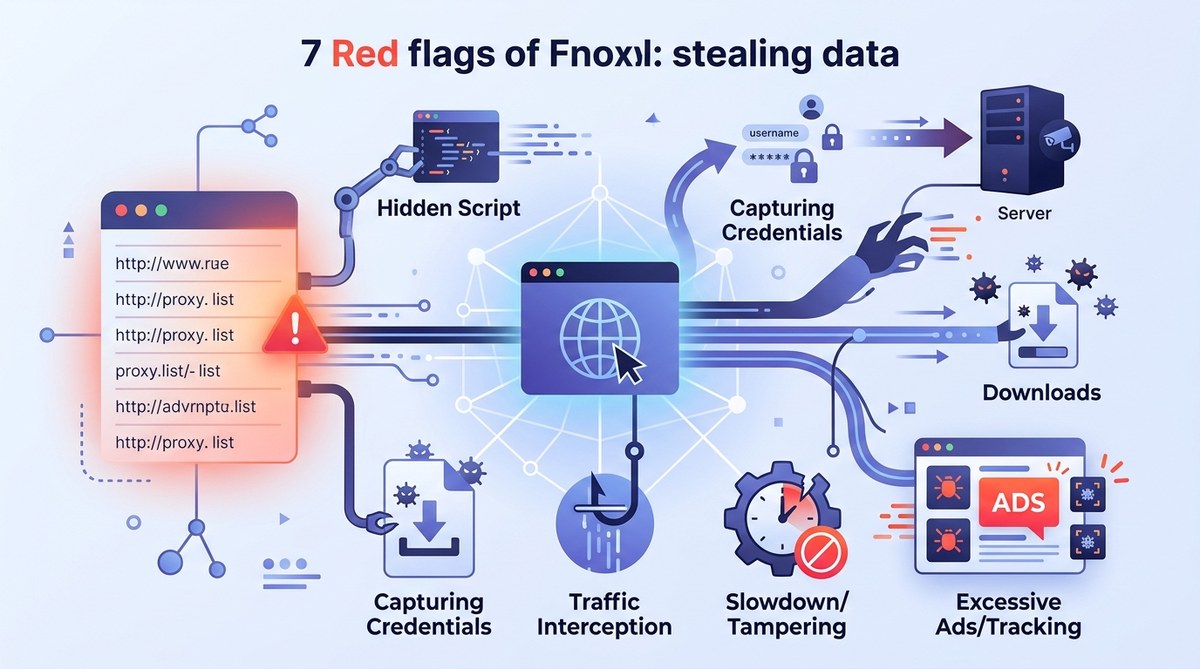
Using free proxy lists might seem tempting to save money or access restricted content quickly. But beneath the surface, many of these services pose serious risks to your data security. Cybercriminals often disguise malicious proxies as legitimate ones. Connecting to a compromised proxy can lead to data theft, malware infections, and even legal troubles. Knowing the warning signs can help you stay safe and choose trustworthy options for online privacy.
Identifying red flags in free proxy lists is essential to protect your personal data. Watch for suspicious behavior, performance issues, and untrusted sources to avoid falling victim to data theft and malware. Always verify proxy legitimacy before connecting and consider paid, reputable services for better security and reliability.
Recognizing the warning signs of malicious proxy lists
Many tech-savvy users rely on free proxy lists to browse anonymously or scrape web data. However, not all proxies are created equal. Some are set up with malicious intent or are poorly maintained. Here are common red flags indicating a free proxy list could be stealing your data:
1. The proxy list is from untrusted sources
If your proxy list comes from forums, shady websites, or user-generated content platforms, it’s a major red flag. These sources lack proper security measures and often host malicious proxies. Always opt for verified providers or well-known proxy services. Relying on unknown sources increases the risk of connecting to a proxy that logs or harvests your data.
2. Proxy performance is unusually slow or inconsistent
While free proxies are often overused, extreme slowness or frequent disconnects signal trouble. Malicious proxies may intentionally throttle your connection or disrupt your browsing to insert malware or capture your traffic. If your connection is sluggish without a clear reason, consider switching to a trusted paid proxy or VPN.
3. Proxy IPs are blacklisted or flagged
Check if the proxy IP addresses are on blacklists or flagged by security tools. Malicious proxies often get blacklisted because they are used for spamming, hacking, or data theft. Online tools or security extensions can help identify suspicious IPs before you connect.
4. Suspicious behavior or unexpected redirects
When using a proxy, observe how websites load. Unexpected redirects, strange pop-ups, or altered content are signs the proxy may be malicious. These tactics are common in proxies designed to hijack your traffic, steal credentials, or inject malware.
5. Lack of transparency or no encryption
Reliable proxies should clearly state their security measures. If a proxy list doesn’t specify if the connection is encrypted or uses HTTPS, avoid it. Malicious proxies often lack encryption, making your data vulnerable to interception and theft.
6. Proxy server is hosted on suspicious domains
Inspect the domain hosting the proxy. If it’s a free hosting service, a newly registered domain, or looks unprofessional, it’s likely untrustworthy. Malicious proxies often use disposable domains to evade detection.
7. The proxy list requests unnecessary permissions
Be cautious if a proxy service asks for permissions beyond basic browsing or setup. For example, requests for access to your device’s files, camera, or microphone are unnecessary and could be used to harvest sensitive information.
Practical steps to avoid data theft from free proxies
To protect your data and ensure you’re not connecting to a malicious proxy, follow these steps:
- Research proxy providers carefully: Use reviews and trusted sources. Opt for paid services with a good reputation.
- Verify encryption standards: Ensure the proxy uses HTTPS or other secure protocols.
- Test proxies before full use: Use tools to check for leaks, performance, and security.
- Monitor connection behavior: Watch for redirects, slow speeds, and unusual content.
- Limit sensitive activities: Avoid logging into banking, email, or other sensitive accounts over free proxies.
- Regularly update your proxy list: Remove suspicious proxies and keep your list current.
- Use additional security layers: Combine proxies with VPNs and security software for added protection.
Expert tip: Never trust a proxy service that doesn’t provide clear information about its security measures. Always verify the source and look for user reviews or security audits before connecting.
Common techniques malicious proxies use to steal data
| Technique | Description | Common Mistakes | How to Detect |
|---|---|---|---|
| Traffic interception | Capturing all data passing through the proxy | Connecting without verifying encryption | Use tools like Wireshark to analyze traffic |
| Malicious redirects | Redirecting users to fake login pages | Ignoring unusual URL changes | Monitor for unexpected URL redirects |
| Injection of malware | Injecting malicious scripts into webpages | Visiting untrusted sites over proxy | Use browser security extensions to scan content |
| Logging user data | Recording browsing activity and credentials | Using proxies from untrusted sources | Check provider privacy policies |
| Data harvesting | Collecting personal info for resale | Connecting to unknown proxies | Verify proxy reputation before use |
Mistakes to avoid when choosing free proxies
| Mistake | Consequence | How to prevent |
|---|---|---|
| Using proxies from unknown sources | Data theft, malware infection | Stick to reputable providers |
| Ignoring encryption | Data interception | Always verify if the proxy uses HTTPS |
| Overusing free proxies | Increased risk of malicious activity | Limit usage and rotate proxies regularly |
| Not testing proxy security | Exposure to leaks | Test proxies before use with leak detection tools |
| Relying solely on proxy lists | Incomplete security | Combine proxies with VPNs and security software |
Final thoughts on safe proxy usage
While free proxy lists seem appealing for quick access, they often hide dangers. Malicious proxies can steal your data, infect devices, or compromise your online identity. Always scrutinize proxy sources carefully. Look for verified, encrypted, and transparent services. Combining proxies with a trusted VPN and security tools provides a stronger shield.
Remember, protecting your data begins with awareness. Recognize the red flags discussed here and make informed choices. Your privacy and security depend on it.
Keeping your browsing safe from hidden dangers
Choosing the right proxy service requires vigilance. Avoid proxies from untrusted sources, check for encryption, and monitor your connection for suspicious behavior. When in doubt, switch to a reputable paid service with transparent policies. Protecting your data is worth the small investment of time and money.
Stay cautious and keep your online activities secure. When you recognize the warning signs of malicious proxies, you can avoid the pitfalls that threaten your privacy. Trustworthy proxies and VPNs are your best allies in maintaining online security.