 By carl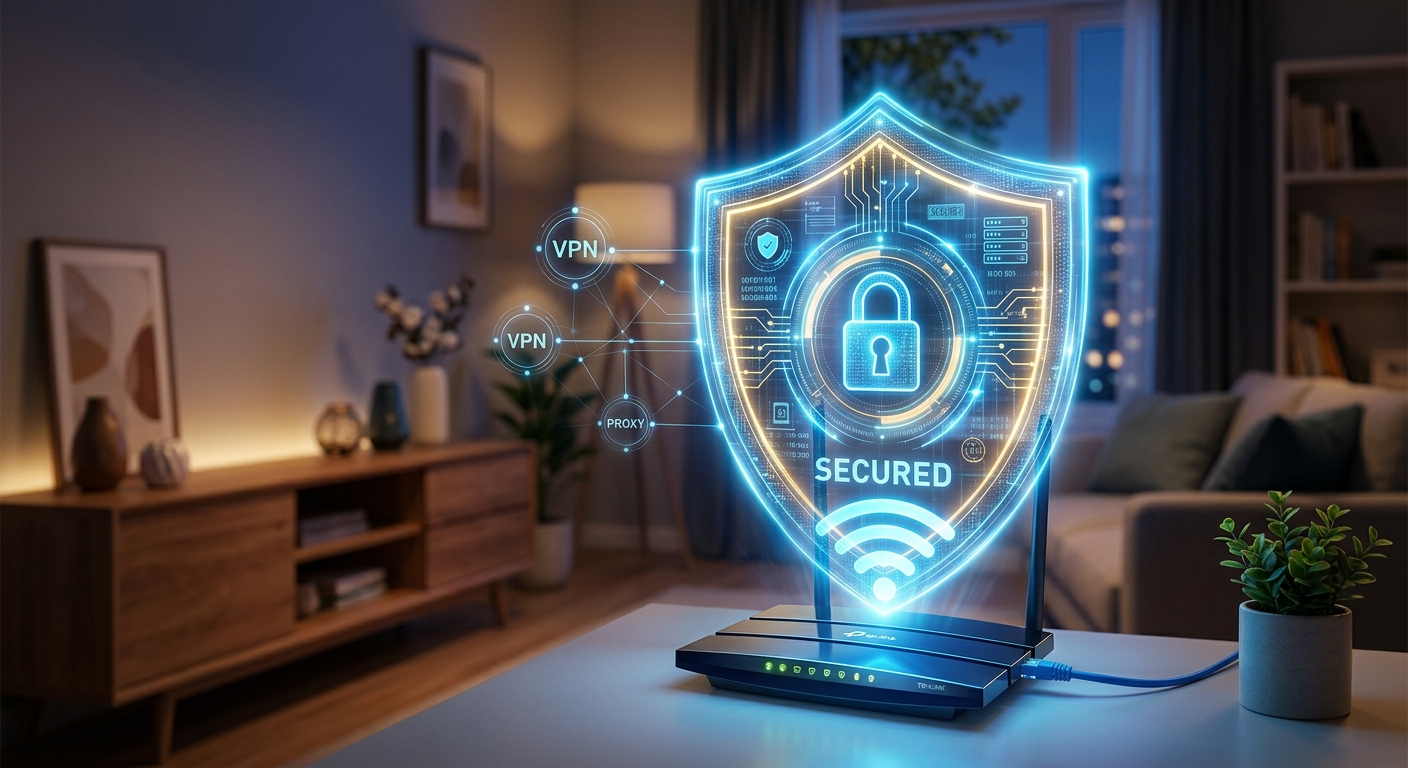
Your VPN is active. The tunnel is running. You feel covered. But if your router is still running factory firmware from two years ago, broadcasting an outdated encryption protocol, and sitting behind a password that includes a family name and a favorite number, your VPN is doing less than you think. A VPN encrypts traffic between your device and a remote server. It cannot protect data that gets intercepted before reaching that tunnel. The router is exactly where that interception can happen, and most home users never touch it after the initial setup.
Network Security Baseline: A secured router is not a bonus step , it is the condition your VPN and proxy depend on to work properly.
- Outdated router firmware carries documented exploits that no VPN can patch from the outside.
- Your encryption protocol and WiFi password determine whether an attacker can join your network at all.
- Local network attacks intercept traffic before the VPN tunnel opens, in a layer the tunnel never touches.
Why the Router Is the Real Entry Point for Attackers
Most people install a VPN and consider the privacy problem handled. The VPN hides the originating IP address, encrypts the connection, and prevents a passive observer on the public internet from reading the contents of that traffic. All of that is accurate. What it does not address is the environment the VPN runs inside.
Every device in your home sends its traffic through the router before it goes anywhere else. If the router has been compromised through a firmware exploit, or if an unauthorized device has joined the network through a weak password, an attacker positioned inside your local network can intercept traffic at the source. That means before the VPN tunnel opens. Before the encryption layer activates. Before your IP address gets masked at the exit node.
A VPN layered onto a compromised local network is similar to fitting a high-security lock onto a door frame that someone is already standing inside. The lock works fine from the outside. The problem is where the attacker is standing.
Firmware Updates Are the First Non-Negotiable Step
Router manufacturers release firmware updates that patch security vulnerabilities, close authentication bypasses, and fix bugs that eventually surface in public vulnerability databases. A router that has not been updated in the last twelve months is likely carrying at least one known, documented flaw that attackers with basic tools can exploit remotely. This is not a hypothetical risk. It is a measurable one.
Updating is not complicated. Open a browser and type your router’s admin address into the address bar. Most home routers use 192.168.1.1 or 192.168.0.1. Enter your admin credentials. If you have not changed them from the factory defaults printed on the router’s label, change them immediately after logging in. Inside the panel, find the firmware update section, usually located under “Advanced,” “Administration,” or “System.” Many modern routers include an option to check for and apply updates automatically. Enable that setting if it exists.
There is a firm boundary here: if your router model is out of manufacturer support and no new firmware is being released, the device is a liability. Running end-of-life firmware on the machine that handles all of your home traffic is not an acceptable background risk. Replacing it is a security decision, not a hardware upgrade. Older routers often carry vulnerabilities with no available fix, and no amount of VPN configuration changes that.
While you are in the admin panel, verify that the default admin username and password have been changed. Default credentials are widely published. Any attacker who can reach your router’s login page will try them first, and many will succeed on routers that were never properly configured after purchase.
Encryption Protocols Determine Whether Wireless Traffic Can Be Read
The encryption protocol your router uses to secure wireless connections is one of the most consequential settings in the entire admin panel. Different protocols offer very different levels of resistance, and several older options have been broken for years without many users knowing they are still running them.
WiFi Encryption Protocols Compared by Security Level
| Protocol | Current Status | Known Weakness | Use It? |
|---|---|---|---|
| WEP | Obsolete | Crackable in minutes with freely available tools | No |
| WPA-TKIP | Deprecated | Weak cipher, vulnerable to brute-force cracking | No |
| WPA2-AES | Acceptable minimum | Vulnerable to PMKID offline brute-force | Yes, if WPA3 unavailable |
| WPA3 | Current standard | Limited support on older client devices | Yes |
WEP, introduced in 1997, has been effectively broken for decades. An attacker with basic software can crack it in minutes. WPA-TKIP followed, but the cipher it relies on no longer provides meaningful resistance against modern attacks. WPA2-AES is the current acceptable floor, but carries a documented vulnerability worth understanding: the PMKID attack lets an attacker capture a small data packet passively and then attempt to crack the WiFi password offline, without maintaining a connection to your network. WPA3 addresses this by replacing the vulnerable WPA2 handshake with a method that blocks offline cracking attempts, a change formalized in WPA3 certification requirements from the wireless industry body.
To change the protocol, return to your router’s wireless settings and select WPA3 if the option is present. If your router offers a WPA2/WPA3 Transition Mode for compatibility with older devices, that is a practical middle ground. Avoid “Mixed Mode” settings that permit WEP or WPA-TKIP connections alongside WPA2. Allowing older protocols on the same network drops the effective security of the entire network to the weakest permitted option.
Your WiFi Password Controls the Gate to Your Entire Local Network
A strong encryption protocol paired with a predictable password is still a vulnerable network. WPA2’s PMKID vulnerability makes this especially consequential: an attacker does not need to stay connected to your network. They capture one small data packet and take the cracking process offline. Against a password built from a word, a name, a date, or any pattern a human might naturally choose, this kind of attack moves quickly on modern hardware.
The minimum standard for a WiFi password is sixteen characters with no dictionary words and no predictable structure. Random character strings are far more resistant to offline brute-force attempts than memorable passphrases, even long ones. A phrase like “GardenSunrise2019!” contains real English words and a recognizable year. A cracking tool working through a good wordlist can reach that combination faster than most users would expect.
Creating a genuinely random password by hand is harder than it sounds. Humans reach for patterns unconsciously, even when trying to be random. Using a WiFi password generator produces a high-entropy string with no recognizable structure that a dictionary attack could exploit. Generate one, store it in a password manager, and update the wireless settings on your router right away. You enter it once per device, then store it and move on.
This is also the right time to review your network name, or SSID. Avoid names that identify your household, your location, or your ISP and router model. A name like “Apartment4B-ATT” gives an attacker useful context before they have even tried to connect. A neutral, non-identifying SSID is a small but sensible precaution.
Managing Which Devices Can Access Your Network
Strong credentials and a solid encryption protocol protect the front door. Controlling which devices can join the network in the first place adds the next layer of access control.
Start with WPS, the WiFi Protected Setup feature built into most consumer routers. WPS was designed to simplify adding new devices using either a button or a PIN. The PIN-based method has a documented brute-force flaw that allows attackers to gain network access without knowing the WiFi password at all. There is no meaningful benefit to keeping it active on a secured home network. Find the WPS setting in your router’s wireless configuration section and disable it entirely.
After that, pull up the connected devices list in the admin panel. This shows every device currently on your network. Check it for anything unfamiliar. An unrecognized device might be a neighbor piggybacking on your connection, or it could mean that your credentials have already been compromised. If you find something that should not be there, change your WiFi password immediately. Every connected device will be required to re-authenticate.
Setting up a separate guest network for visitors and smart home devices is one of the most useful isolation steps available on modern routers. A guest network runs on a segmented subnet, meaning a device connected there cannot reach or communicate with devices on your main network. A compromised smart thermostat or a visitor’s laptop carrying malware stays contained within the guest segment. This takes a few minutes to configure in the router’s admin panel and provides real protection against an infected device moving laterally through your home environment.
Check your remote management settings as well. This feature allows access to the router’s admin interface from outside your home network over the public internet. Unless you have a specific, deliberate use case for that capability, it should be off. An exposed admin interface is a direct attack surface with no good reason to exist on a standard residential router.
How a Compromised Local Network Defeats a VPN Running in the Background
This is the mechanism worth fully understanding before placing any expectations on what a VPN subscription actually covers.
A VPN creates an encrypted tunnel from your device to a server at another location. Traffic inside that tunnel is protected from observation as it travels across the public internet. But the tunnel begins at your device. Everything happening on your local network before data reaches that starting point is outside the tunnel’s coverage area entirely. The VPN has no visibility into it.
An attacker already positioned inside your local network can run an ARP spoofing attack, manipulating your device’s address resolution table so that traffic routes through the attacker’s machine before it reaches the router. They can execute a DNS hijack that redirects your device’s name resolution requests to a server they control, capturing domain lookups before your VPN client has even established a connection. They can observe unencrypted traffic passing between devices on the same network segment. If your VPN client is configured to allow split tunneling, or if there is a brief startup window before the VPN activates when your device boots, any traffic leaving during that gap is exposed to anyone watching the local network.
None of these attacks are blocked by the VPN. They operate in the layer beneath the tunnel. Securing that layer is the only effective countermeasure, and it has to happen before the VPN is ever introduced into the setup. Treating router security as an afterthought, something to address after the VPN is already running, gets the order exactly backward.
The Foundation That Earns the VPN Its Keep
A VPN is a meaningful privacy tool. It encrypts traffic in transit, removes your home IP from the picture, and makes large-scale passive surveillance by internet service providers considerably harder. But those benefits only hold if the environment the VPN runs from is sound.
Updated firmware removes the known exploits attackers use to compromise routers before anyone inside the household notices. A current encryption protocol makes passive wireless interception impractical for anyone without physical proximity and specialized hardware. A long, random WiFi password removes the practical threat of offline brute-force attacks against your credentials. Disabled WPS and a reviewed connected-device list prevent unauthorized access through the most commonly exploited router features. A guest network limits the damage if an untrusted device does get in through other means.
None of these steps require deep technical expertise. They require time in the router’s admin panel and a decision to treat the router as active security infrastructure rather than background hardware that runs silently and gets ignored. Handle this layer first. Configure the VPN after. The tunnel will operate inside an environment worth trusting, and the privacy measures you put in place will actually do what you set them up to do.