 By carl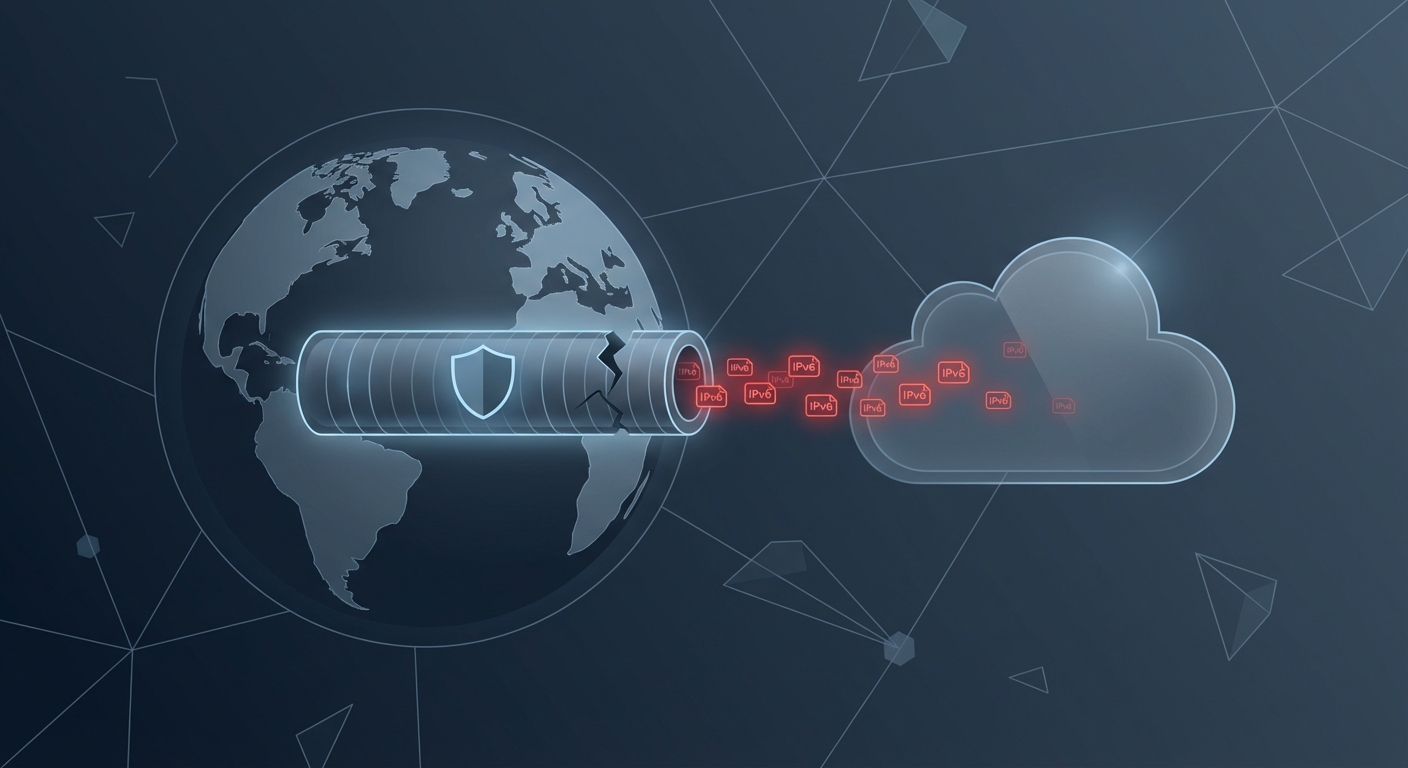
You connect to your VPN, check that it’s active, and assume your location is hidden. Then you open Google Maps and see your exact street. Or a streaming site still blocks you based on your real country. Your VPN is running, but your actual location is bleeding through an IPv6 leak.
An IPv6 VPN leak occurs when your device sends location data through IPv6 while your VPN only protects IPv4 traffic. This exposes your real IP address, location, and online activity to websites, ISPs, and third parties. Testing takes seconds, and fixes include disabling IPv6, choosing VPNs with dual-stack protection, or configuring your firewall to block unprotected IPv6 traffic completely.
Why IPv6 leaks happen even with a VPN running
Most VPNs were built for IPv4, the older internet protocol that uses addresses like 192.168.1.1. IPv6 is the newer standard with addresses that look like 2001:0db8:85a3:0000:0000:8a2e:0370:7334. Your internet provider likely gives you both types of addresses.
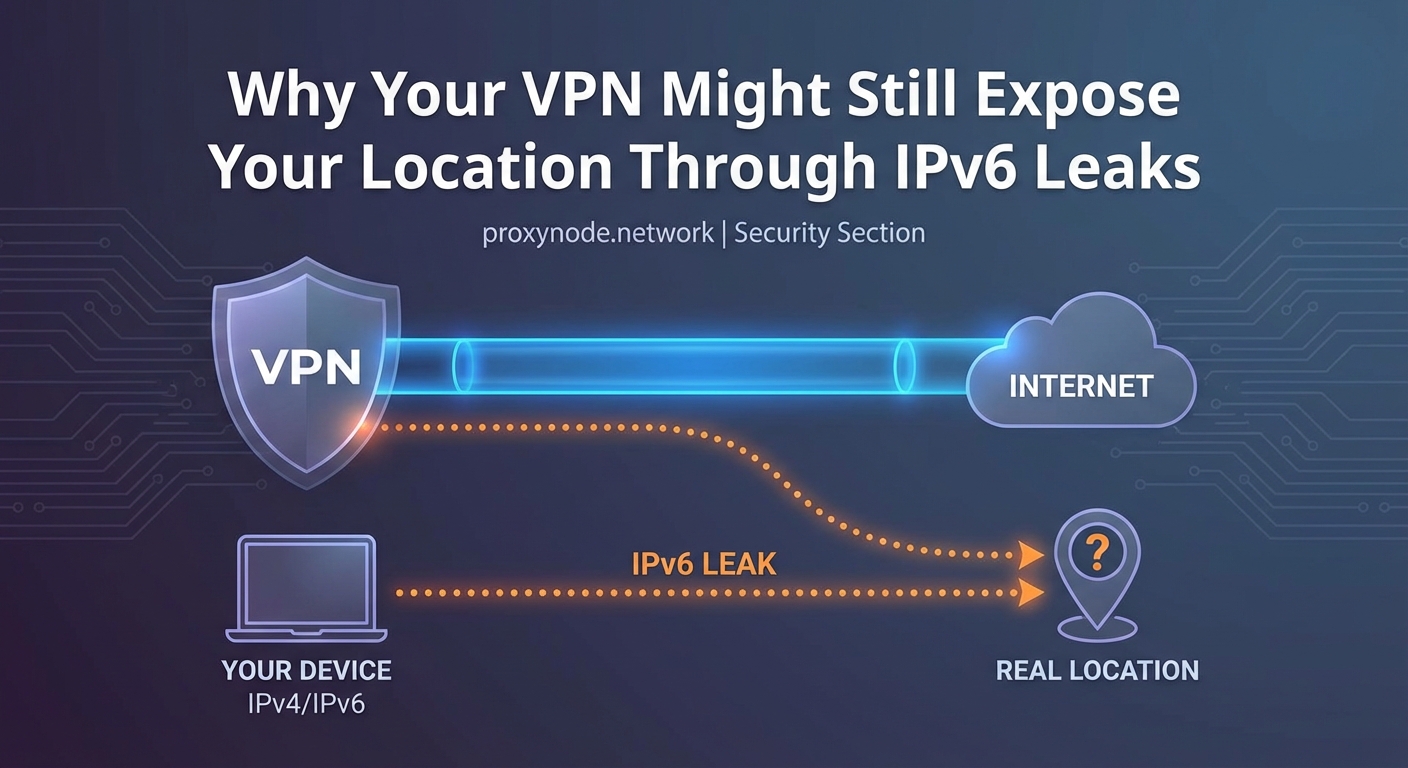
Here’s the problem. When you connect to a VPN, it creates a secure tunnel for your IPv4 traffic. But if the VPN doesn’t support IPv6 or handle it properly, your device will send IPv6 requests outside that tunnel. Websites that support IPv6 will see your real IPv6 address, bypassing the VPN entirely.
Your operating system prefers IPv6 when available. If a website offers both IPv4 and IPv6 connections, your device will choose IPv6 first. That means even though your VPN shows as connected, your actual location is visible to anyone looking at your IPv6 address.
Many popular VPN services still don’t route IPv6 traffic through their servers. Some block IPv6 entirely. Others ignore it and hope users won’t notice. The result is the same: a gap in your privacy protection that defeats the whole purpose of using a VPN.
How to test if your VPN is leaking IPv6
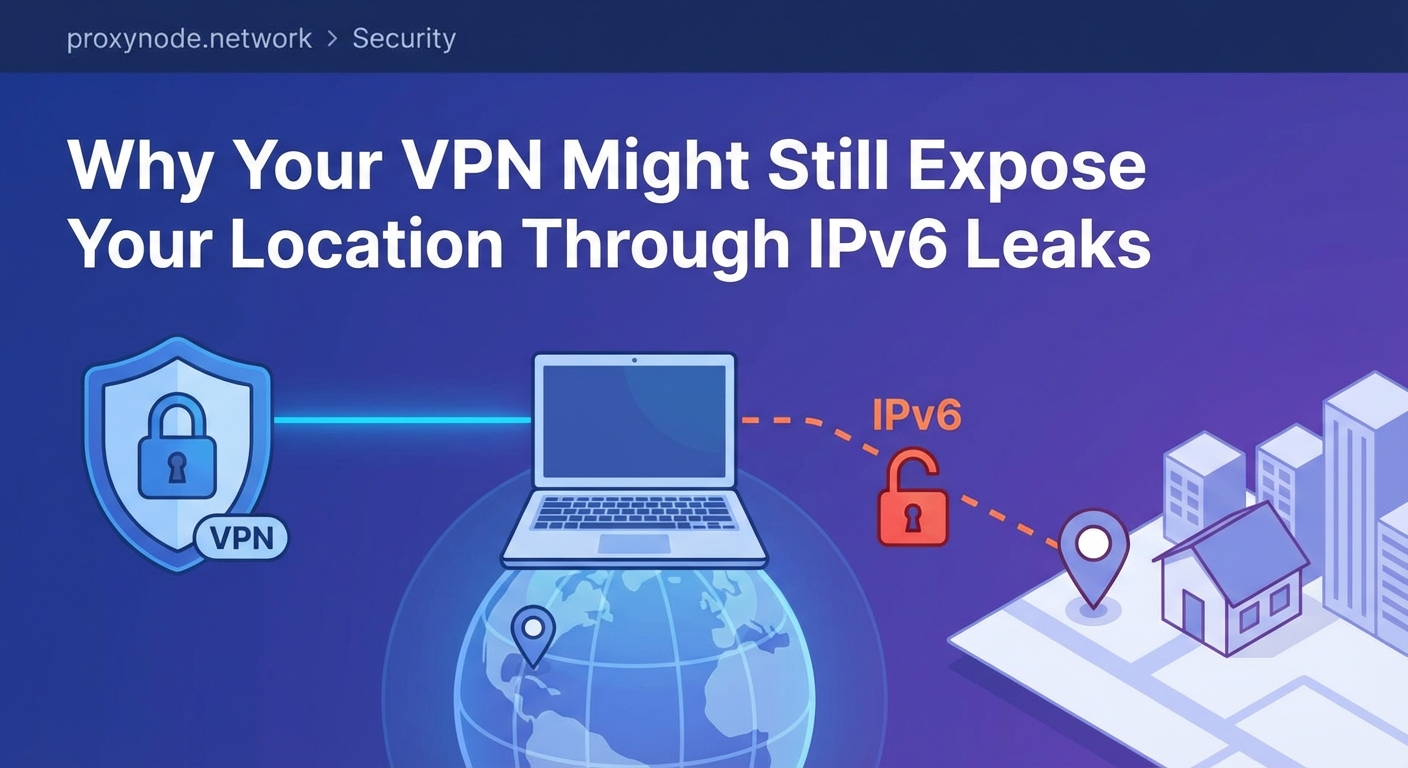
Testing for an IPv6 VPN leak takes about 30 seconds. You need to check what IP addresses are visible when your VPN is active.
- Disconnect your VPN completely and visit an IP leak test site that checks both IPv4 and IPv6.
- Note your real IPv4 and IPv6 addresses, along with the location they show.
- Connect to your VPN and choose a server in a different country or city.
- Refresh the leak test page and compare the results.
If you see your original IPv6 address or your real location still appearing, you have an IPv6 leak. The test should only show the VPN server’s address and location, not yours.
Some test sites will display multiple IPv6 addresses. Any address that matches what you saw before connecting to the VPN is a leak. Even one leaked address is enough to expose your real location.
You can also check specific services. Open Google Maps while connected to your VPN. If it shows your actual neighborhood instead of the VPN server’s city, that’s a clear sign of location leakage through IPv6.
What an IPv6 VPN leak actually exposes
The information revealed through an IPv6 leak is more detailed than most people realize. Your IPv6 address doesn’t just show a general location. It can pinpoint your ISP, your city, and sometimes your specific neighborhood.
Websites use this information to serve location-based content and ads. Streaming services check your IP to enforce geographic restrictions. If your real IPv6 address is visible, Netflix will know you’re not actually in the country your VPN claims.
Your internet provider can see which sites you visit through IPv6 even when your VPN is active. They can log this activity, throttle specific services, or hand over records to third parties. The VPN tunnel is useless if half your traffic bypasses it.
Advertisers and trackers build profiles based on your real location. They combine your IPv6 address with cookies, browser fingerprints, and other identifiers. An IPv6 leak makes you easier to track across sites and sessions.
Government surveillance and network monitoring also benefit from IPv6 leaks. If you’re trying to access blocked content or protect sensitive communications, a leak can expose exactly what you’re doing and where you’re located.
Common causes of IPv6 leaks in VPN connections
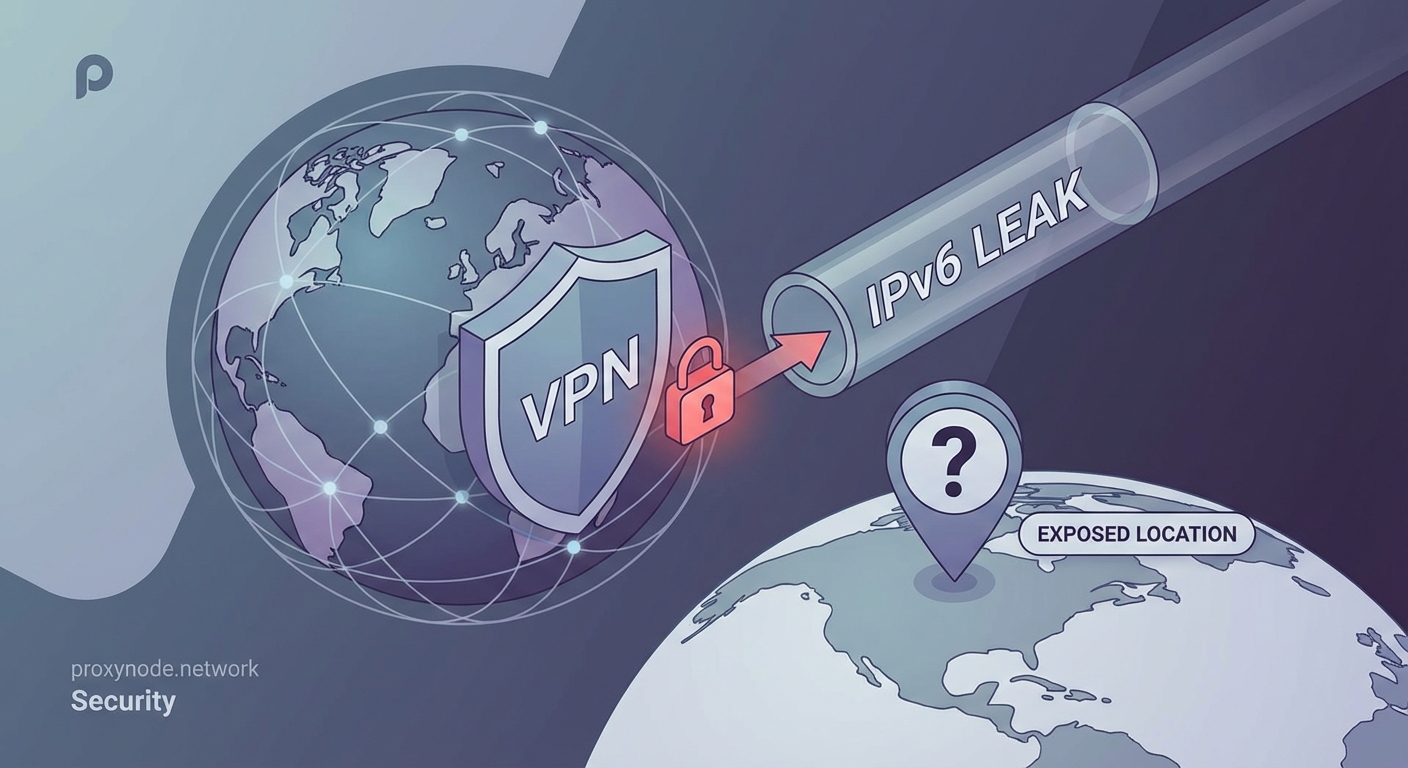
Several factors contribute to IPv6 leaks, and most users don’t realize they’re at risk until they test specifically for it.
| Cause | Why It Leaks | Who It Affects |
|---|---|---|
| VPN doesn’t support IPv6 | Service only tunnels IPv4 traffic | Users with IPv6-enabled networks |
| IPv6 enabled on device | OS sends IPv6 requests outside VPN | Default settings on most systems |
| DNS over IPv6 | DNS queries bypass VPN tunnel | Anyone using ISP’s default DNS |
| WebRTC with IPv6 | Browser exposes local IPv6 address | Users of Chrome, Firefox, Edge |
| Split tunneling misconfigured | IPv6 traffic excluded from tunnel | Advanced users with custom rules |
Your router might assign IPv6 addresses automatically through a protocol called DHCPv6 or SLAAC. Your device accepts these addresses and uses them without checking if your VPN can protect them.
Some VPNs claim to “block” IPv6 but only disable it at the application level. Your operating system can still send IPv6 traffic through other apps and system services. This creates inconsistent protection that fails during normal browsing.
Public WiFi networks increasingly support IPv6. Coffee shops, airports, and hotels often provide dual-stack connectivity. When you connect your VPN on these networks, the IPv6 leak risk is higher because the network actively encourages IPv6 use.
If your VPN doesn’t explicitly route IPv6 through its servers, assume it’s leaking. Blocking IPv6 entirely is safer than hoping your VPN handles it correctly.
How to fix IPv6 leaks on different devices
The most reliable fix is disabling IPv6 on your device. This forces all traffic through IPv4, which your VPN can protect properly.
On Windows:
- Open Network Connections in Control Panel
- Right-click your active network adapter and choose Properties
- Uncheck “Internet Protocol Version 6 (TCP/IPv6)”
- Click OK and restart your connection
On macOS:
- Open System Preferences and go to Network
- Select your active connection and click Advanced
- Go to the TCP/IP tab
- Set Configure IPv6 to “Link-local only” or “Off”
- Apply changes and reconnect
On Linux:
- Edit /etc/sysctl.conf as root
- Add these lines:
net.ipv6.conf.all.disable_ipv6 = 1andnet.ipv6.conf.default.disable_ipv6 = 1 - Run
sudo sysctl -pto apply changes - Verify with
ip ato confirm no IPv6 addresses appear
On mobile devices:
iOS doesn’t let you disable IPv6 system-wide. Android varies by manufacturer, but most don’t offer a simple toggle. For phones, your best option is choosing a VPN that properly handles IPv6 or using a VPN with a kill switch that blocks all non-VPN traffic.
Some routers let you disable IPv6 for your entire network. Log into your router’s admin panel, find the IPv6 settings, and turn it off. This protects every device on your network without individual configuration.
Choosing a VPN that prevents IPv6 leaks
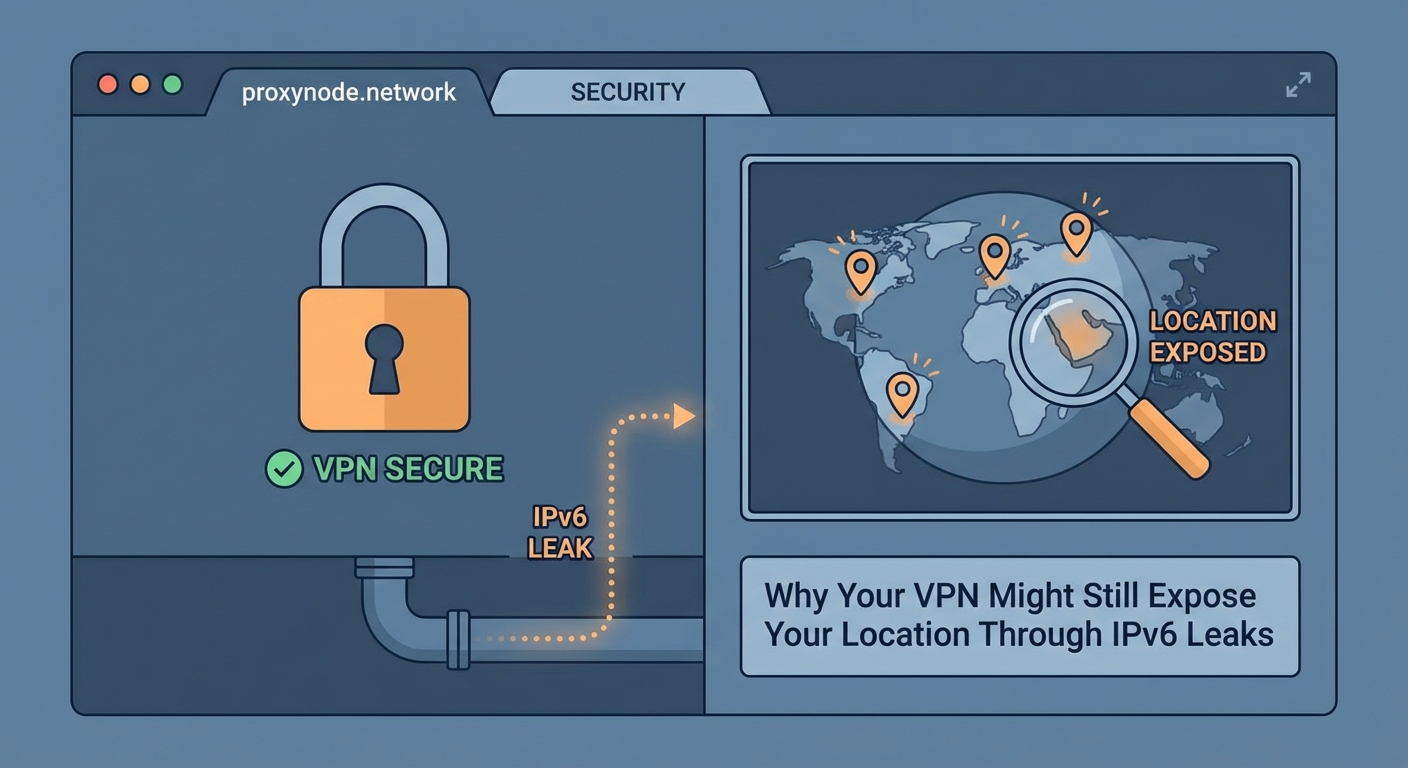
Not all VPNs handle IPv6 the same way. Understanding the different approaches helps you pick one that actually protects you.
Full IPv6 support means the VPN routes both IPv4 and IPv6 through its servers. You get complete protection without disabling anything. This is the ideal solution but requires VPN providers to maintain IPv6 infrastructure on all servers.
IPv6 blocking means the VPN detects and blocks IPv6 traffic at the firewall level. Your device can’t send IPv6 requests at all while connected. This works well but breaks any legitimate services that require IPv6.
IPv6 leak protection is a feature some VPNs advertise, but implementation varies. Some use firewall rules. Others modify routing tables. A few just disable IPv6 in their app settings, which doesn’t protect system-level traffic.
Before subscribing to a VPN, check their documentation for explicit IPv6 handling. Test their service with the methods described earlier. Don’t rely on marketing claims. Verify that no IPv6 addresses leak during actual use.
Look for VPNs that offer a kill switch with IPv6 protection. This feature cuts all internet access if the VPN drops, preventing leaks during reconnection. Make sure the kill switch specifically mentions IPv6, not just general connection failures.
Additional leak types to watch for
IPv6 leaks often occur alongside other privacy gaps. Testing for one type of leak should prompt you to check for others.
DNS leaks happen when your device sends domain name lookups to your ISP’s DNS servers instead of through the VPN. Your ISP can see every website you visit even if the connection itself is encrypted. Many IPv6 leaks include DNS leaks because DNS queries can travel over IPv6.
WebRTC leaks expose your local IP address through browser features designed for video calls and peer connections. Browsers can reveal both IPv4 and IPv6 addresses through WebRTC, bypassing your VPN entirely. Browser extensions can block WebRTC, or you can disable it in browser settings.
Connection drops create temporary windows where your real IP is visible. If your VPN disconnects for even a few seconds, your device will resume normal internet access using your real IPv4 and IPv6 addresses. A kill switch prevents this by blocking all traffic when the VPN isn’t active.
Test for all three leak types regularly. Your VPN configuration can change after software updates, network changes, or when connecting to different servers. A test that passed last month might fail today.
- Run leak tests on different networks: home, work, public WiFi
- Test immediately after connecting and after 10+ minutes of use
- Check multiple test sites to catch inconsistent results
- Test on every device you use with the VPN
What to do if you’ve been leaking IPv6
If you discover you’ve been experiencing an IPv6 VPN leak, the damage depends on how long it’s been happening and what you were doing online.
Your ISP has logs of sites you visited through the leaked IPv6 connection. These logs typically go back weeks or months. There’s no way to delete them. What you can do is stop the leak immediately and change your behavior going forward.
Streaming services might have flagged your account for VPN use if you were accessing region-locked content. Some services ban accounts that show inconsistent locations. If your real location leaked while you claimed to be elsewhere, that’s a red flag in their systems.
Advertisers have associated your real location with your browsing patterns. This profile will persist in their databases. You can’t erase it, but you can stop feeding it new data by fixing the leak and using tracker blockers.
If you were accessing sensitive content or communicating privately, assume those activities are linked to your real identity and location. Adjust your security practices accordingly. Consider whether you need to take additional steps to protect yourself based on your specific situation.
For future protection, set up your VPN correctly before doing anything that requires privacy. Test for leaks first. Verify your real location is hidden. Only then proceed with activities where anonymity matters.
Understanding why IPv6 isn’t going away
You might wonder why not just avoid IPv6 entirely if it causes so many problems. The internet is running out of IPv4 addresses, and IPv6 is the permanent solution.
IPv4 provides about 4.3 billion addresses. That sounds like a lot until you consider that there are more internet-connected devices than people on Earth. Phones, tablets, computers, smart home devices, and servers all need addresses. We exhausted the available IPv4 pool years ago.
IPv6 provides 340 undecillion addresses. That’s enough for every grain of sand on Earth to have trillions of IP addresses. The transition to IPv6 has been slow, but it’s accelerating. More ISPs, websites, and services support it every year.
Disabling IPv6 works now, but it won’t work forever. Eventually, some services will be IPv6-only. Your VPN needs to handle IPv6 properly, not ignore it. Choosing a VPN with full IPv6 support prepares you for the future while protecting you today.
The good news is that VPN providers are improving their IPv6 handling. Competitive pressure and user awareness are pushing the industry toward better solutions. What was rare three years ago is becoming standard.
Protecting your location beyond fixing IPv6 leaks
Stopping IPv6 leaks is essential, but location privacy requires multiple layers of protection. Your IP address is just one way sites can determine where you are.
Browser fingerprinting can reveal your location through timezone, language settings, installed fonts, and screen resolution. These details combine to create a unique profile that follows you across sites. Use privacy-focused browsers or extensions that randomize fingerprinting data.
GPS and location services in your browser can override your VPN entirely. Sites can request your physical location directly from your device. Always deny location permissions unless absolutely necessary, and check your browser settings to ensure location access is disabled by default.
WiFi network names and Bluetooth devices near you can be used to triangulate your position. Google and other companies maintain databases of WiFi access points and their locations. Even with a VPN, your device might leak this information through other apps.
Payment methods and account details often contain location data. If you log into an account that has your real address, the site knows where you are regardless of your IP. Use privacy-respecting payment methods and separate accounts for activities where location matters.
Keeping your VPN protection intact
An IPv6 VPN leak can undermine everything you’re trying to accomplish with a VPN. Your real location, identity, and online activity become visible to exactly the parties you’re trying to avoid.
Testing takes seconds. Fixing the leak is straightforward on most devices. The hardest part is remembering to verify your protection regularly, especially after system updates or when connecting to new networks.
Choose a VPN that takes IPv6 seriously, either by routing it properly or blocking it completely. Don’t assume your current VPN is safe just because it’s popular or expensive. Test it yourself and confirm that your real location stays hidden.
Your privacy is worth the few minutes it takes to check for leaks and apply the fixes. Start with an IPv6 test right now, before you do anything else online that matters.