 By carl
You’re running a scraper, pushing a deployment, or just trying to route traffic through your proxy server when everything grinds to a halt. Connection timeout. Again. The frustration doubles when you’re on a deadline and your entire workflow depends on that proxy staying alive.
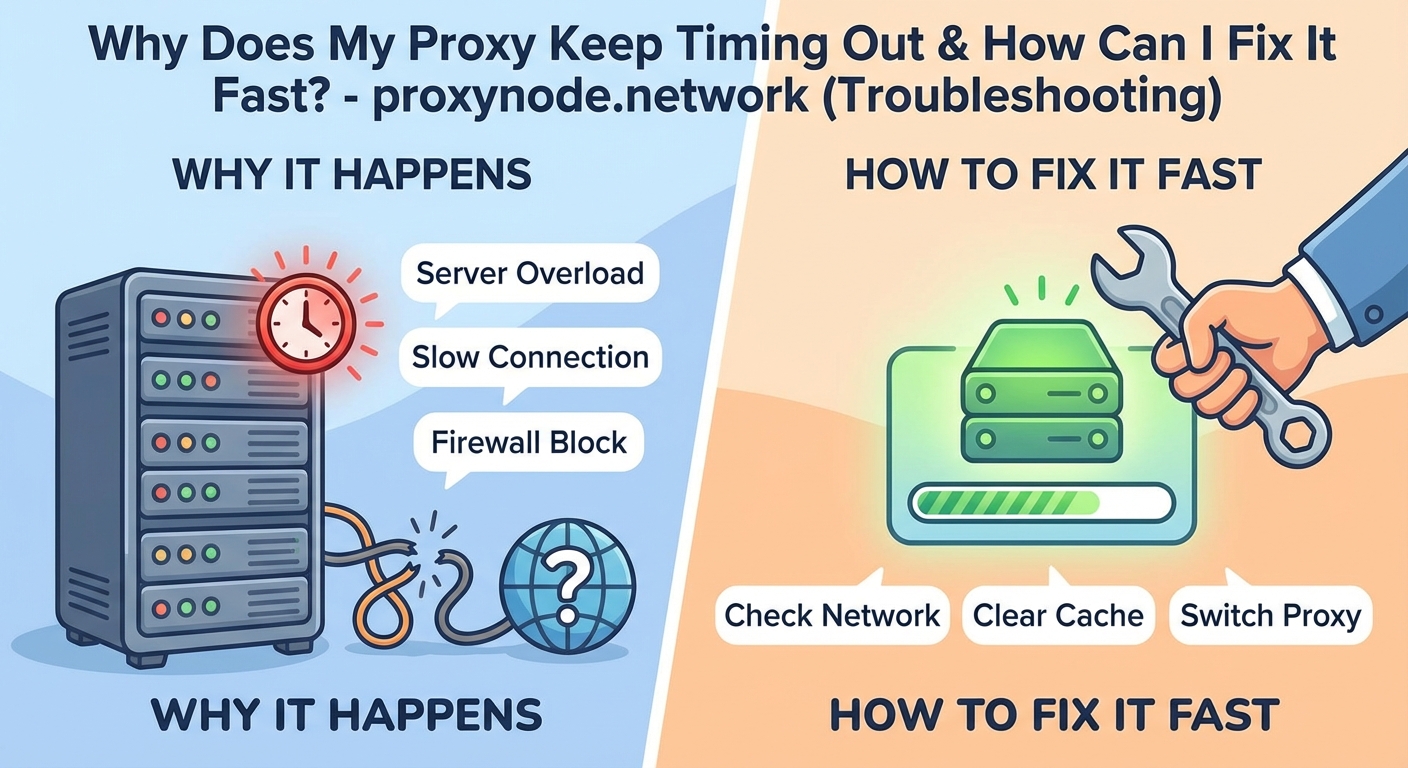
Proxy timeouts stem from network congestion, misconfigured settings, firewall blocks, or overloaded servers. Fix them by verifying credentials, adjusting timeout values, testing alternative ports, clearing DNS cache, and choosing reliable proxy providers. Most issues resolve within minutes using systematic troubleshooting. Prevention beats reactive fixes every time.
Understanding Why Proxies Time Out
A timeout happens when your client waits for a proxy response that never arrives within the expected window. The connection attempt expires. Your application throws an error. Work stops.
Several factors trigger this behavior. Network latency between you and the proxy server creates delays. If the proxy itself is overloaded with requests, it can’t respond fast enough. Firewall rules might silently drop packets. DNS resolution failures prevent the initial connection. Even your own application’s timeout settings might be too aggressive for the network conditions.
The proxy server acts as an intermediary. Your request travels to the proxy, which forwards it to the target server, receives the response, and sends it back to you. Any bottleneck in this chain can cause timeouts. The problem might sit on your end, the proxy provider’s infrastructure, or anywhere along the network path.
Geographic distance matters more than most developers realize. A proxy located across the ocean adds hundreds of milliseconds to every request. Stack that with a slow target server and you’re pushing against timeout limits before the first byte transfers.
Immediate Diagnostic Steps
Start by isolating where the failure occurs. Can you reach the proxy server at all? Try pinging the proxy IP address. If packets drop or latency exceeds several hundred milliseconds, you’ve found part of your problem.
Check your proxy credentials. Typos in usernames, passwords, or authentication tokens cause instant failures that look like timeouts. Verify the proxy IP address and port number match your provider’s documentation exactly.
Test with a simple curl command to eliminate application-layer complexity:
curl -x proxy.example.com:8080 -U username:password https://httpbin.org/ip
If this succeeds but your application fails, the issue lives in your code or configuration. If curl also times out, the problem sits with the proxy or network.
Review your application’s timeout settings. Default values like 30 seconds work for most scenarios, but large file transfers or slow target servers need longer windows. Bump the timeout to 60 or 90 seconds and test again.
| Symptom | Likely Cause | First Action |
|---|---|---|
| Instant failure | Wrong credentials or blocked IP | Verify authentication details |
| Intermittent timeouts | Server overload or network congestion | Test during off-peak hours |
| Consistent slow response | Geographic latency | Switch to closer proxy location |
| Works then stops | IP rotation or rate limiting | Check provider’s usage policies |
Configuration Fixes That Solve Most Problems
Your firewall might be blocking outbound connections to the proxy port. Corporate networks often restrict traffic to standard ports like 80 and 443. If your proxy runs on port 8080 or another non-standard port, you’ll need firewall exceptions.
Windows Firewall, iptables on Linux, and macOS Application Firewall all require explicit rules. Add an outbound rule allowing TCP traffic to your proxy’s IP and port. Test immediately after making the change.
DNS resolution failures cause mysterious timeouts. Your system can’t find the proxy server’s IP address, so the connection never starts. Flush your DNS cache:
- Windows:
ipconfig /flushdns - macOS:
sudo dscacheutil -flushcache - Linux:
sudo systemd-resolve --flush-caches
Some environments benefit from hardcoding the proxy IP in your hosts file. This bypasses DNS entirely. Add a line like 203.0.113.45 proxy.example.com to eliminate DNS as a variable.
Browser extensions and system-level proxy settings conflict with application configurations. If you’ve set a system proxy in Windows Settings or macOS System Preferences, your application might inherit those settings unexpectedly. Disable system proxies when testing application-specific configurations.
Network-Level Troubleshooting
Packet loss destroys proxy performance. Run a traceroute to your proxy server:
traceroute proxy.example.com
Look for hops with high latency or packet loss. If you see asterisks or timeouts at specific hops, network issues exist between you and the proxy. Your ISP might be the bottleneck.
MTU (Maximum Transmission Unit) mismatches cause subtle timeout issues. If your network uses an MTU smaller than 1500 bytes, fragmentation occurs. Test with different MTU sizes:
ping -M do -s 1472 proxy.example.com
If this fails but smaller packet sizes succeed, you have an MTU problem. Adjust your network interface MTU to match the path.
TCP connection limits on your system can exhaust available sockets. Check current connection counts on Linux:
netstat -an | grep ESTABLISHED | wc -l
If you’re maxing out file descriptors or connection limits, increase them in your system configuration. On Linux, edit /etc/security/limits.conf. On Windows, adjust registry values for TcpNumConnections.
Application and Code Adjustments
Most HTTP libraries provide timeout parameters. Python’s requests library offers both connection and read timeouts:
import requests

proxies = {
    'http': 'http://user:[email protected]:8080',
    'https': 'http://user:[email protected]:8080'
}

response = requests.get(
    'https://api.example.com/data',
    proxies=proxies,
    timeout=(10, 60)  # 10s connection, 60s read
)
The connection timeout controls how long to wait for the initial handshake. The read timeout governs how long to wait for response data. Separate values give you fine-grained control.
Node.js applications using axios need similar configuration:
const axios = require('axios');
const HttpsProxyAgent = require('https-proxy-agent');

const agent = new HttpsProxyAgent('http://user:[email protected]:8080');

axios.get('https://api.example.com/data', {
    httpsAgent: agent,
    timeout: 60000
});
Implement retry logic with exponential backoff. Temporary network hiccups shouldn’t crash your entire process. Retry failed requests with increasing delays:
- First retry after 1 second
- Second retry after 2 seconds
- Third retry after 4 seconds
- Fourth retry after 8 seconds
- Give up after fifth failure
This pattern handles transient failures without hammering the proxy server.
“The difference between a robust scraper and a fragile one often comes down to timeout handling. Set them too low and you fail on slow but valid responses. Set them too high and you waste time on genuinely dead connections. Test with real-world conditions to find the sweet spot for your use case.”
Proxy Provider Quality Issues
Not all proxy providers deliver the same reliability. Cheap residential proxies often come from compromised devices with unstable connections. They timeout frequently because the underlying internet connections are consumer-grade DSL or mobile networks.
Datacenter proxies offer better stability but face more blocking from target sites. The tradeoff depends on your use case. For reliability-critical applications, premium datacenter proxies from reputable providers beat budget residential options.
Shared proxies split bandwidth across multiple users. If another user on your proxy IP is hammering a server, your requests slow down. Dedicated proxies cost more but eliminate this variable.
Connection pooling at the provider level affects timeout rates. Good providers maintain persistent connections to popular destinations. Your request gets routed through an already-established connection instead of creating a new one each time. This cuts latency significantly.
Check your provider’s status page during timeout issues. Mass outages indicate infrastructure problems on their end. Switch to a backup provider or wait for resolution.
Advanced Debugging Techniques
Wireshark and tcpdump let you see exactly what’s happening at the packet level. Capture traffic while reproducing the timeout:
sudo tcpdump -i any -w proxy-debug.pcap host proxy.example.com
Open the capture file in Wireshark. Filter for your proxy’s IP address. Look for:
- TCP retransmissions indicating packet loss
- Long gaps between packets suggesting server delays
- RST packets showing connection resets
- Incomplete three-way handshakes pointing to firewall blocks
SSL/TLS issues cause timeouts that look like network problems. If the proxy uses HTTPS and certificate validation fails, the connection hangs. Test with certificate verification disabled (only for debugging):
response = requests.get(url, proxies=proxies, verify=False)
If this works, your certificate store is outdated or the proxy uses a self-signed certificate. Update your system’s CA certificates or add the proxy’s certificate to your trust store.
IPv6 versus IPv4 mismatches create connection failures. If your system prefers IPv6 but the proxy only supports IPv4, the initial connection attempt times out before falling back. Force IPv4:
curl -4 -x proxy.example.com:8080 https://example.com
Prevention Strategies for Long-Term Stability
Monitor your proxy connections proactively. Set up health checks that test connectivity every few minutes. Alert when timeout rates exceed normal thresholds. Catching degradation early prevents full outages.
Implement connection pooling in your application. Reusing TCP connections eliminates handshake overhead. Most HTTP libraries support this natively. Enable it and configure appropriate pool sizes.
Rotate between multiple proxy servers. If one times out, your application automatically tries the next. This redundancy keeps your workflow running even when individual proxies fail.
Keep your proxy credentials and configuration in environment variables or a configuration management system. Hardcoded values make troubleshooting harder and slow down provider switches.
Document your timeout settings and the reasoning behind them. When you revisit the code six months later, you’ll remember why that specific value was chosen. Future teammates will thank you.
When Timeouts Indicate Bigger Problems
Consistent timeouts across all proxies and all target sites suggest your local network is the issue. Your ISP might be throttling proxy traffic. Some ISPs detect proxy usage patterns and intentionally degrade performance.
Test from a different network. Use your phone’s hotspot or a VPN to bypass your primary ISP. If timeouts disappear, you’ve confirmed ISP interference.
Target websites sometimes detect and slow-roll proxy traffic without blocking it outright. They respond so slowly that requests timeout. Rotate user agents, add random delays between requests, and mimic human browsing patterns to reduce detection.
Your proxy provider might be overselling capacity. If timeout rates increase during peak hours, their infrastructure can’t handle the load. Request metrics from your provider or switch to one with better capacity planning.
Getting Back to Productive Work
Proxy timeouts frustrate everyone who depends on reliable connectivity. The good news is that systematic troubleshooting resolves most issues within minutes. Start with the simple fixes: verify credentials, check firewall rules, and test with curl. Move to network diagnostics if basic checks pass. Adjust timeout values and implement retry logic in your code.
Choose quality proxy providers even if they cost more. The time you save on troubleshooting pays for the price difference many times over. Monitor your connections, maintain redundancy, and document your configuration. Your future self will appreciate the preparation when the next timeout inevitably occurs.