 By carl
You want to browse privately. You want to stay secure online. And you’ve heard two terms thrown around constantly: VPN and proxy.
Both promise to hide your IP address. Both claim to protect your privacy. But they work in fundamentally different ways, and choosing the wrong one could leave you exposed or frustrated with slow speeds.
VPNs encrypt all your internet traffic and route it through secure servers, offering strong privacy and security across all apps. Proxies simply reroute specific traffic without encryption, making them faster but less secure. VPNs suit privacy-focused users needing full protection, while proxies work for simple IP masking or accessing geo-restricted content without heavy security requirements.
What a VPN actually does for you
A VPN creates an encrypted tunnel between your device and a remote server.
Every bit of data you send gets wrapped in layers of encryption before it leaves your computer. Your internet service provider can’t see what websites you visit. Hackers on public WiFi can’t intercept your passwords. Advertisers can’t track your real location.
The VPN server acts as a middleman. When you visit a website, the site sees the VPN server’s IP address instead of yours. Your real IP stays hidden.
This protection covers everything. Your browser, your email app, your messaging software. Every application that connects to the internet gets the same encryption and IP masking.
Most quality VPN services use protocols like OpenVPN, WireGuard, or IKEv2. These protocols determine how your data gets encrypted and transmitted. WireGuard offers excellent speed with strong security. OpenVPN provides maximum compatibility across devices.
The encryption strength matters. AES-256 encryption is the gold standard. It would take billions of years for even the most powerful computers to crack it through brute force.
How proxy servers work differently
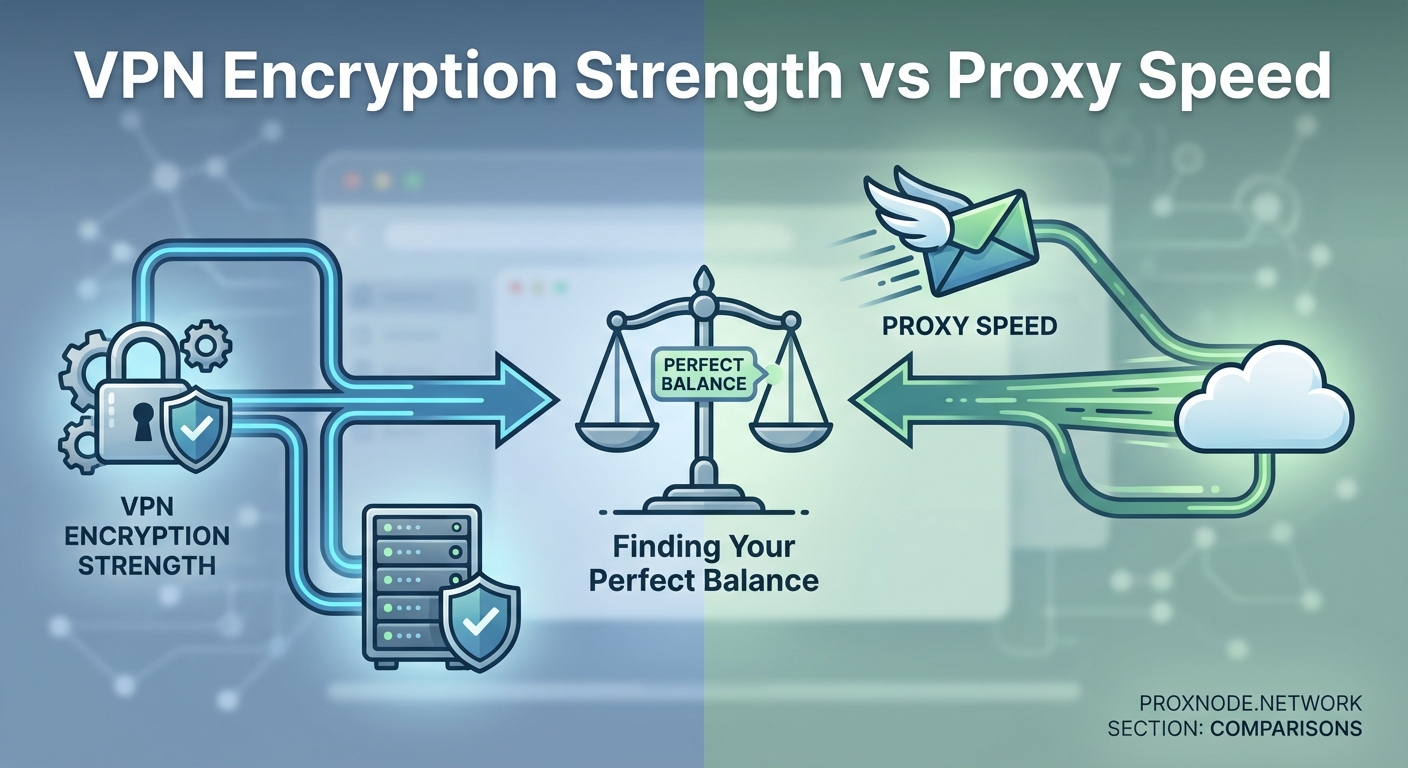
A proxy server sits between you and the internet, but without the encryption layer.
When you configure a proxy, your traffic gets rerouted through that server. The destination website sees the proxy’s IP address instead of yours. That’s where the similarity to VPNs ends.
Proxies operate at the application level. You might set up a proxy for your web browser, but your email client still uses your real IP. Your torrent app connects directly. Your gaming software bypasses the proxy entirely.
No encryption means your ISP can still see every website you visit. Anyone monitoring the network can intercept your data. The proxy server itself can see everything you do in plain text.
Different proxy types serve different purposes:
- HTTP proxies only handle web traffic and can’t manage other protocols
- SOCKS proxies support various traffic types including email and file transfers
- Transparent proxies don’t hide your IP at all and mainly cache content
- Anonymous proxies hide your IP but identify themselves as proxies
- Elite proxies hide your IP and don’t reveal they’re proxies
Free public proxies often log your activity and sell that data to advertisers. Some inject ads into the websites you visit. Others harbor malware that infects your device.
The security gap between these tools
Let’s be direct about the security difference.
VPNs encrypt your data. Proxies don’t. That single distinction changes everything.
When you use public WiFi at a coffee shop, anyone with basic hacking tools can intercept unencrypted traffic. They can steal login credentials, credit card numbers, and private messages. A VPN prevents this completely. A proxy offers zero protection.
Your ISP tracks your browsing history and can sell that data to third parties in many countries. VPNs block this tracking by encrypting your DNS requests and all traffic. Proxies leave your ISP with full visibility into your online activities.
Consider this comparison:
| Feature | VPN | Proxy |
|---|---|---|
| Encrypts all traffic | Yes | No |
| Protects all apps | Yes | No |
| Hides activity from ISP | Yes | No |
| Prevents WiFi snooping | Yes | No |
| Blocks DNS leaks | Yes (with kill switch) | No |
| Requires software installation | Yes | Sometimes |
Government surveillance becomes relevant depending on where you live. VPNs with a strict no-logs policy and servers in privacy-friendly jurisdictions offer meaningful protection. Proxies provide none.
Many VPN services include a kill switch feature. If your VPN connection drops unexpectedly, the kill switch blocks all internet traffic until the secure connection restores. Your real IP never leaks. Proxies lack this safeguard entirely.
Speed and performance realities
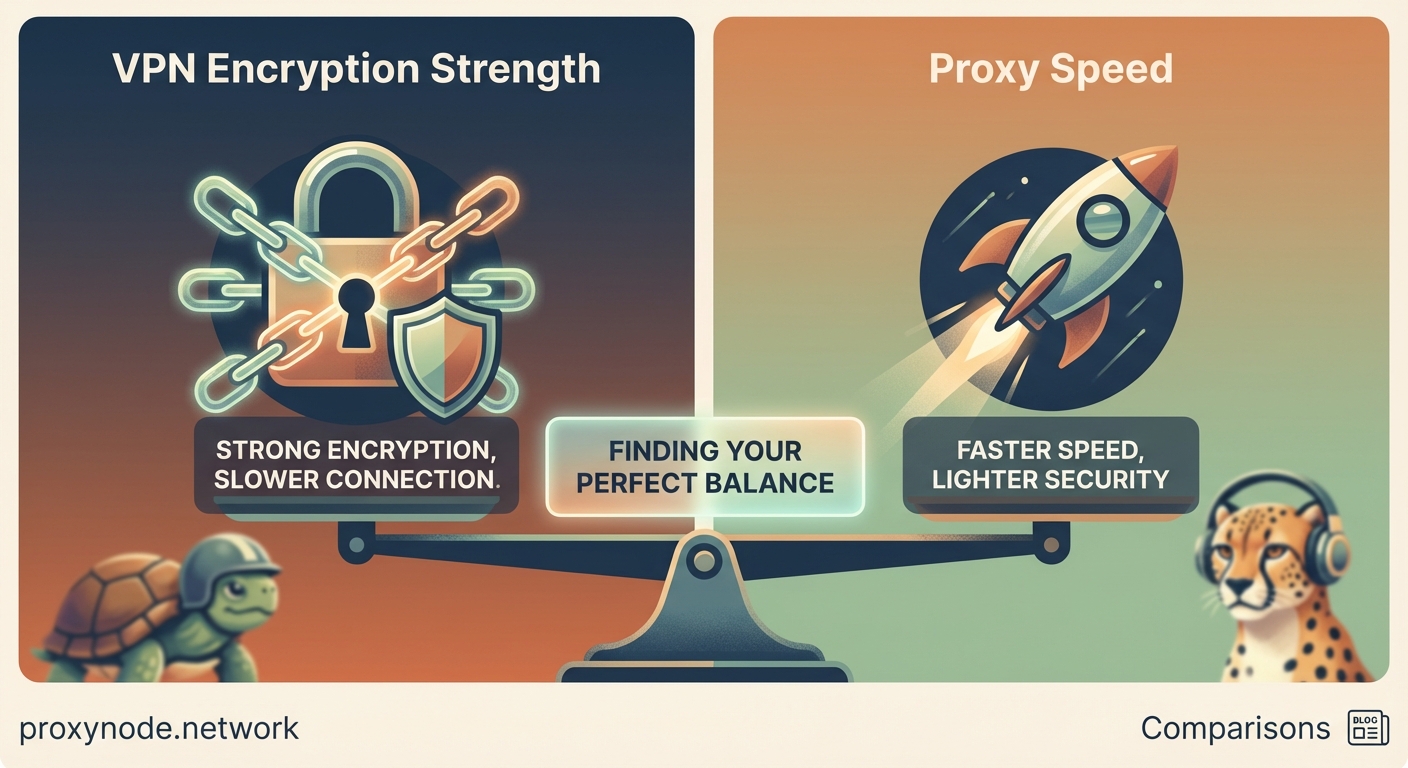
Encryption costs processing power and time. VPNs slow your connection more than proxies do.
The encryption process adds overhead. Your data needs to be encrypted before sending and decrypted upon arrival. This takes milliseconds, but those milliseconds add up.
Distance to the VPN server matters significantly. Connecting to a server across the ocean introduces latency. A server in your own country performs much better.
Quality VPN providers maintain fast servers with high bandwidth capacity. Budget services often overcrowd their servers, leading to painfully slow speeds during peak hours.
Proxies skip the encryption step entirely. Your traffic gets rerouted but not processed cryptographically. This makes proxies noticeably faster for basic tasks.
However, free proxies often run on cheap infrastructure with limited bandwidth. Hundreds or thousands of users share the same server. You might find a free proxy slower than a premium VPN.
Here’s what different activities demand:
- Streaming video needs consistent speed without buffering. Premium VPNs handle this well. Free proxies often fail.
- Online gaming requires low latency. VPNs add 10-50ms typically. Proxies add less but offer no DDoS protection.
- File downloads benefit from stable connections. VPNs maintain consistency. Proxies frequently disconnect.
- Web browsing works fine with both, though VPNs provide better security for login pages.
Choose your tool based on what you’re protecting. If you’re just accessing a geo-blocked article, a proxy might suffice. If you’re logging into your bank account on public WiFi, only a VPN provides adequate security.
Privacy policies and logging practices
What gets recorded about your online activity matters enormously.
Reputable VPN services operate under strict no-logs policies. They don’t record which websites you visit, what files you download, or when you connect. Independent audits verify these claims for top-tier providers.
The VPN company’s jurisdiction affects your privacy. Services based in countries with strong privacy laws offer better protection than those in surveillance-heavy nations. Switzerland, Panama, and the British Virgin Islands have favorable privacy regulations.
Free VPN services frequently log everything. They monetize your data by selling it to advertisers or data brokers. Their privacy policies often contain alarming clauses buried in legal language.
Proxy services rarely publish meaningful privacy policies. Free proxies almost universally log your activity. Many are operated by unknown entities with questionable intentions.
Some proxies actively inject tracking cookies into your browser. Others redirect your searches to earn affiliate commissions. A few engage in more malicious behavior like credential harvesting.
Paid proxy services used by businesses for legitimate purposes typically maintain better practices. These enterprise proxies serve specific technical needs like web scraping or load balancing.
When proxies make practical sense
Proxies aren’t useless. They solve specific problems efficiently.
Web developers use proxies constantly for testing how sites appear in different regions. A proxy in Japan lets you see the Japanese version of a website without traveling.
Price comparison shopping benefits from proxies. Airline tickets and hotel rooms often show different prices based on your location. Checking prices through proxies in various countries can save significant money.
Businesses use proxies for competitive intelligence. Marketing teams monitor how competitors’ ads display in different markets. Sales teams verify their own product listings appear correctly across regions.
Social media managers need proxies to manage multiple accounts without triggering platform security measures. Running ten client accounts from one IP address looks suspicious. Rotating proxies solve this problem.
Web scraping requires proxies to avoid IP bans. Collecting public data from websites at scale means making thousands of requests. Proxies distribute those requests across many IP addresses.
Accessing geo-restricted content works with proxies if you’re not concerned about security. Watching a sports stream only available in another country doesn’t require encryption. A simple proxy suffices.
When you absolutely need a VPN
Certain situations demand real security, not just IP masking.
Using public WiFi networks tops the list. Coffee shops, airports, hotels, and libraries all present security risks. Hackers specifically target these networks because users let their guard down.
Torrenting requires a VPN with a strict no-logs policy. Your IP address becomes visible to everyone in the torrent swarm. Copyright trolls monitor popular torrents and send legal threats to exposed IP addresses.
Working remotely with sensitive company data demands VPN protection. Many employers require VPN use when accessing corporate networks from home or while traveling.
Political activism or journalism in restrictive countries makes VPNs essential. Governments monitor internet traffic and punish dissent. Strong encryption and IP masking provide crucial protection.
Banking and financial transactions should always occur over VPN when you’re not on your home network. The encryption prevents man-in-the-middle attacks that steal account credentials.
Avoiding ISP throttling helps when your provider slows specific types of traffic. Some ISPs throttle streaming video or file sharing. VPN encryption prevents them from identifying and slowing that traffic.
Setting up each tool properly
Getting started with a VPN takes a few steps:
- Choose a reputable provider with verified no-logs policies and strong encryption standards.
- Download the official app for your device from the provider’s website, never from third-party sources.
- Install and launch the app, then log in with your account credentials.
- Select a server location based on your needs, prioritizing nearby servers for better speed.
- Enable the kill switch in settings to prevent IP leaks if the connection drops.
- Test for leaks using online tools that check if your real IP or DNS requests are exposed.
Configuring a proxy requires different steps depending on your use case:
- Browser extensions offer the easiest setup but only protect browser traffic
- System-wide proxy settings route all traffic but lack encryption
- Application-specific configs let you proxy only certain programs
Free proxies found through web searches carry serious risks. Stick with known providers if you must use a proxy.
Combining both tools strategically
Advanced users sometimes run a VPN and proxy simultaneously.
This setup routes your traffic through the VPN’s encrypted tunnel first, then through a proxy server. The proxy sees the VPN’s IP address instead of yours. The destination website sees the proxy’s IP.
This double-layer approach provides extra anonymity but significantly impacts speed. The added routing and processing slow your connection noticeably.
Journalists and activists in high-risk situations might accept this speed penalty for enhanced protection. Most regular users find the performance hit unacceptable.
A more practical combination involves using a VPN as your default protection and switching to proxies for specific tasks. Keep your VPN running for general browsing and banking. Toggle to a proxy when you need to test regional website variations.
Some VPN providers now offer proxy services as add-ons. This integration simplifies switching between tools without managing separate subscriptions.
Cost considerations and free options
Quality VPN services typically cost between $3 and $12 monthly with annual subscriptions. Monthly plans run $10 to $15.
This investment buys you strong encryption, reliable speeds, no-logs policies, and customer support. The best providers offer 30-day money-back guarantees for risk-free testing.
Free VPNs impose severe limitations. Data caps restrict you to a few gigabytes monthly. Speed throttling makes streaming impossible. Server options shrink to one or two locations. Worst of all, many free VPNs log and sell your data.
Proxies range from free to expensive depending on quality and purpose. Free public proxies cost nothing but provide no security and unreliable performance. Premium residential proxies used by businesses can cost hundreds monthly.
For most privacy-conscious users, a mid-tier VPN subscription offers the best value. You get comprehensive protection across all devices and activities for less than a couple of coffee shop visits monthly.
Common mistakes that compromise security
Even with the right tool, poor practices undermine your protection.
Trusting free VPNs or proxies ranks as the biggest mistake. If you’re not paying for the product, you are the product. These services monetize your data in ways that defeat the entire purpose of using them.
Forgetting to enable the VPN before connecting to public WiFi exposes you during those vulnerable first moments. Make it a habit to activate your VPN before joining any untrusted network.
Using the same password across multiple services creates cascading failures. If one service gets breached, attackers gain access to all your accounts. A password manager solves this problem.
Ignoring DNS leaks means your DNS requests bypass the VPN and go directly to your ISP. They can still see which websites you visit even with the VPN active. Enable DNS leak protection in your VPN settings.
Choosing servers in countries with poor privacy laws undermines your protection. Some nations require VPN providers to log user data. Research your VPN’s jurisdiction before subscribing.
Disabling the kill switch to maintain internet access during brief disconnections creates windows of exposure. Those moments when your real IP leaks can compromise your privacy.
Making your decision with confidence
You now understand the fundamental differences between VPNs and proxies.
VPNs provide comprehensive security through encryption and protect all your internet traffic across every application. They cost more and slightly reduce your connection speed, but they deliver real privacy protection.
Proxies offer faster speeds and work well for simple IP masking tasks like accessing geo-restricted content. They provide no encryption and leave you vulnerable to surveillance and hacking.
Your choice depends on your specific needs. Casual users who occasionally want to watch foreign content might find proxies sufficient. Privacy-focused individuals who use public WiFi, handle sensitive data, or live in countries with internet restrictions need VPNs.
Don’t compromise your security to save a few dollars monthly. The consequences of exposed personal data far outweigh the cost of a quality VPN subscription. Your financial information, private communications, and browsing history deserve proper protection.
Start with a reputable VPN service that offers a money-back guarantee. Test it for a few weeks across your typical online activities. You’ll quickly learn whether the security benefits outweigh any speed reduction for your specific usage patterns.