 By carl
You want privacy online. You’ve heard about VPNs and SOCKS5 proxies. Both promise to hide your activity, but they work in fundamentally different ways.
One encrypts everything. The other just reroutes your connection. One protects you from hackers on public WiFi. The other might leave your data completely exposed.
Choosing the wrong tool could give you a false sense of security while your ISP, government, or malicious actors watch everything you do.
VPNs encrypt all your internet traffic and hide your IP address from everyone, including your ISP. SOCKS5 proxies only reroute specific application traffic without encryption, offering speed but minimal privacy protection. For genuine anonymity and security, VPNs provide comprehensive protection. SOCKS5 proxies work best for bypassing geo-restrictions when security isn’t critical. Neither tool makes you completely anonymous, and both have specific use cases where they excel or fail.
How SOCKS5 Proxies Actually Work
A SOCKS5 proxy sits between your device and the internet, acting as a middleman that forwards your requests.
When you connect to a website through a SOCKS5 proxy, the website sees the proxy’s IP address instead of yours. Your real IP stays hidden from the destination server.
But here’s what most people miss: SOCKS5 doesn’t encrypt your traffic.
Your ISP can still see what websites you visit. Anyone monitoring the network can read your data. The proxy server itself can see everything you do.
SOCKS5 operates at Layer 5 of the OSI model, which means it works with individual applications rather than your entire internet connection. You configure specific programs like your torrent client or browser to use the proxy.
This application-level approach gives you flexibility. You can route some traffic through the proxy while other apps use your regular connection.
The protocol supports multiple authentication methods and handles all types of traffic, including TCP and UDP. This makes SOCKS5 more versatile than older HTTP proxies that only work with web traffic.
How VPNs Protect Your Connection
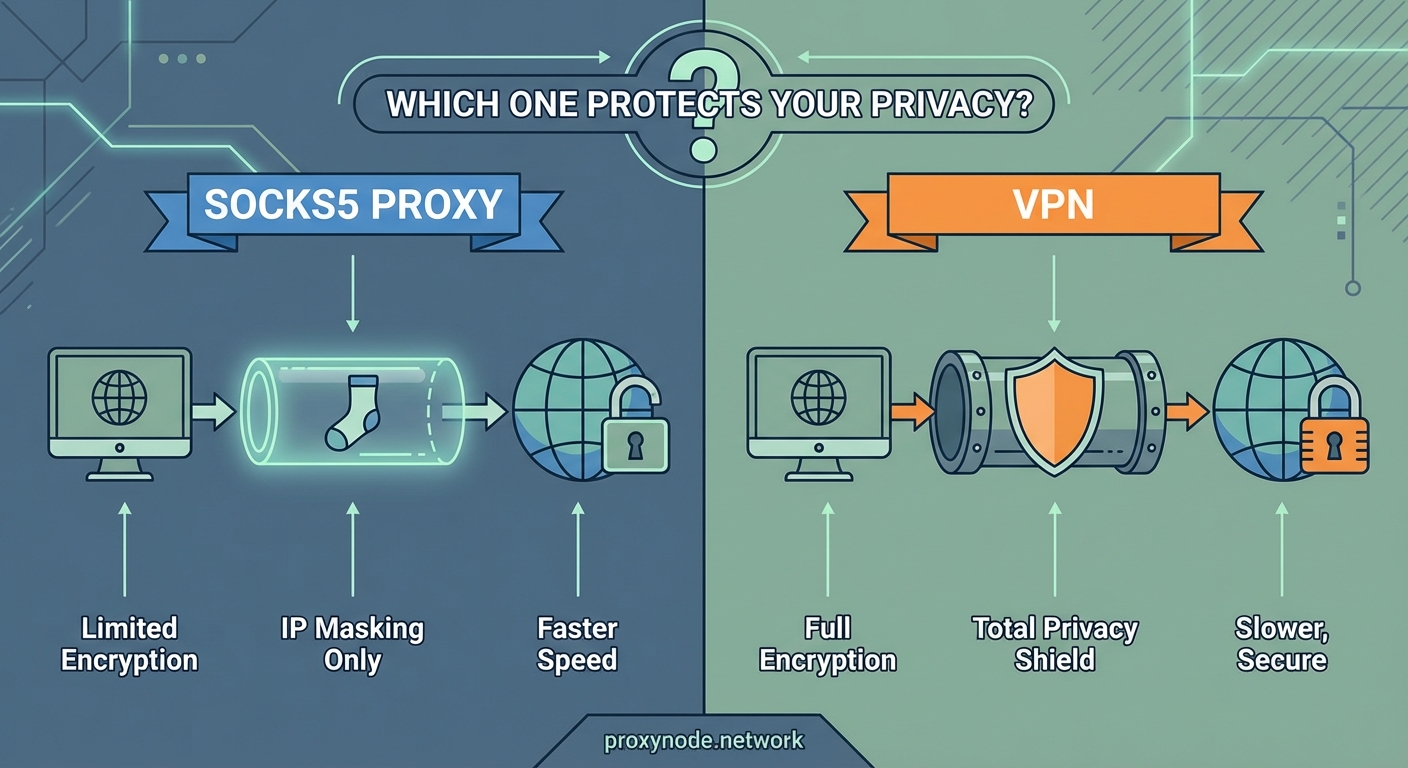
A VPN creates an encrypted tunnel between your device and a VPN server.
Everything that leaves your device gets encrypted before it travels through your ISP’s network. Your ISP sees that you’re connected to a VPN server, but they can’t see what websites you visit or what data you send.
The encryption happens at the network level, covering all applications on your device automatically. You don’t need to configure individual programs.
When your encrypted data reaches the VPN server, it gets decrypted and sent to its final destination. The website sees the VPN server’s IP address, not yours.
Modern VPNs use protocols like WireGuard, OpenVPN, or IKEv2 with strong encryption standards like AES-256. These protocols make it virtually impossible for anyone to intercept and read your data.
The VPN server then receives the response from the website, encrypts it, and sends it back to you through the same secure tunnel.
This process protects you from:
- ISP surveillance and data logging
- Government monitoring
- Hackers on public WiFi networks
- Websites tracking your real location
- Man-in-the-middle attacks
Privacy Protection Compared
Here’s where the differences become critical for privacy-conscious users.
| Feature | SOCKS5 Proxy | VPN |
|---|---|---|
| Encryption | None | Full end-to-end encryption |
| ISP visibility | Sees all your activity | Only sees VPN server connection |
| DNS leak protection | Usually no | Yes (with good providers) |
| Application scope | Per-app configuration | System-wide protection |
| IP hiding | From destination only | From everyone |
| Public WiFi safety | No protection | Full protection |
A SOCKS5 proxy only hides your IP from the websites you visit. Your ISP knows exactly what you’re doing. Anyone with access to your network traffic can read your passwords, messages, and browsing history.
VPNs encrypt everything, making your traffic unreadable to anyone monitoring the connection.
But VPNs aren’t perfect either. Your VPN provider can see your traffic after it’s decrypted on their server. You’re shifting trust from your ISP to your VPN company.
This makes choosing a trustworthy VPN provider absolutely critical. Look for providers with:
- Independently audited no-logs policies
- Jurisdiction in privacy-friendly countries
- Open-source clients
- Transparent ownership
Many free VPN services actually sell your browsing data to advertisers, defeating the entire purpose of using a VPN.
Speed and Performance Differences
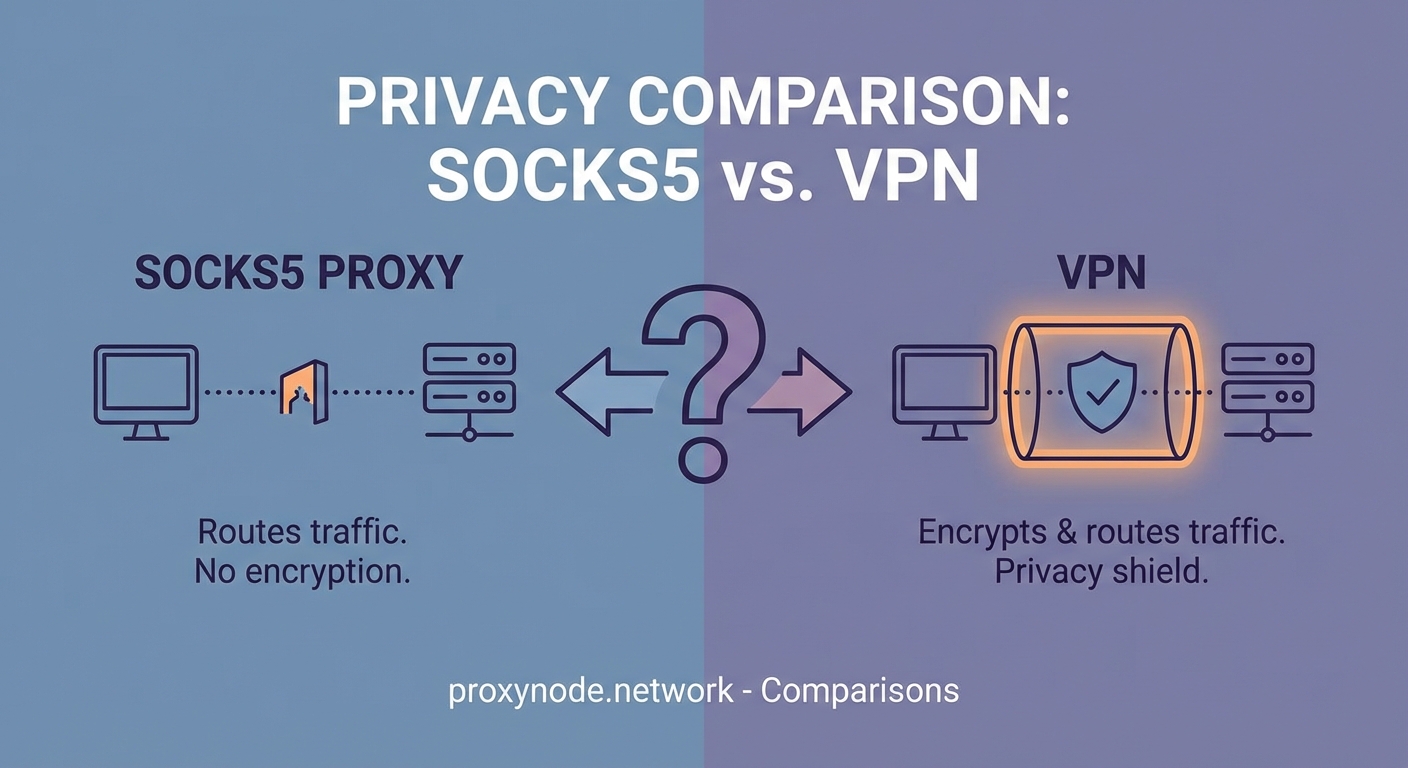
SOCKS5 proxies generally offer faster speeds than VPNs.
Without encryption overhead, proxies add minimal latency to your connection. This makes them popular for streaming, gaming, or torrenting when you want to bypass geo-restrictions without sacrificing speed.
VPN encryption requires processing power. Your device must encrypt outgoing data and decrypt incoming data, which adds some delay.
The VPN server also needs to handle encryption and decryption for potentially thousands of simultaneous users. This creates bottlenecks during peak hours.
However, modern VPN protocols like WireGuard have dramatically reduced this performance gap. Many users won’t notice any slowdown with a quality VPN provider.
Distance to the server matters for both tools. Connecting to a proxy or VPN server on another continent adds latency regardless of encryption.
For bandwidth-intensive activities like 4K streaming, a nearby SOCKS5 proxy might deliver better performance. For everything else, the speed difference has become negligible with current technology.
Security Vulnerabilities You Should Know
SOCKS5 proxies expose you to several security risks that VPNs prevent.
Without encryption, anyone monitoring your network can intercept your data. This includes:
- Coffee shop hackers on public WiFi
- Your ISP or network administrator
- Government surveillance programs
- Malicious proxy operators
DNS leaks are common with SOCKS5 proxies. Even though your connection goes through the proxy, DNS requests might still go directly to your ISP, revealing which websites you visit.
Many SOCKS5 proxies don’t support authentication, allowing anyone to use them. This attracts malicious users who might get the proxy’s IP address blacklisted.
VPNs prevent these issues through encryption and built-in DNS leak protection. But they introduce different concerns.
If your VPN connection drops unexpectedly, your device might continue sending unencrypted traffic through your regular internet connection, exposing your real IP and activity. Always enable a kill switch feature that blocks all internet access if the VPN disconnects.
VPN providers can be compromised, hacked, or forced to hand over user data. Some countries require VPN companies to log user activity and provide it to authorities on request.
WebRTC leaks can expose your real IP address even while connected to a VPN if your browser isn’t properly configured.
Real Use Cases for Each Tool
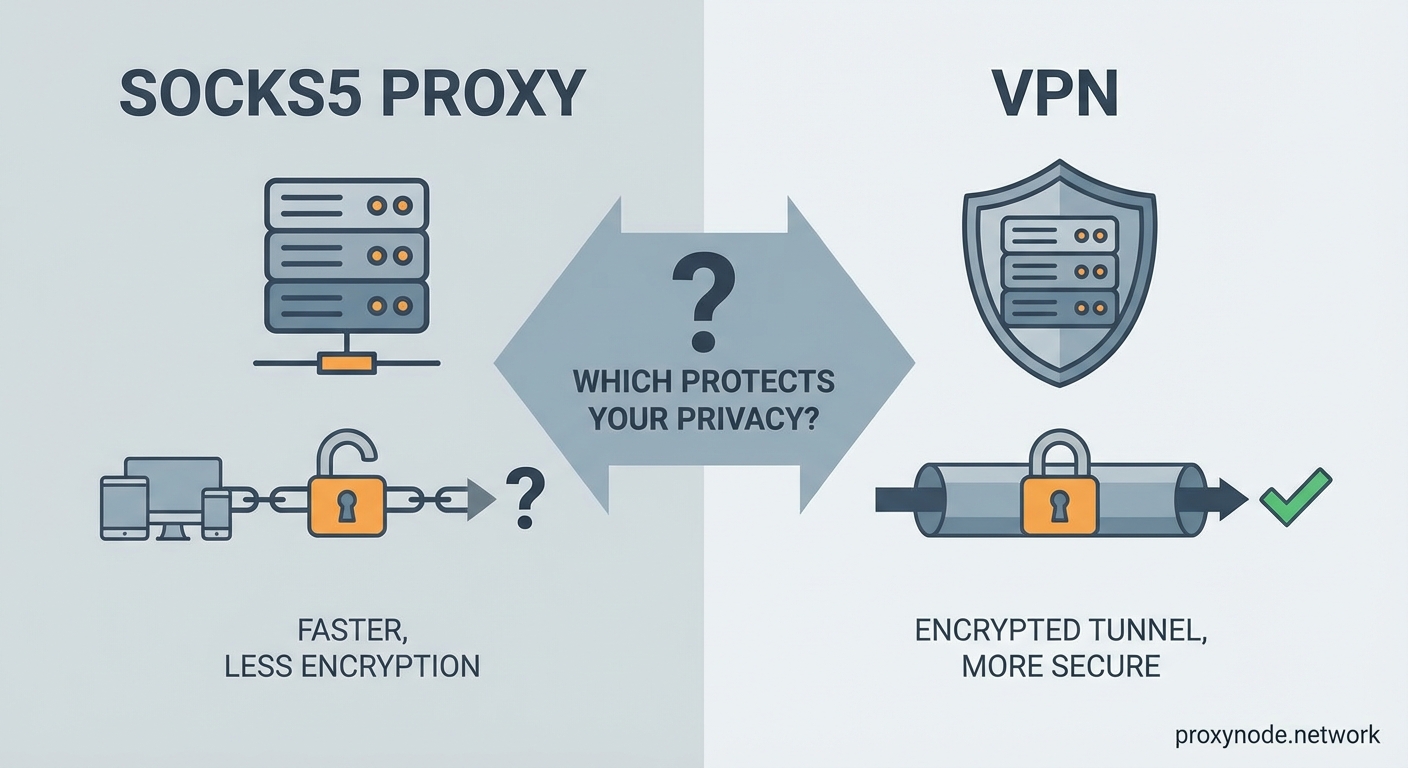
SOCKS5 proxies excel in specific situations where encryption isn’t necessary.
Use a SOCKS5 proxy when you need to:
- Access geo-restricted streaming content without speed loss
- Bypass IP-based rate limits for web scraping projects
- Test how your website appears from different locations
- Route torrent traffic separately from your main connection
- Avoid IP bans while gaming on public servers
VPNs make more sense for privacy and security scenarios.
Choose a VPN when you need to:
- Protect sensitive data on public WiFi networks
- Hide your browsing activity from your ISP
- Access the internet safely in countries with heavy censorship
- Prevent websites from tracking your real location
- Protect all applications on your device simultaneously
Many people use both tools for different purposes. You might use a VPN for general browsing and banking, then switch to a SOCKS5 proxy for streaming sports from another country.
Some torrent users combine both by running a VPN for encryption and a SOCKS5 proxy within their torrent client for an extra layer of IP hiding.
Setting Up Each Solution Properly
Getting a SOCKS5 proxy running requires manual configuration in most cases.
For browser use:
- Obtain SOCKS5 proxy credentials from your provider (IP address, port, username, password)
- Open your browser’s network settings or use a proxy extension
- Enter the proxy server details and authentication information
- Test your connection by checking your IP address at a service that shows your current IP
- Verify that DNS requests also go through the proxy to prevent leaks
For torrent clients, the process varies by application but generally involves entering the proxy details in the connection preferences section.
VPN setup is usually simpler:
- Download the VPN provider’s application for your device
- Install and open the app
- Log in with your account credentials
- Select a server location
- Click connect
Most VPN apps handle all the technical configuration automatically, including DNS settings and leak protection.
For advanced users, manual VPN configuration using OpenVPN or WireGuard configuration files provides more control over connection settings.
Always test for leaks after setup. Visit a DNS leak test website while connected to verify your real IP and DNS servers aren’t exposed.
Cost Considerations and Access
SOCKS5 proxies often come cheaper than VPNs, but pricing structures differ significantly.
Many proxy services charge per IP address or per amount of bandwidth used. Residential proxies that use real home IP addresses cost substantially more than datacenter proxies.
Expect to pay anywhere from $5 to $50 monthly for SOCKS5 proxy access, depending on:
- Number of proxy IPs included
- Geographic locations available
- Bandwidth limits
- Residential vs datacenter IPs
VPN pricing typically offers unlimited bandwidth with a single subscription. Quality VPN services range from $3 to $12 monthly with longer subscription commitments.
Monthly VPN plans usually cost $10 to $15, while annual plans drop the monthly cost significantly.
Some VPN providers include SOCKS5 proxy access as a bonus feature with their subscription, giving you both tools for one price.
Free SOCKS5 proxies exist but come with serious risks. They’re often slow, unreliable, and may log or sell your data. Some inject ads into the websites you visit.
Free VPNs have similar problems, plus they typically impose strict data caps that make them impractical for regular use.
Legal and Ethical Considerations
Both VPNs and SOCKS5 proxies are legal in most countries, but some nations restrict or ban their use.
Countries with VPN restrictions include:
- China (only government-approved VPNs allowed)
- Russia (VPNs must comply with censorship)
- UAE (VPN use for illegal activities carries heavy penalties)
- Iran (unauthorized VPN use is prohibited)
- Turkey (VPN access is periodically blocked)
Using these tools to hide illegal activity doesn’t make the activity legal. Copyright infringement, hacking, fraud, and other crimes remain crimes regardless of what privacy tools you use.
Many streaming services prohibit VPN and proxy use in their terms of service. While not illegal, using these tools to access geo-restricted content could result in account suspension.
Employers and schools often prohibit VPN or proxy use on their networks to maintain security policies and content filtering. Violating these policies could have consequences even if the tools themselves are legal.
The ethical line comes down to your purpose. Protecting your privacy from surveillance is different from hiding malicious activity.
Combining Both for Maximum Effect
Advanced users sometimes chain VPNs and SOCKS5 proxies for additional privacy layers.
The most common setup routes your connection through a VPN first, then configures specific applications to use a SOCKS5 proxy over that VPN connection.
This approach provides:
- VPN encryption for all your traffic
- An additional IP address change through the proxy
- Separation between your VPN provider and the websites you visit
The VPN provider sees your real IP but not your final destinations. The proxy sees your destinations but only sees the VPN server’s IP, not your real one.
This configuration makes it harder for any single entity to connect your real identity to your online activity.
However, the complexity increases your attack surface. More tools mean more potential points of failure, leaks, or misconfiguration.
Performance takes a hit too. Routing traffic through two intermediary servers adds latency and reduces speeds noticeably.
Most users don’t need this level of privacy. A properly configured VPN alone provides sufficient protection for typical privacy concerns.
Making the Right Choice for Your Needs
Your decision should match your actual threat model and use case.
Choose a SOCKS5 proxy if you primarily need to:
- Access geo-restricted content with minimal speed impact
- Route specific applications separately
- Bypass simple IP-based restrictions
- Avoid the overhead of encryption
Choose a VPN if you need to:
- Protect sensitive data and communications
- Hide your activity from your ISP
- Secure your connection on untrusted networks
- Maintain privacy across all applications
For most privacy-conscious users, a VPN provides better all-around protection. The encryption alone makes it worth the slight performance trade-off.
SOCKS5 proxies serve niche purposes well but shouldn’t be your primary privacy tool if you’re genuinely concerned about surveillance or data security.
Consider your budget, technical comfort level, and specific requirements. Many VPN services include SOCKS5 proxy access, giving you both options without paying for separate services.
Your Privacy Toolkit Starts Here
Understanding the technical differences between SOCKS5 proxies and VPNs puts you in control of your privacy decisions.
A SOCKS5 proxy reroutes your traffic without encryption. It hides your IP from websites but leaves everything visible to your ISP and network observers. Speed is its advantage.
A VPN encrypts your entire connection and hides your activity from everyone except the VPN provider. Security and comprehensive protection are its strengths.
Neither tool makes you completely anonymous. Both require trusting a third party with your internet traffic. Both have legitimate uses and specific weaknesses.
Start by identifying what you actually need to protect and from whom. Then choose the tool that matches your threat model, not just the one that sounds more secure.
Test your setup for leaks. Read your provider’s privacy policy. Understand the limitations of whichever tool you choose.
Privacy isn’t a product you buy once. It’s a practice you maintain through informed decisions and proper configuration.