 By carl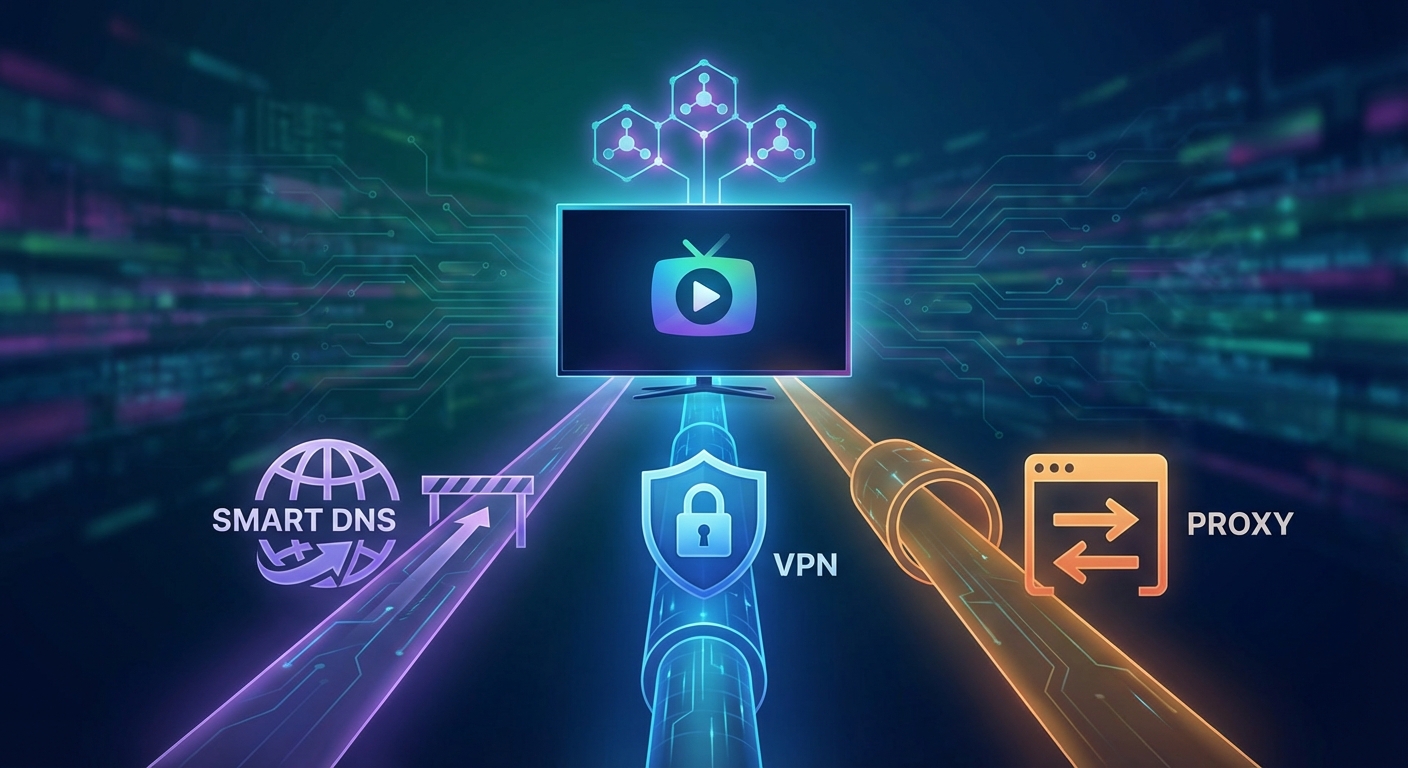
You want to watch that new show everyone’s talking about, but it’s locked to another country. You’ve heard about VPNs, proxies, and smart DNS services, but which one actually works best for streaming?
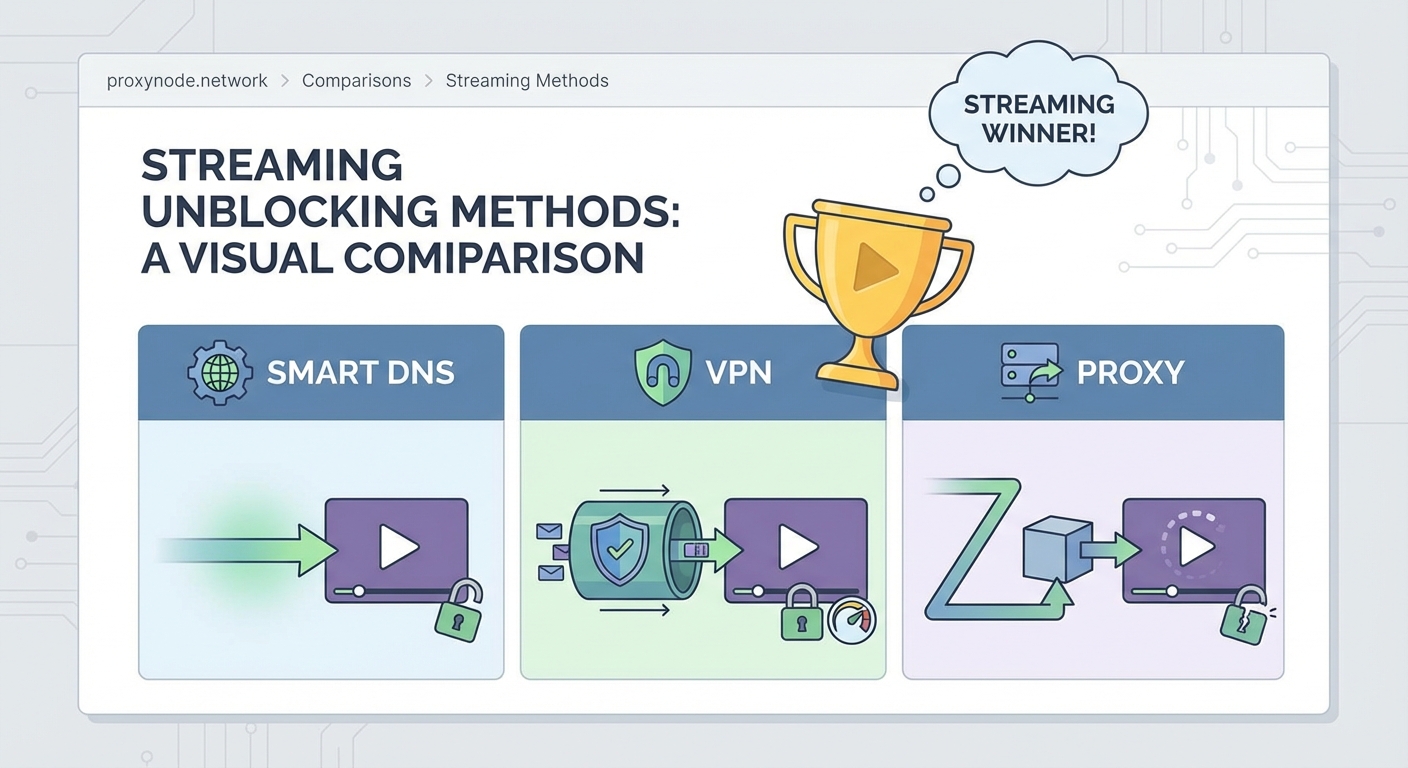
Each method takes a different approach to bypassing geo-restrictions. VPNs encrypt everything and reroute your traffic through secure servers. Proxies act as middlemen between you and the streaming service. Smart DNS changes how your device resolves location-based domain requests without touching your actual data.
The right choice depends on what matters most to you: speed, security, or simplicity.
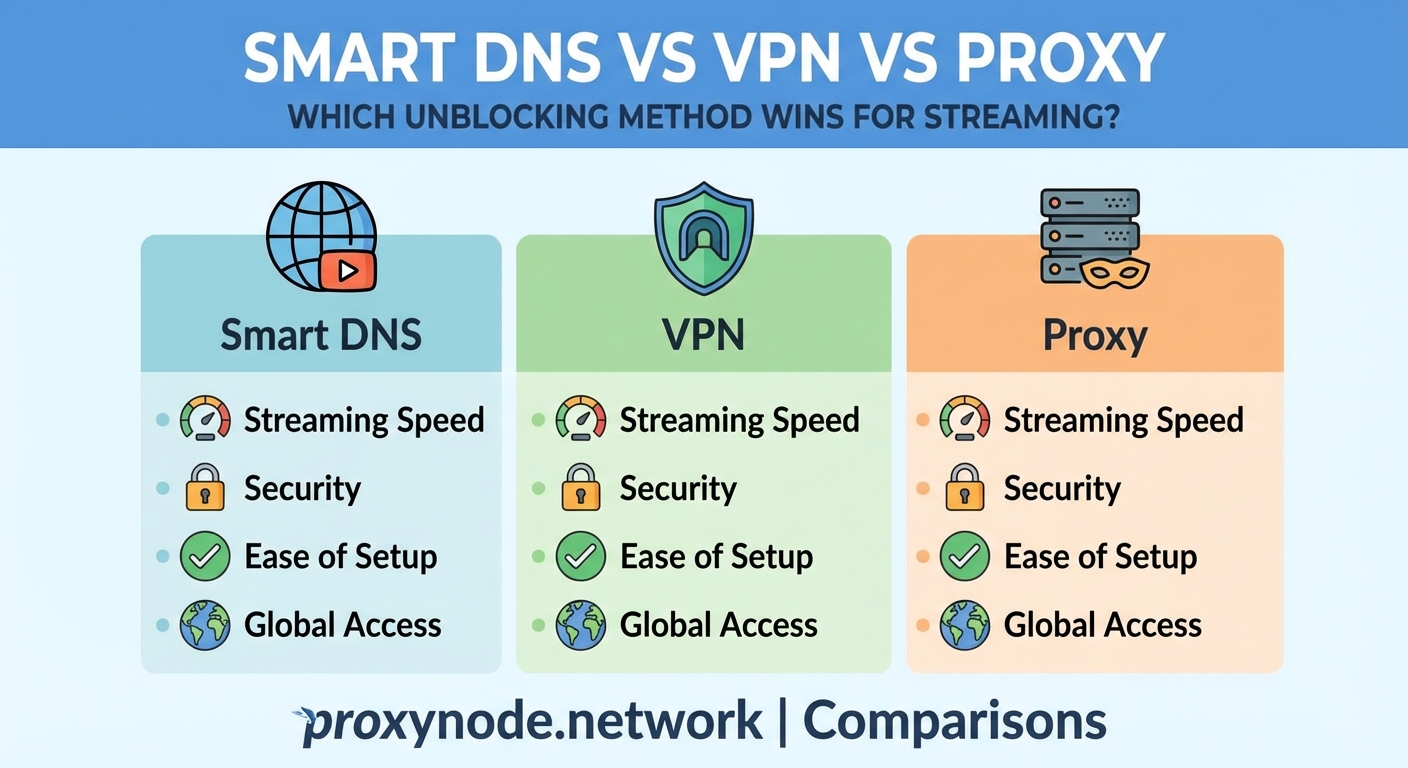
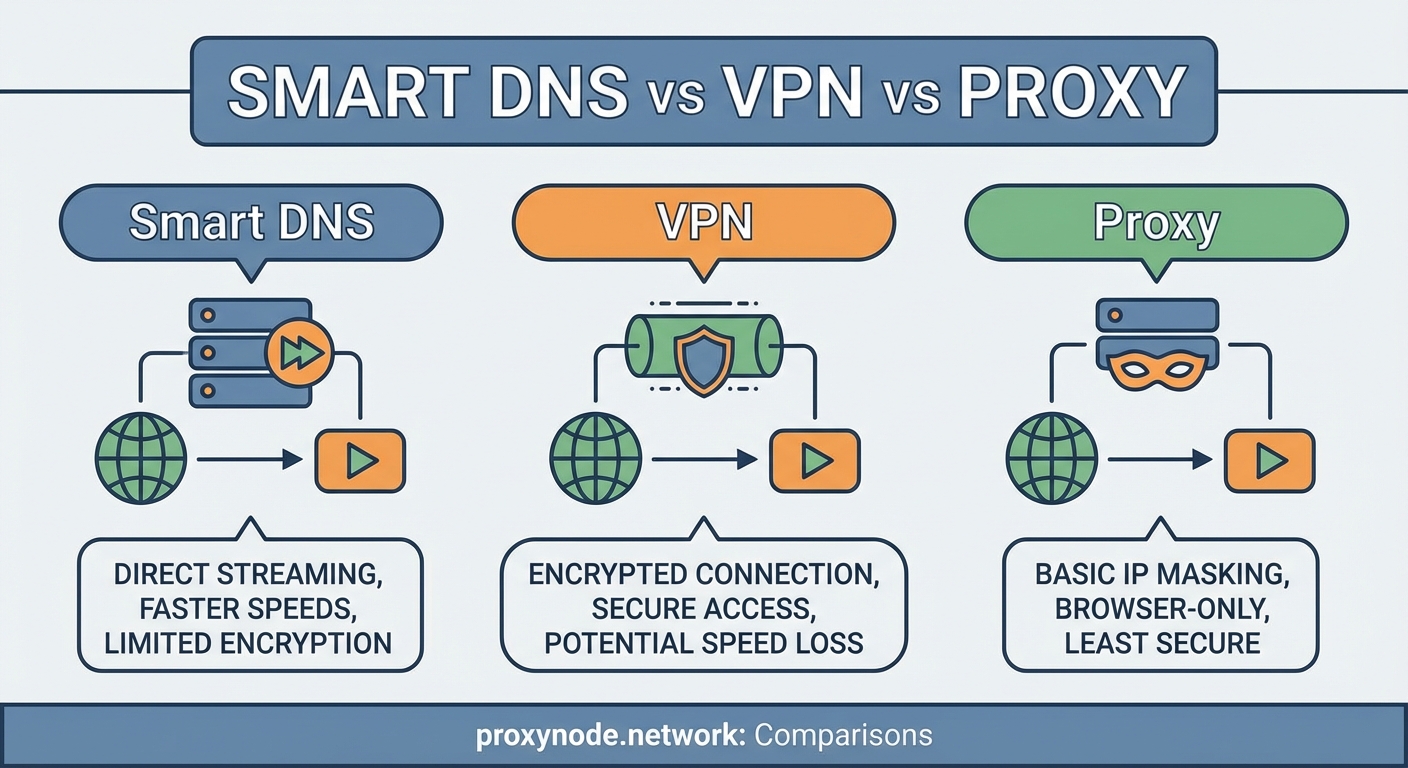
Smart DNS offers the fastest streaming speeds but no encryption. VPNs provide strong security and privacy with moderate speed impact. Proxies sit in the middle, offering basic IP masking without encryption. For pure streaming performance, smart DNS wins. For privacy-conscious users who also stream, VPNs are better. Proxies work for simple tasks but lack reliability for consistent streaming access.
Understanding how each method works
Before comparing performance, you need to understand what happens when you use each technology.
A VPN creates an encrypted tunnel between your device and a server in another location. Your internet service provider sees encrypted data going to the VPN server, nothing more. The streaming service sees a connection from the VPN server’s location, not yours. Everything you do online passes through this tunnel, from web browsing to app usage.
Proxies work differently. They intercept specific traffic and forward it through a server in another location. Most proxies don’t encrypt your data. They simply relay it. Your ISP can see what you’re doing, but the destination website sees the proxy’s IP address instead of yours.
Smart DNS takes the lightest approach. It doesn’t reroute your traffic at all. Instead, it intercepts DNS queries for specific streaming services and responds with modified information that makes those services think you’re in an allowed region. Your actual internet traffic flows directly to the streaming platform.
Speed comparison for streaming content
Speed matters enormously when you’re streaming 4K content or watching live sports.
Smart DNS typically causes zero noticeable slowdown. Your data travels directly to the streaming service without detours. You get your full internet speed because nothing is being rerouted or encrypted.
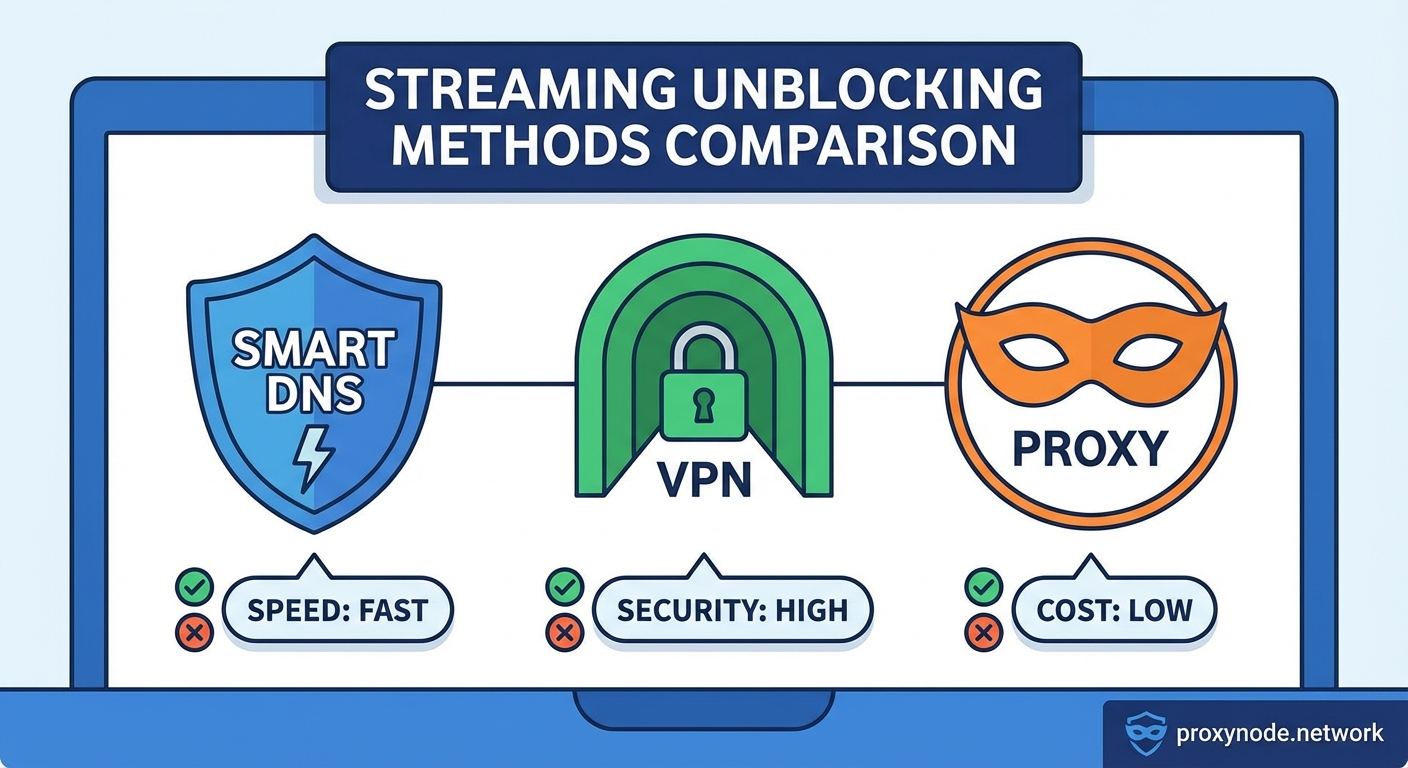
VPNs create the most speed impact. Encryption takes processing power, and routing traffic through distant servers adds latency. A good VPN might reduce your speed by 10 to 30 percent. A poor one can cut it in half. The server location matters too. Connecting to a nearby VPN server performs better than one halfway around the world.
Proxies fall somewhere in between. They add routing overhead without encryption costs. Speed depends heavily on the proxy server’s quality and load. Free proxies are often overcrowded and painfully slow. Premium proxies can perform nearly as well as your direct connection.
Here’s what this means in practice:
- Smart DNS handles 4K streaming without buffering on most connections
- Quality VPNs work fine for HD and 4K if your base speed is 50 Mbps or higher
- Free proxies often struggle with even 1080p content
- Premium proxies usually handle HD streaming smoothly
Security and privacy differences
Streaming isn’t just about speed. Privacy matters too.
VPNs offer the strongest protection. Military-grade encryption shields your data from ISPs, hackers on public WiFi, and government surveillance. Your ISP knows you’re using a VPN but can’t see what you’re watching. The VPN provider can see your activity, which is why choosing a trustworthy no-logs provider matters.
Proxies provide minimal privacy. They hide your IP address from the destination site, but that’s it. Your ISP sees everything. Anyone monitoring the network can intercept your data. HTTPS provides some protection, but many streaming activities happen over less secure protocols.
Smart DNS offers essentially zero privacy protection. It doesn’t hide your IP address or encrypt anything. Your ISP sees exactly what you’re doing. Smart DNS is purely a geo-restriction bypass tool, not a privacy solution.
| Method | Encryption | IP Masking | ISP Visibility | Privacy Level |
|---|---|---|---|---|
| VPN | Full | Yes | Encrypted traffic only | High |
| Proxy | None | Yes | All activity visible | Low |
| Smart DNS | None | No | All activity visible | None |
Reliability for accessing streaming platforms
Streaming services actively fight against geo-restriction bypasses. They maintain blocklists of known VPN and proxy IP addresses.
VPNs face the most aggressive blocking. Netflix, Hulu, and BBC iPlayer invest heavily in detecting VPN traffic. When they identify a VPN server, they block it. Premium VPN services constantly acquire new IP addresses to stay ahead, but it’s an ongoing battle. Budget VPNs often can’t keep up.
Proxies encounter similar problems but with less sophistication. Datacenter proxies get blocked quickly because streaming services recognize datacenter IP ranges. Residential proxies work better because they use real residential IP addresses, but they’re expensive and raise ethical questions about how those IPs are sourced.
Smart DNS flies under the radar more effectively. Since it doesn’t mask your IP address, streaming services can’t identify it as easily. However, some platforms check for DNS mismatches or require your IP address to match your DNS location. When that happens, smart DNS fails completely.
Setting up each method
Implementation difficulty varies significantly.
Setting up a VPN:
- Subscribe to a reputable VPN service
- Download their app for your device
- Log in and select a server in your target country
- Connect and start streaming
Most modern VPNs work on computers, phones, tablets, and smart TVs. Some routers support VPN connections, which protects every device on your network.
Setting up a proxy:
- Obtain proxy server credentials from a provider
- Configure your device or browser proxy settings manually
- Enter the proxy IP address and port number
- Test the connection before streaming
Proxies require more technical knowledge. Each device needs separate configuration. Many streaming apps don’t respect system proxy settings, limiting usefulness.
Setting up smart DNS:
- Sign up for a smart DNS service
- Change your device’s DNS server settings to the provided addresses
- Register your IP address with the service
- Restart your device or flush DNS cache
Smart DNS works at the network level. Configure it once on your router and every device benefits. However, if your IP address changes (common with most home internet), you need to update it with the service.
Cost considerations
Budget plays a role in choosing an unblocking method.
Quality VPN services cost $3 to $12 per month with annual plans. Monthly subscriptions run higher. Free VPNs exist but often log your data, inject ads, or severely limit bandwidth. They’re rarely suitable for streaming.
Smart DNS services typically cost $4 to $8 monthly. Some VPN providers include smart DNS as a bonus feature. Standalone smart DNS services focus exclusively on streaming optimization.
Proxies have the widest price range. Free proxies are plentiful but unreliable and often malicious. Premium residential proxies can cost $50 to $500 monthly depending on bandwidth needs. Most streaming users find this excessive.
Device compatibility challenges
Not every method works on every device.
VPNs offer the broadest compatibility. Native apps exist for Windows, Mac, iOS, Android, Fire TV, and more. Router-level VPN installation covers devices without native support like game consoles and older smart TVs.
Smart DNS works on virtually anything with DNS settings. This includes devices that can’t run VPN apps: Apple TV, Chromecast, PlayStation, Xbox, and smart TVs. The tradeoff is manual configuration and no app interface.
Proxies have the narrowest compatibility. They work well in web browsers but poorly with streaming apps. Many mobile apps ignore proxy settings entirely. This makes proxies impractical for dedicated streaming devices.
Legal and ethical considerations
Using these technologies to access geo-restricted content exists in a gray area.
The technologies themselves are completely legal in most countries. Businesses use VPNs for security. Smart DNS is just DNS. Proxies serve legitimate purposes.
However, using them to bypass geographic restrictions may violate streaming service terms of service. This rarely results in legal action, but services can terminate accounts for violation. In practice, they usually just block the connection and display an error message.
Some countries restrict or ban VPN usage entirely. China, Russia, Iran, and UAE have various restrictions. If you’re traveling or living in these regions, research local laws before using any geo-restriction bypass method.
The key is using these tools responsibly. Bypassing geo-restrictions to watch content you already pay for is different from using them to pirate content. Respect copyright, pay for the services you use, and understand the terms you’re agreeing to.
Combining methods for better results
You don’t have to pick just one approach.
Some users run a VPN for general privacy and security, then switch to smart DNS specifically for streaming. This gives you privacy for browsing while maximizing streaming speeds.
Others use smart DNS as their primary method but keep a VPN subscription for situations requiring stronger security, like using public WiFi or accessing banking sites while traveling.
A few advanced users configure split tunneling on their VPN. This routes streaming traffic outside the VPN tunnel while protecting other traffic. It requires technical knowledge but offers a middle ground.
Common problems and solutions
Each method has typical failure points.
VPN issues:
- Streaming service displays proxy error: Switch to a different VPN server
- Slow speeds: Try a server closer to your physical location or upgrade your VPN
- Can’t connect: Check if your ISP blocks VPN protocols, try different protocols (OpenVPN, WireGuard, IKEv2)
Proxy problems:
- Connection timeouts: The proxy server is overloaded or offline, find a different proxy
- Streaming app won’t connect: The app bypasses proxy settings, use a VPN instead
- Sudden disconnections: Free proxies are unreliable, consider paid options
Smart DNS troubles:
- Still seeing geo-restriction errors: Your IP address changed, update it with the service
- Some services work, others don’t: The smart DNS doesn’t support that specific platform
- Nothing works after setup: DNS cache needs clearing or device needs restarting
Choosing based on your priorities
Your ideal solution depends on your specific needs.
Choose smart DNS if you primarily care about streaming speed and convenience. It works great when you just want to watch shows from other regions without technical hassles or speed loss. The lack of privacy protection doesn’t matter if you’re only using it for entertainment.
Choose a VPN if privacy matters alongside streaming access. You get security for all your online activities, not just streaming. The speed tradeoff is worth it for protecting your data from ISPs, hackers, and surveillance. Pick a VPN known for successfully unblocking your target streaming services.
Choose proxies only for specific, limited use cases. They make sense for occasional web browsing tasks but lack the reliability and compatibility for serious streaming. Residential proxies work better than datacenter proxies but cost significantly more.
Making the most of your chosen method
Whichever method you pick, maximize its effectiveness.
For VPNs, choose servers strategically. A server in London works for BBC iPlayer, but you need a US server for American Netflix. Some VPNs offer specialized streaming servers optimized for specific platforms.
With smart DNS, keep your IP address updated if you have a dynamic IP. Many services offer apps or browser extensions that automatically update your IP when it changes.
For proxies, test multiple servers before settling on one. Proxy performance varies wildly. Save the good ones and have backups ready.
Monitor your streaming quality. If you notice buffering or quality drops, the problem might be your unblocking method rather than your internet connection.
Finding what works for your streaming habits
The smart DNS vs VPN vs proxy debate doesn’t have a universal answer. Your streaming habits, privacy concerns, technical comfort level, and budget all factor into the right choice.
Smart DNS delivers unbeatable speed for pure streaming. VPNs provide comprehensive privacy with acceptable streaming performance. Proxies serve niche purposes but aren’t ideal for most streaming scenarios.
Start with your primary goal. If it’s accessing one or two specific streaming services with maximum quality, try smart DNS first. If you want broader online privacy that also enables streaming, invest in a quality VPN. Test your choice for a few weeks and adjust if it doesn’t meet your needs. Most services offer money-back guarantees, so you can experiment without long-term commitment.