 By carl
Free proxies sound great until they steal your data.
You found a proxy that promises privacy and speed without costing a cent. But here’s the problem: free proxy services need to make money somehow. Some sell your browsing data. Others inject ads into your traffic. The worst ones log everything you do and hand it over to anyone who asks.
Before you route your traffic through any proxy server, you need to verify it actually protects you. This guide shows you exactly how to check if a proxy is secure using simple tests anyone can run.
Testing proxy security requires checking for DNS leaks, verifying encryption protocols, confirming your real IP stays hidden, reviewing logging policies, and testing for traffic manipulation. Run all five tests before trusting any proxy with sensitive data. Free proxies often fail multiple tests, exposing your identity and browsing activity despite promises of anonymity and privacy.
Why Most Free Proxies Fail Security Tests
Free proxy providers face real costs. They pay for servers, bandwidth, and maintenance. When users don’t pay subscription fees, providers find other revenue streams.
Many free proxies log your browsing history and sell it to advertisers. Others inject tracking scripts into web pages you visit. Some run outdated software with known vulnerabilities that hackers actively exploit.
The scariest part? You won’t know until you test.
A proxy might hide your IP address from websites you visit but leak your DNS requests. That means your internet provider still sees every site you access. Other proxies use unencrypted connections, letting anyone on the same network intercept your data.
Testing takes 15 minutes. The alternative is trusting a stranger with your digital privacy.
Test #1: Check for DNS Leaks
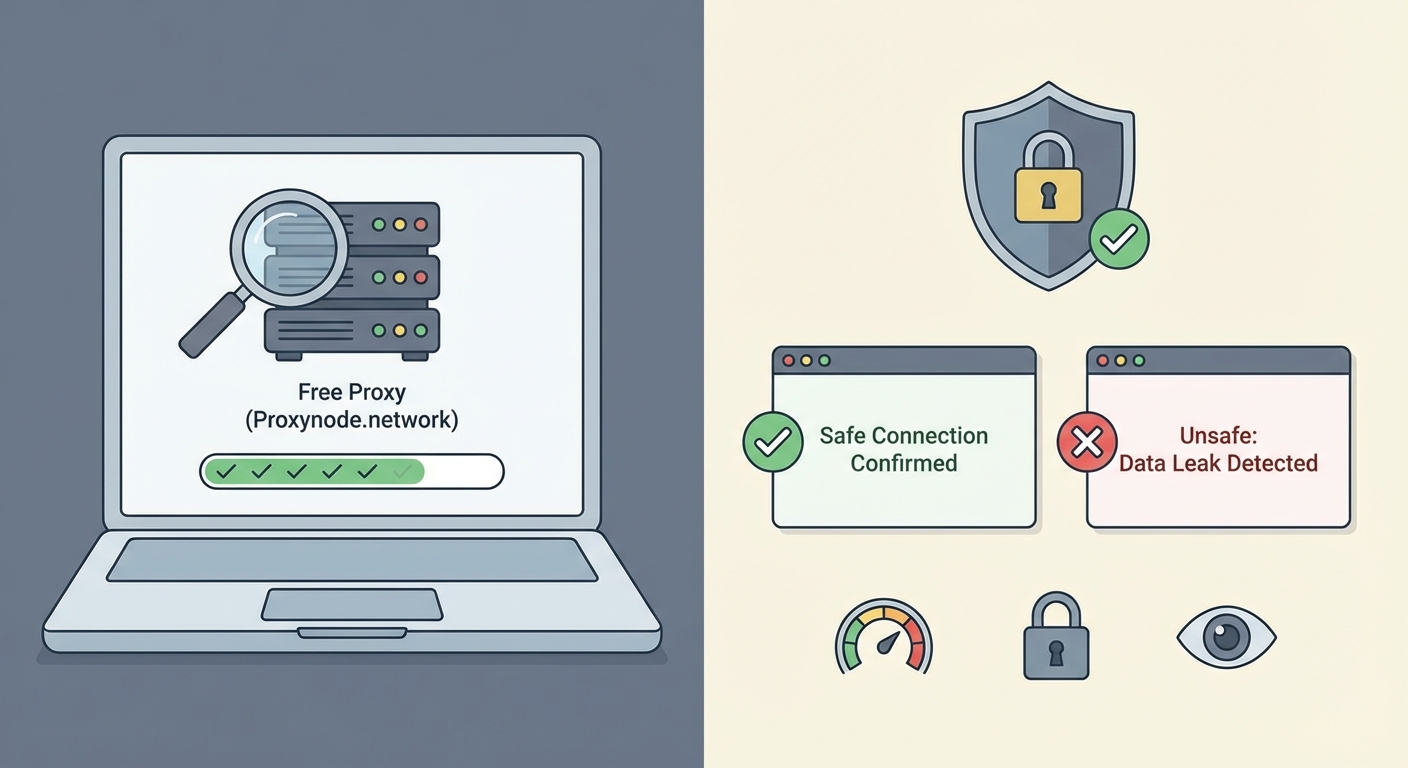
DNS leaks happen when your device sends domain name requests outside the proxy tunnel. Your ISP sees exactly which websites you visit, defeating the entire purpose of using a proxy.
Here’s how to test:
- Connect to your proxy server and verify the connection is active.
- Visit a DNS leak testing website in your browser.
- Run the standard test and wait for results.
- Check if the DNS servers match your proxy provider or show your ISP instead.
Your test results should only show DNS servers owned by your proxy provider. If you see your internet provider’s DNS servers or servers in your actual location, you have a leak.
Some proxies leak DNS requests during the initial connection. Run the extended test option if available. This performs multiple checks over several seconds to catch intermittent leaks.
A DNS leak means your ISP logs every website you visit, even though your IP address appears hidden to those websites. This creates a detailed record of your browsing that can be subpoenaed or sold.
Fix attempts rarely work with free proxies. Most don’t offer DNS leak protection because it requires additional infrastructure. If your proxy fails this test, find a different service.
Test #2: Verify Your Real IP Stays Hidden
Your IP address identifies your device and location. A working proxy should show websites a different IP address than your real one.
Testing your IP visibility takes seconds:
- Disconnect from any proxy and visit an IP checking website.
- Write down the IP address, city, and ISP shown.
- Connect to your proxy server.
- Visit the same IP checking website again.
- Compare the two results.
The second result should show a completely different IP address, city, and ISP. If any information matches your real details, the proxy isn’t working correctly.
Some proxies leak your real IP through WebRTC, a browser technology for video calls. WebRTC can expose your local IP address even when connected to a proxy. Test specifically for WebRTC leaks using dedicated testing tools.
Your browser might also leak identifying information through:
- Browser fingerprinting
- Timezone settings
- Language preferences
- Screen resolution
- Installed fonts
These details won’t reveal your exact IP address but can help websites track you across sessions. Privacy-focused browsers reduce this fingerprinting, but the proxy itself should at minimum hide your IP completely.
Test #3: Confirm Encryption Is Actually Working
Encryption scrambles your data so nobody between you and the proxy can read it. Without encryption, anyone on your network sees everything you send and receive.
Check your proxy’s encryption:
- Look for HTTPS in your proxy connection settings or documentation.
- Use a packet analyzer tool to inspect your network traffic.
- Check if the data appears as readable text or encrypted gibberish.
- Verify the encryption protocol version is current and secure.
Most free proxies use HTTP instead of HTTPS. HTTP sends everything in plain text. Your passwords, messages, and browsing activity are visible to anyone monitoring the network.
Coffee shop WiFi becomes especially dangerous with unencrypted proxies. Other customers on the same network can use simple tools to intercept your traffic and steal login credentials.
| Encryption Type | Security Level | Common Use |
|---|---|---|
| No encryption (HTTP) | Unsafe | Many free proxies |
| SSL/TLS (HTTPS) | Basic protection | Paid proxies, VPNs |
| SOCKS5 with auth | Moderate | Developer tools |
| End-to-end encryption | Strong | Premium services |
Even when a proxy offers encryption, verify the protocol version. SSL 2.0 and SSL 3.0 have known vulnerabilities. TLS 1.0 and 1.1 are outdated. Look for TLS 1.2 or TLS 1.3.
Test #4: Review the Logging Policy
Logging policies determine what information the proxy provider stores about your activity. Detailed logs can identify you even if your IP address stays hidden.
Free proxies often log:
- Connection timestamps
- Websites visited
- Data transferred
- Your real IP address
- Session duration
Providers claim they need logs for troubleshooting and abuse prevention. But these logs become liability if the company faces legal pressure or suffers a data breach.
Read the privacy policy carefully. Look for specific statements about what gets logged and how long data is retained. Vague language like “we may collect certain information” means they probably log everything.
The best logging policy is no logging at all. Zero-log proxies don’t store any information about your browsing. But verify this claim independently because providers sometimes lie.
Check if the proxy provider has faced legal requests for user data. Search for news articles or transparency reports. Companies that previously handed over user information will likely do it again.
- Location matters for logging policies
- Servers in privacy-friendly countries face fewer data retention laws
- Avoid providers based in surveillance alliance countries
- Corporate ownership can override stated policies
Free proxy providers rarely publish transparency reports or undergo independent audits. You’re trusting their word against financial incentive to monetize your data.
Test #5: Scan for Traffic Manipulation
Some proxies modify the data passing through them. They inject advertisements, tracking scripts, or even malware into web pages you visit.
Testing for manipulation requires attention to detail:
- Visit a simple website you know well while connected to the proxy.
- Look for unexpected advertisements, especially pop-ups.
- Check if pages load additional scripts not present normally.
- Compare page source code with and without the proxy active.
- Monitor for redirects to unfamiliar domains.
Ad injection is the most common manipulation. You’ll see extra banner ads or pop-ups that don’t appear when accessing the same site directly. These ads generate revenue for the proxy provider.
Tracking script injection is harder to spot. The proxy adds invisible code that monitors your behavior across websites. This data gets sold to advertising networks or data brokers.
The most dangerous manipulation involves redirecting secure connections. A malicious proxy might intercept HTTPS traffic and present fake security certificates. This man-in-the-middle attack lets the provider read encrypted data.
Your browser should warn you about invalid security certificates. Never ignore these warnings when using a proxy. The proxy is actively trying to intercept your encrypted traffic.
Common Mistakes That Compromise Security
Even when you run all five tests, certain behaviors can expose you:
Using the same proxy for sensitive and casual browsing creates correlation risks. If the proxy logs data, someone analyzing those logs can connect your anonymous activity to your real identity.
Logging into personal accounts while connected to a proxy defeats anonymity. Facebook, Google, and other services track your account across different IP addresses. They know it’s still you.
Trusting browser extensions that promise free proxy access often backfires. Many extensions have more permissions than necessary and collect browsing data directly from your browser.
Mixing proxy types causes confusion about what’s actually protected. Using a web proxy for your browser while other applications connect directly leaks information about your activity and identity.
What to Do When Your Proxy Fails Tests
Finding out your proxy isn’t secure leaves you with clear options.
Stop using it immediately for anything sensitive. If you already transmitted private information through an insecure proxy, assume that data is compromised. Change passwords for any accounts you accessed.
Look for paid proxy services with verified security. The monthly cost is small compared to the risk of data theft or identity exposure. Paid providers have business models that don’t require selling your information.
Consider switching to a VPN instead of a proxy. VPNs encrypt all traffic from your device and typically offer stronger privacy protections. They cost more but provide better security for most use cases.
If you need a free solution, understand the tradeoffs. Free proxies work for casual browsing when you’re not transmitting sensitive data. Never use them for banking, shopping, or accessing work systems.
Building Your Security Testing Routine
Testing proxy security isn’t a one-time task. Providers change infrastructure, get acquired, or modify their policies without notice.
Retest your proxy monthly if you use it regularly. Run all five tests even if previous results looked good. Security can degrade over time as providers cut costs or face financial pressure.
Keep notes on test results with dates. This creates a history you can review to spot degrading performance or new problems. A proxy that passes all tests today might fail next month.
Set up alerts for news about your proxy provider. Security breaches, ownership changes, and policy updates all affect whether you should continue using the service.
The testing process becomes faster with practice. After running through it a few times, you’ll complete all five tests in under ten minutes.
Making Informed Decisions About Proxy Security
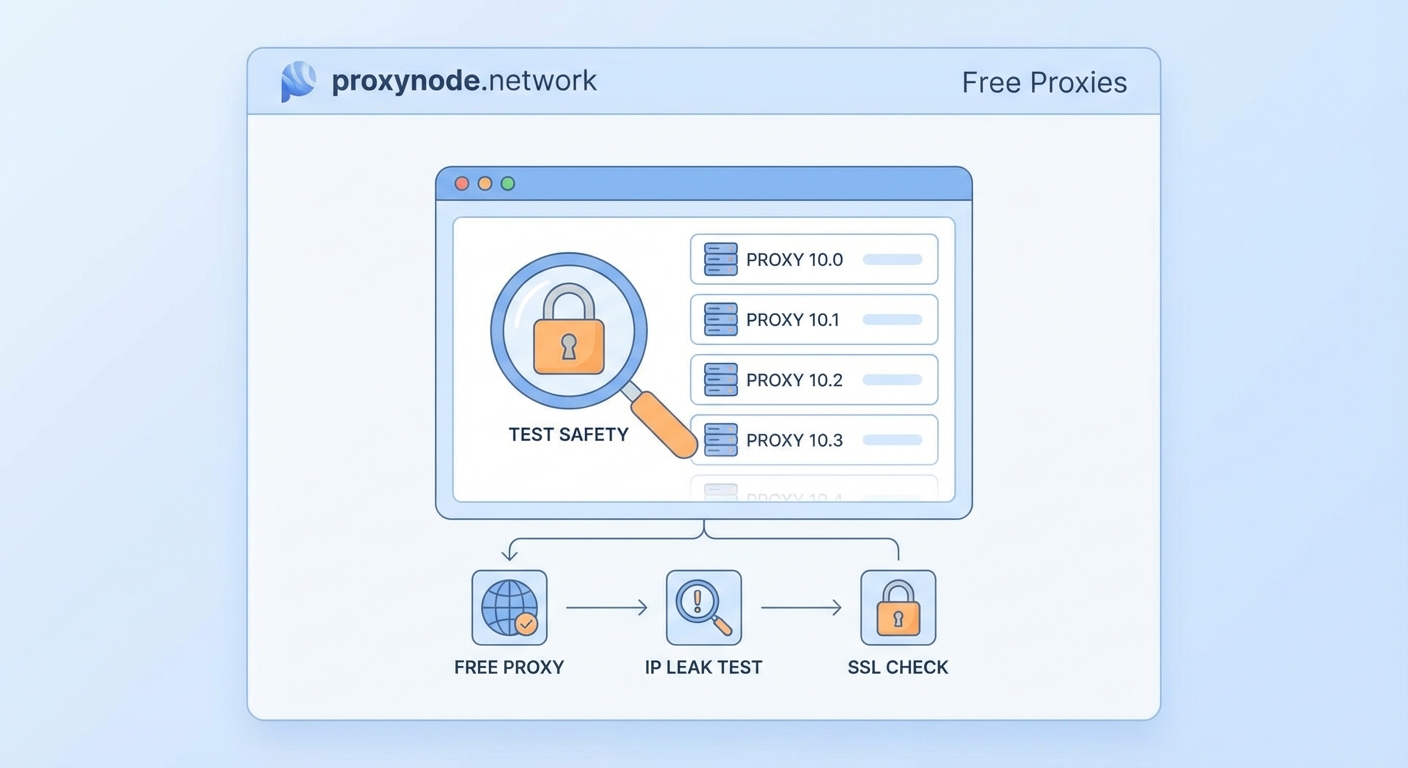
You now have concrete methods to verify proxy security before trusting any service with your data.
Run these five tests on every proxy you consider using. DNS leaks, IP exposure, missing encryption, invasive logging, and traffic manipulation all indicate serious security problems. A single failed test should disqualify a proxy from handling sensitive information.
Free proxies rarely pass all five tests. The ones that do often have hidden costs like speed throttling or data caps. Understand what you’re actually getting before connecting.
Your privacy depends on verification, not promises. Test everything yourself rather than trusting marketing claims. The 15 minutes spent testing could save you from identity theft, data breaches, or surveillance. Start with the DNS leak test right now and see if your current proxy actually protects you.