 By carl
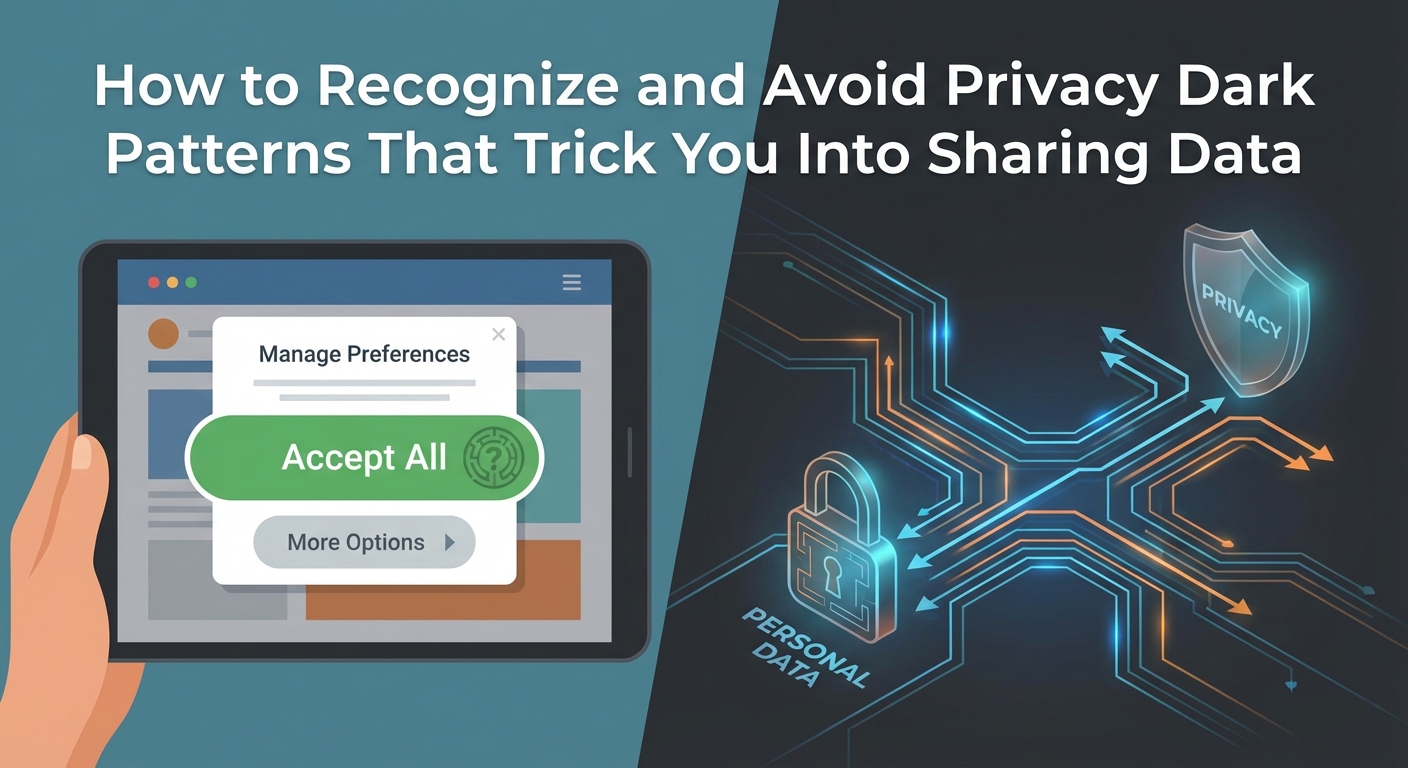
You’re scrolling through a website, trying to decline cookies, when you notice the “Accept All” button is bright green and huge while the “Reject” option is buried in tiny gray text three clicks away. That’s not an accident. It’s a dark pattern, and it’s designed to trick you into giving up your data before you realize what happened.
Dark patterns are manipulative design tricks that push you into sharing personal information or making choices you didn’t intend. By learning to spot common tactics like hidden opt-outs, misleading language, and visual manipulation, you can protect your privacy and make informed decisions online. This guide shows you exactly how to recognize and avoid these deceptive practices.
Understanding what dark patterns actually are
Dark patterns are interface designs that deliberately confuse or manipulate users into doing things they wouldn’t normally choose to do. They exploit psychological vulnerabilities and design principles to benefit the company at your expense.
These patterns show up everywhere. Shopping sites, social media platforms, subscription services, and even privacy consent forms use them regularly. The goal is always the same: get you to share data, spend money, or agree to terms you’d reject if presented clearly.
The term “dark patterns” was coined by UX designer Harry Brignull in 2010, but the practice has existed as long as digital interfaces have. Today, they’re more sophisticated than ever because companies have mountains of behavioral data showing exactly what works to manipulate users.
Privacy dark patterns are particularly insidious because they undermine your ability to control your own information. They make it hard to say no to tracking, difficult to delete your account, or nearly impossible to opt out of data sharing.
Common dark patterns you encounter every day
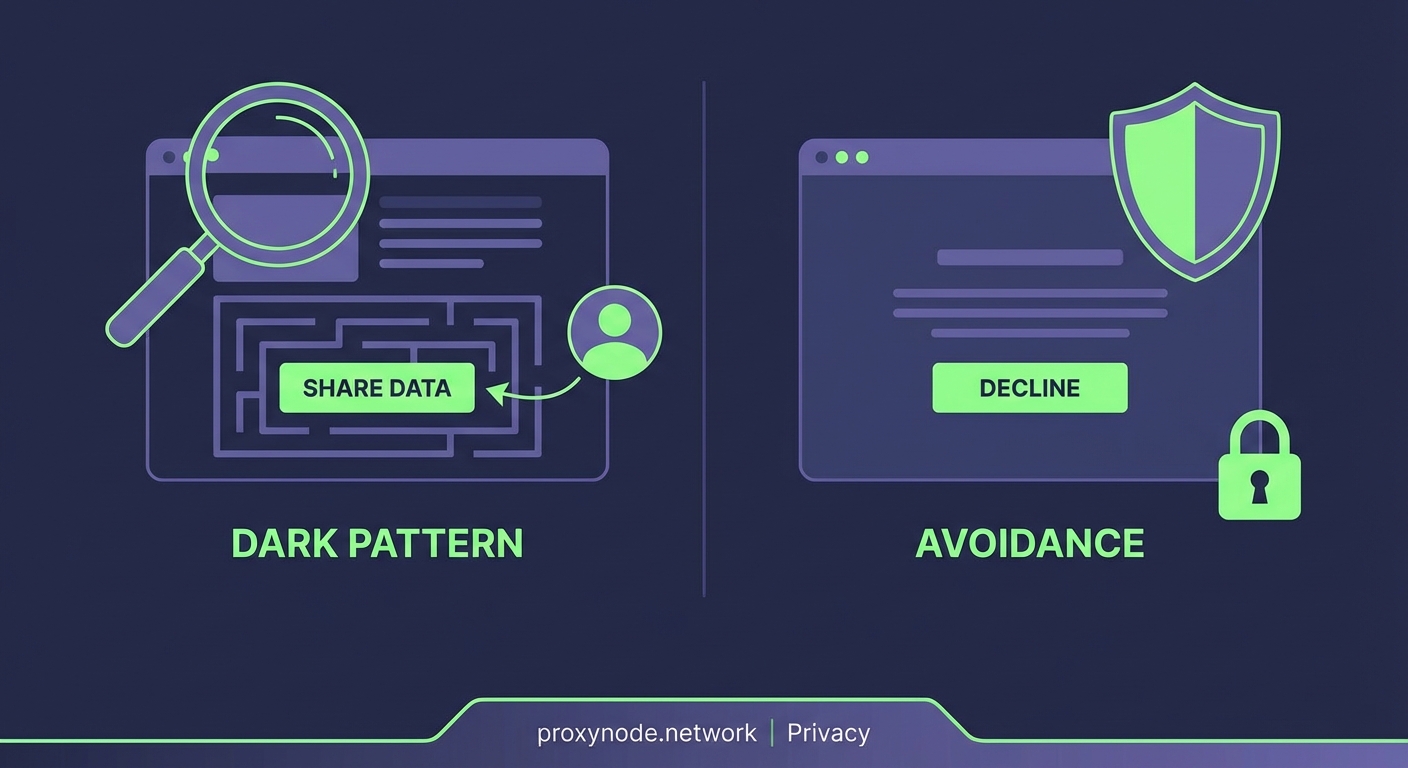
Recognizing these tactics is your first line of defense. Here are the patterns you’ll see most often:
Obstruction makes it deliberately difficult to do what you want. Deleting an account might require navigating through five menus, confirming your choice three times, and waiting for an email that takes 24 hours to arrive. Meanwhile, signing up takes 30 seconds.
Preselection automatically opts you into data sharing, marketing emails, or account features you never requested. The boxes are already checked when you arrive, counting on you not to notice or not to bother unchecking them.
Nagging repeatedly interrupts you with the same request until you give in out of exhaustion. Cookie consent popups that reappear every single time you visit a site, even after you’ve declined, are a perfect example.
Confirmshaming uses guilt or emotional manipulation to pressure your choice. Buttons that say “No, I don’t want to protect my family” instead of simply “Decline” are trying to shame you into compliance.
Trick wording uses confusing language to obscure what you’re actually agreeing to. Double negatives, technical jargon, and ambiguous phrasing all serve to hide the real implications of your choice.
Visual hierarchy manipulation makes the option they want you to choose large, colorful, and prominent while burying the alternative in small, gray, low-contrast text that’s easy to miss.
How to spot dark patterns before they trick you
Training yourself to recognize these tactics takes practice, but a few strategies make it much easier.
Slow down when you’re making privacy decisions. Dark patterns rely on you moving fast and not paying attention. If a site is pushing you to decide immediately, that’s often a red flag.
Look for asymmetry in how options are presented. If accepting is one click but declining requires multiple steps, you’re looking at a dark pattern. Legitimate choices should be equally easy to make in either direction.
Read button text carefully. If the language seems emotionally charged, uses shame, or includes confusing double negatives, someone is trying to manipulate your decision.
Check what’s preselected. Before you click “Continue” or “Submit,” scan for checkboxes that are already marked. Uncheck anything you don’t actually want.
Watch for visual tricks. Notice which options use bright colors, large fonts, and prominent placement versus which are hidden in small text or low-contrast colors.
“The best defense against dark patterns is awareness. Once you know what to look for, these manipulative tactics become obvious and lose their power over your decisions.”
Practical steps to protect yourself from manipulation
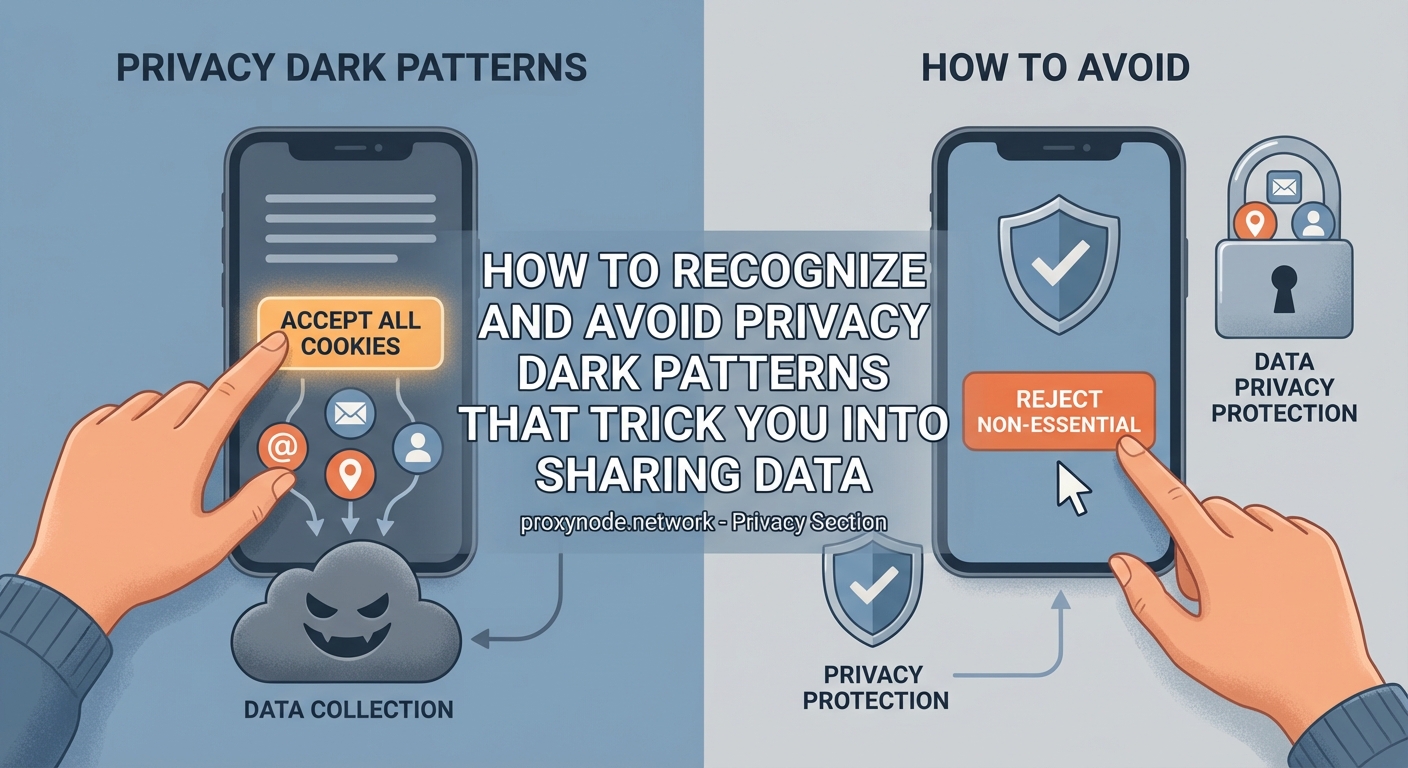
Knowing how to spot dark patterns is important, but you also need concrete strategies to avoid falling for them.
-
Create a personal checklist for privacy decisions. Before accepting any terms, ask yourself: Do I understand what I’m agreeing to? Is this choice presented fairly? Am I being rushed or pressured? Would I make this same choice if it required more effort?
-
Use browser extensions that block dark patterns. Tools like uBlock Origin can hide manipulative interface elements, while privacy-focused browsers often include built-in protections against common tracking consent tricks.
-
Default to “no” for everything. Start from a position of declining all optional data sharing, then consciously opt into only what you actually need or want. This reverses the dynamic that dark patterns rely on.
-
Take screenshots of suspicious interfaces. Documenting dark patterns serves two purposes: it helps you stay accountable to your privacy choices, and it creates evidence if you need to file a complaint with regulators.
-
Read privacy policies for the specific sections that matter. You don’t need to read every word, but look for sections on data sharing, retention periods, and your rights. If this information is buried or written in impenetrable legalese, that’s itself a dark pattern.
-
Set calendar reminders to review subscriptions and permissions. Every three months, check what services have access to your data and revoke anything you’re no longer using. Dark patterns often rely on you forgetting you ever agreed.
What different dark patterns look like in practice
Understanding abstract definitions helps, but seeing concrete examples makes recognition instant.
| Dark Pattern Type | What It Looks Like | What To Do Instead |
|---|---|---|
| Roach Motel | Easy sign-up, but account deletion requires calling customer service during business hours | Look for account deletion options before signing up; avoid services that hide this |
| Sneak Into Basket | Insurance or warranty automatically added to your cart at checkout | Review your cart line by line before completing any purchase |
| Hidden Costs | Price shown without taxes, fees, or shipping until the final step | Calculate total cost including all fees before committing |
| Disguised Ads | Sponsored content styled to look identical to organic results | Check for “Sponsored” or “Ad” labels; assume top results may be paid |
| Fake Urgency | “Only 2 rooms left!” when actually many are available | Verify scarcity claims by checking multiple times or on different devices |
| Forced Continuity | Free trial that converts to paid subscription without warning | Set a reminder two days before trial ends; use virtual cards that expire |
Technical tools that help you avoid dark patterns
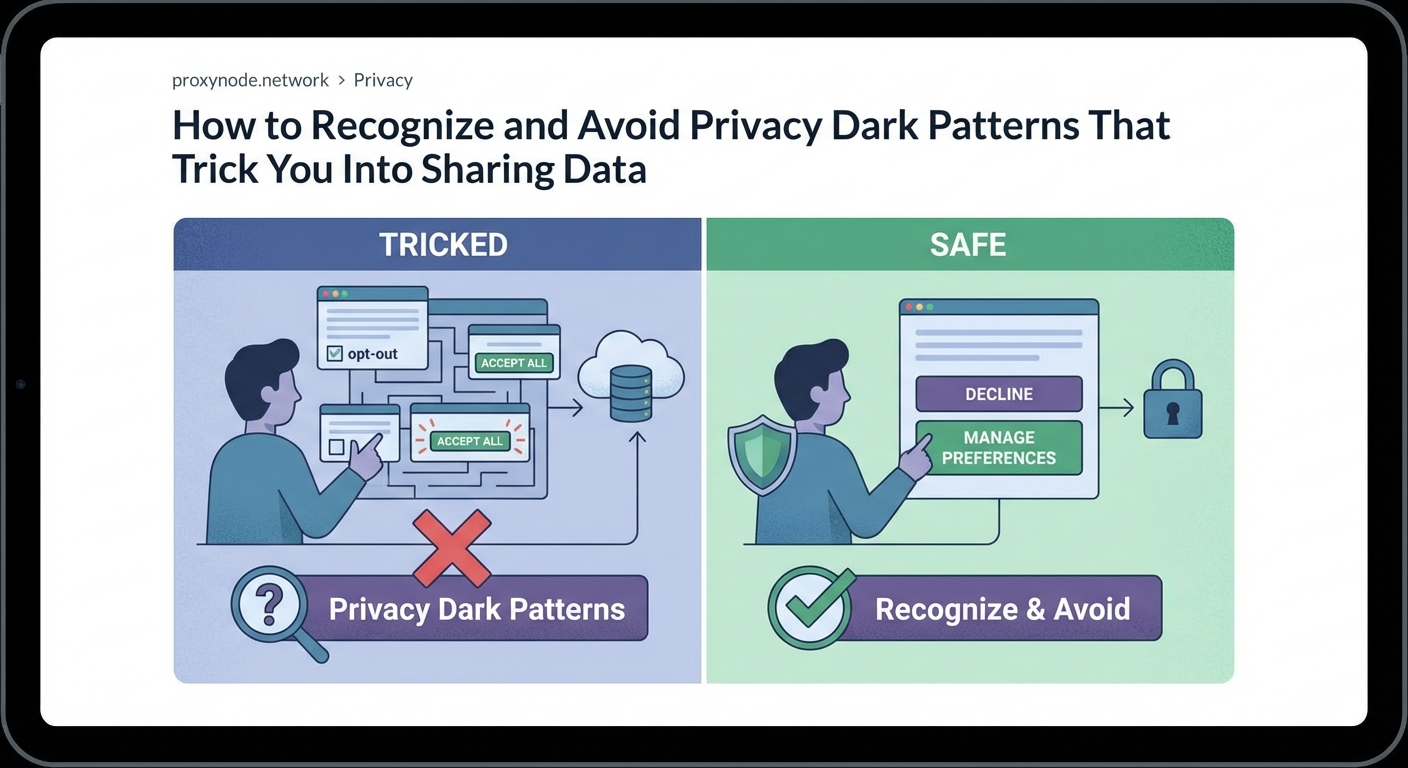
Technology can fight back against manipulative design. Several tools specifically target dark patterns.
Privacy-focused browsers like Brave and Firefox include features that make dark patterns less effective. They block trackers by default, simplify cookie consent, and highlight when sites are using manipulative techniques.
Browser extensions add another layer of protection. “I don’t care about cookies” automatically handles cookie consent popups by selecting the most privacy-friendly option available. “Privacy Badger” learns to block trackers that follow you across sites.
Password managers with virtual card features let you create single-use credit cards for free trials. When the trial ends, the card automatically declines charges, protecting you from forced continuity patterns.
Email aliasing services like SimpleLogin or AnonAddy let you create unique email addresses for each service. When a company starts sending manipulative emails or shares your address, you can simply delete that alias.
Mobile operating systems now include privacy features that counter dark patterns. iOS and Android both let you grant temporary location access, use randomized email addresses, and see which apps are accessing your data in the background.
What to do when you’ve already fallen for a dark pattern
Even with awareness and tools, you’ll occasionally get caught by a well-designed dark pattern. Here’s how to respond.
Document everything immediately. Take screenshots of the interface that tricked you, save confirmation emails, and note the date and time. This evidence is valuable if you need to dispute charges or file complaints.
Contact the company directly first. Explain clearly what happened and what you want them to do about it. Many companies will reverse charges or delete data when confronted, especially if you make it clear you’re documenting everything.
Use your legal rights. GDPR in Europe, CCPA in California, and similar laws in other jurisdictions give you the right to access, delete, and correct your personal data. Submit formal requests if informal contact doesn’t work.
File complaints with regulators. The FTC in the United States, data protection authorities in Europe, and similar agencies in other countries take dark patterns seriously. Your complaint adds to the pressure on companies to change their practices.
Dispute charges with your credit card company. If you were tricked into a purchase through dark patterns, that’s often grounds for a chargeback. Credit card companies generally side with cardholders in cases of deceptive practices.
Leave public reviews warning others. Your experience can help other people avoid the same trap. Be factual and specific about what happened and how the interface was designed to trick you.
Building habits that make you resistant to manipulation
Long-term protection comes from changing how you interact with digital services.
Treat every privacy decision as important, even small ones. The habit of pausing and thinking before clicking builds resistance to manipulation. Dark patterns lose power when you’re not on autopilot.
Maintain a personal inventory of where your data lives. Keep a simple list of every service you’ve signed up for, what data they have, and when you last reviewed their permissions. Update it monthly.
Practice saying no. The more comfortable you become declining offers, rejecting tracking, and abandoning services that use dark patterns, the less these tactics will affect you.
Share what you learn. When you spot a dark pattern, tell friends and family. Collective awareness makes these tactics less effective for everyone.
Support services that respect users. When you find companies that present choices fairly and make privacy easy, use them and recommend them. Your purchasing decisions send market signals.
Remember that convenience often comes with privacy tradeoffs. The easiest option is frequently designed that way specifically to collect more of your data. Sometimes the slightly harder path is worth taking.
Regulatory changes that are helping fight dark patterns
Laws are slowly catching up to the problem. Understanding the regulatory landscape helps you know what protections you have.
The GDPR requires that consent be “freely given, specific, informed and unambiguous.” This directly prohibits many common dark patterns around privacy choices. Companies that violate these requirements face substantial fines.
California’s CPRA, which expanded the CCPA, specifically addresses dark patterns. It states that user interfaces must not use “confusing language” or “have the effect of subverting or impairing user choice.”
The FTC has taken enforcement action against companies using dark patterns, particularly around subscription cancellations and hidden fees. Their Restore Online Shoppers’ Confidence Act specifically targets some manipulative practices.
The EU’s Digital Services Act includes provisions against dark patterns, requiring platforms to present choices in a neutral manner and prohibiting interfaces designed to manipulate users.
These laws give you leverage. When you encounter dark patterns, you can often point to specific legal requirements the company is violating. This makes complaints more effective.
Teaching others to recognize and resist manipulation
Your knowledge becomes more powerful when you share it.
Start conversations about dark patterns when you notice them. Point out examples to friends and family without being preachy. “Hey, look at how this site is trying to trick us” opens eyes more effectively than lectures.
Help less tech-savvy people in your life. Parents, grandparents, and others who didn’t grow up with digital interfaces are particularly vulnerable to dark patterns. Walk them through examples and help them develop skepticism.
Advocate for better design in your own work. If you work in tech, product development, or marketing, push back against dark patterns in your own company. Ethical design is possible and often more sustainable.
Support organizations fighting for digital rights. Groups like the Electronic Frontier Foundation, Privacy International, and others work to expose and combat dark patterns through advocacy and legal action.
Making privacy protection part of your routine
The most effective defense is making privacy awareness automatic.
Set up systems that work in the background. Use browsers and extensions that block trackers by default. Enable privacy features in your operating system. These passive protections catch many dark patterns without requiring active attention.
Create friction for yourself in the right places. Make it slightly harder to sign up for new services by requiring yourself to use a password manager, temporary email, and virtual credit card. This slows you down enough to think.
Schedule regular privacy audits. Once per quarter, review all your accounts, revoke unnecessary permissions, delete unused services, and update your privacy settings. Make this as routine as changing smoke detector batteries.
Stay informed about new dark patterns. As regulations close loopholes, companies invent new manipulative techniques. Following privacy news helps you stay ahead of emerging tactics.
Your power to demand better
Companies use dark patterns because they work. They increase data collection, boost short-term revenue, and exploit user inattention. But they only work if users remain unaware.
Every time you recognize a dark pattern and refuse to fall for it, you reduce its effectiveness. Every complaint you file, every service you abandon for better alternatives, and every person you educate creates pressure for change.
You don’t need to be perfect at avoiding every manipulative tactic. Even catching and resisting half of the dark patterns you encounter dramatically improves your privacy and sends a signal that users are paying attention.
The companies that respect your choices and present information honestly deserve your business. The ones that rely on tricks and manipulation don’t. Your attention and data have real value, and you have every right to protect them carefully.