 By carl
You check your phone dozens of times a day. You browse, shop, message friends, and share photos. Each action leaves traces that someone, somewhere, might want to collect, analyze, or exploit. But not everyone faces the same risks, and blanket advice like “use a VPN for everything” or “delete all social media” rarely fits real life.
A personal threat model helps you figure out who might want your data, what they could do with it, and which defenses actually make sense for your situation. Instead of guessing or copying someone else’s setup, you build a privacy strategy tailored to your actual risks.
A personal threat model privacy framework identifies what you need to protect, who poses a threat, and which tools match your risk level. By mapping your assets, adversaries, and attack vectors, you avoid both paranoia and complacency. The result is a focused, practical defense that fits your daily routine without wasting time or money on unnecessary measures.
What a threat model actually means
A threat model answers three questions: what do you want to protect, who do you want to protect it from, and how likely are they to succeed?
Security professionals use threat modeling to design systems. You can use the same approach for your personal digital life. Instead of installing every privacy tool you hear about, you prioritize based on real risk.
For example, a journalist covering government corruption faces different threats than someone who just wants to avoid targeted ads. The journalist might need encrypted messaging and anonymous browsing. The casual user might only need ad blockers and stronger passwords.
Your threat model shifts over time. A new job, a move to a different country, or a change in political climate can all alter your risk profile.
Identifying what you need to protect
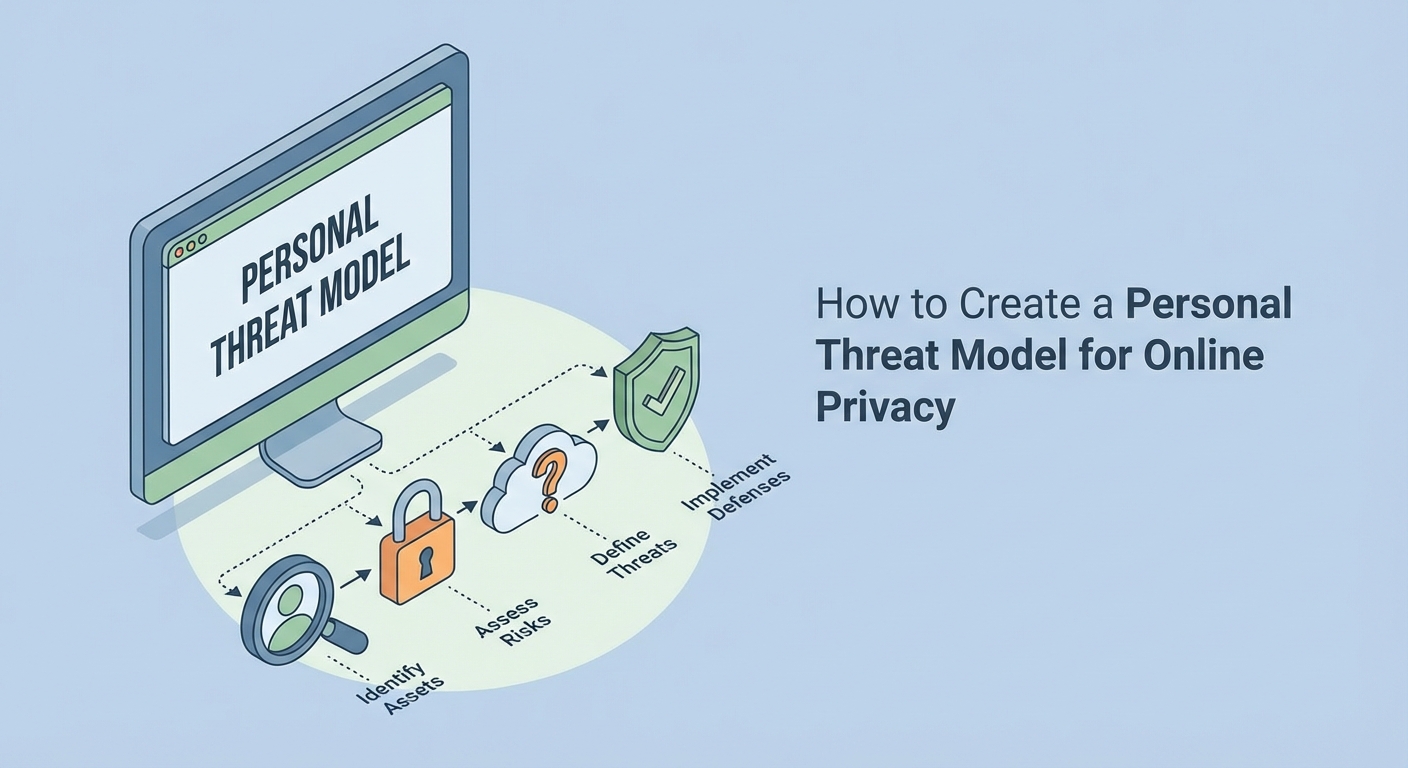
Start by listing your digital assets. These are the things that, if exposed or stolen, would cause you harm.
Common assets include:
- Personal messages and emails
- Financial account credentials
- Location history
- Browsing habits
- Photos and videos
- Professional documents
- Contact lists
- Health records
Not every asset carries the same weight. Losing access to your email might lock you out of dozens of other accounts. A leaked photo from a private event might damage your reputation. A stolen credit card number costs money but can usually be replaced.
Rank your assets by impact. What would hurt most if it became public, got deleted, or fell into the wrong hands?
Figuring out who your adversaries are
An adversary is anyone or anything that might want to access, modify, or destroy your assets.
Potential adversaries include:
- Ad networks tracking you for profit
- Hackers looking for financial data
- Abusive ex-partners or stalkers
- Employers monitoring employee activity
- Government agencies conducting surveillance
- Data brokers selling your information
- Malicious insiders at service providers
Each adversary has different capabilities and motivations. A government agency can compel companies to hand over data. A hacker might exploit weak passwords. An ad network relies on cookies and tracking scripts.
Your threat model should focus on the adversaries most likely to target you. A corporate executive might worry about industrial espionage. A domestic abuse survivor might prioritize hiding location data from a former partner.
Understanding attack vectors
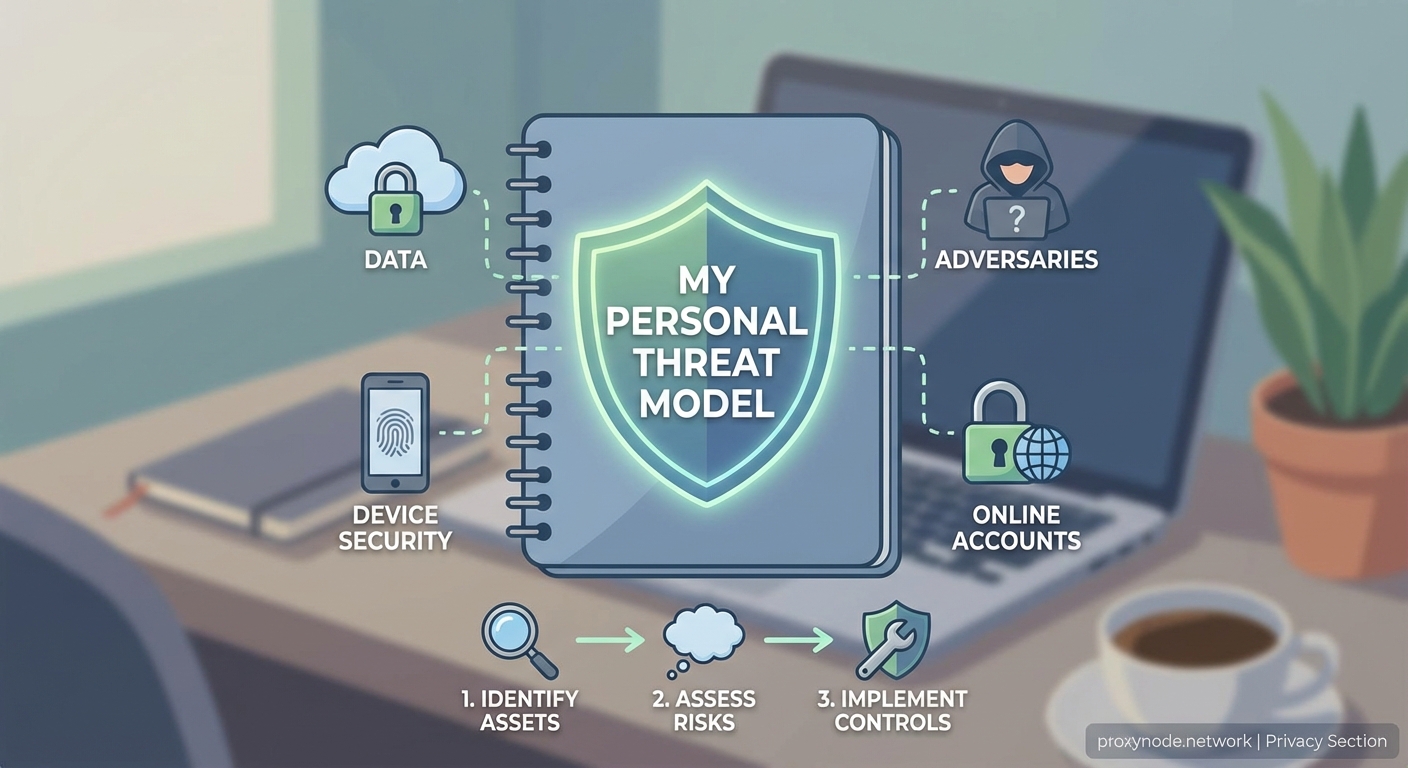
An attack vector is the method an adversary uses to reach your assets.
Common attack vectors include:
- Phishing emails that trick you into revealing passwords
- Malware installed through fake downloads
- Weak passwords cracked with automated tools
- Unencrypted connections intercepted on public Wi-Fi
- Social engineering that manipulates you into sharing information
- Data breaches at third-party services
- Physical access to unlocked devices
- Metadata leaking your location or contacts
Each vector requires a different defense. Strong passwords stop brute-force attacks but do nothing against phishing. Encryption protects data in transit but not data stored on a compromised device.
Map the most likely attack vectors for each adversary. A data broker scrapes public profiles and purchase history. A hacker targets weak passwords and unpatched software. A government agency might use legal requests or network-level surveillance.
Building your defense strategy
Once you know what you’re protecting, who you’re protecting it from, and how they might attack, you can choose defenses that match the threat.
| Threat | Defense | Why it works |
|---|---|---|
| Ad tracking | Ad blocker, tracker blocker | Stops scripts from following you across sites |
| Weak passwords | Password manager, two-factor authentication | Makes brute-force attacks impractical |
| Public Wi-Fi snooping | VPN or encrypted connections | Prevents eavesdropping on network traffic |
| Phishing | Email filters, link verification | Catches fake messages before you click |
| Data breaches | Unique passwords per site | Limits damage when one service leaks data |
| Location tracking | Disable GPS when not needed, use privacy-focused apps | Reduces metadata collection |
Avoid the temptation to adopt every tool at once. Start with the defenses that address your highest-priority threats. Add more layers as you get comfortable.
“The goal isn’t perfect security. The goal is raising the cost of attack high enough that your adversary moves on to easier targets. Most people aren’t defending against nation-states. They’re defending against automated scrapers, opportunistic hackers, and invasive ad networks.”
Balancing privacy and convenience
Every privacy measure comes with a tradeoff. Stronger encryption might slow down your workflow. Anonymous browsing can break some websites. Disabling location services means no navigation apps.
Your threat model helps you decide which tradeoffs are worth it.
If your main concern is ad tracking, you can use a VPN and ad blocker without much hassle. If you’re worried about government surveillance, you might need to switch to encrypted messaging apps and avoid services that store data in certain jurisdictions.
Some people disable JavaScript, use burner phones, or route all traffic through Tor. These measures make sense for high-risk individuals but create friction for everyday tasks.
Ask yourself: does this defense protect against a real threat I face, or am I just copying someone else’s setup?
Common mistakes when building a threat model
Many people skip threat modeling and jump straight to tools. They install a VPN without knowing what it protects. They use encrypted messaging but leave location services on. They worry about government surveillance while using the same password everywhere.
Other common mistakes:
- Overestimating the threat (assuming everyone is a target for advanced attacks)
- Underestimating the threat (ignoring basic risks like weak passwords)
- Focusing on one threat while ignoring others (encrypting email but posting everything on social media)
- Using tools incorrectly (turning off the VPN when it slows down streaming)
- Forgetting to update the model (not adjusting defenses after a job change or move)
Your threat model should be specific, realistic, and flexible. It should grow with you.
Practical steps to create your model
Follow these steps to build your personal threat model privacy plan.
- List your digital assets and rank them by sensitivity.
- Identify the adversaries most likely to target you.
- Map the attack vectors each adversary might use.
- Choose defenses that address your top three threats.
- Test your defenses to make sure they work as expected.
- Review and update your model every six months.
Start small. You don’t need to overhaul your entire digital life in one weekend. Pick one high-priority threat and implement a defense. Once that becomes routine, move to the next.
For example, if weak passwords are your biggest risk, start with a password manager. Once you’ve changed your most important passwords, add two-factor authentication. Then move on to the next threat.
When to revise your threat model
Your threat model isn’t static. Life changes, and so do your risks.
Revisit your model when:
- You start a new job, especially in a sensitive industry
- You move to a country with different privacy laws
- You become more visible online (start a blog, join a political movement, build a following)
- You end a relationship, especially if there’s a risk of harassment
- A major data breach affects one of your accounts
- New surveillance laws or technologies emerge
Each of these events can shift your risk profile. A new job might expose you to corporate espionage. A move to a country with strict internet controls might require stronger anonymity tools. A public profile might attract more attention from trolls or doxxers.
Set a reminder to review your threat model twice a year. Ask yourself if your assets, adversaries, or attack vectors have changed. Adjust your defenses accordingly.
Tools that support your model
Once you know your threats, you can choose tools that fit.
For ad tracking and data collection:
- Browser extensions that block trackers
- Privacy-focused search engines
- VPNs that hide your IP address
For account security:
- Password managers that generate and store strong passwords
- Two-factor authentication apps
- Security keys for high-value accounts
For communication privacy:
- End-to-end encrypted messaging apps
- Email providers with strong privacy policies
- Encrypted file storage
For anonymity:
- Tor browser for anonymous browsing
- Temporary email addresses
- Virtual phone numbers
Each tool solves a specific problem. A VPN hides your IP from websites but doesn’t encrypt your emails. An encrypted messaging app protects your conversations but doesn’t stop location tracking.
Match the tool to the threat. Don’t rely on one solution to fix everything.
Why most privacy advice misses the mark
Generic advice like “always use a VPN” or “never share personal information” ignores context. A VPN helps against some threats but not others. Sharing personal information might be unavoidable for certain tasks.
Your threat model lets you evaluate advice based on your actual risks. If someone recommends a tool, ask yourself: does this address a threat I face? Does it create new problems? Is there a simpler solution?
Privacy advice often assumes everyone faces the same threats. In reality, a student, a journalist, a small business owner, and a retiree all have different risk profiles.
Your model gives you a framework for making decisions. You can accept or reject advice based on whether it fits your situation.
How to stay consistent
The best threat model is the one you actually follow. Complicated setups fall apart when they get in the way of daily tasks.
Keep your defenses simple enough to maintain. If a tool requires constant tweaking, you’ll eventually stop using it. If a process takes too long, you’ll find shortcuts that undermine security.
Automate where possible. Password managers autofill credentials. VPNs can connect automatically. Two-factor apps send push notifications instead of requiring manual code entry.
Build habits around your defenses. Check for software updates once a month. Review your privacy settings every few months. Use a checklist to make sure you don’t skip steps.
Consistency beats perfection. A simple model you follow every day protects you better than a complex one you abandon after a week.
Making privacy part of your routine
A personal threat model privacy strategy works best when it blends into your life. You shouldn’t have to think about it constantly.
Start with the threats that matter most. Implement defenses that fit your routine. Review and adjust as your situation changes. Over time, privacy becomes a habit instead of a project.
You don’t need to become a security expert. You just need to understand your risks and choose tools that match. Your threat model gives you clarity, confidence, and control over your digital life.