 By carl
You visit a website for the first time. No account, no login, completely anonymous. Or so you think. Within milliseconds, that site has collected dozens of data points about your device, browser, and settings. These details combine to create a unique identifier as distinctive as your actual fingerprint. That’s browser fingerprinting, and it’s tracking you right now.
Browser fingerprinting is a tracking method that collects technical information about your device and browser to create a unique identifier. Unlike cookies, you can’t simply delete it. Websites gather data like screen resolution, installed fonts, timezone, and hardware specs to recognize you across sessions. This technique works even in private browsing mode and persists across cookie deletion, making it a powerful tool for advertisers and a significant privacy concern.
How browser fingerprinting actually works
Every time your browser loads a website, it shares technical information to display content correctly. Your screen size helps format images. Your timezone ensures accurate timestamps. Your graphics card capabilities determine video quality.
Individually, these details seem harmless. But together, they create a surprisingly unique profile.
Think about it this way. Millions of people use Chrome. Fewer use Chrome on a Mac. Even fewer use Chrome on a Mac with a 2880×1800 display. Add your specific list of installed fonts, your graphics card model, your audio context fingerprint, and suddenly you’re one in a million. Or one in ten million.
Websites collect this data through JavaScript running in your browser. The code asks simple questions. What fonts do you have? What’s your canvas rendering signature? How does your device handle WebGL graphics? Your browser answers automatically.
No permission required. No notification displayed. Just silent data collection happening in the background.
What information gets collected
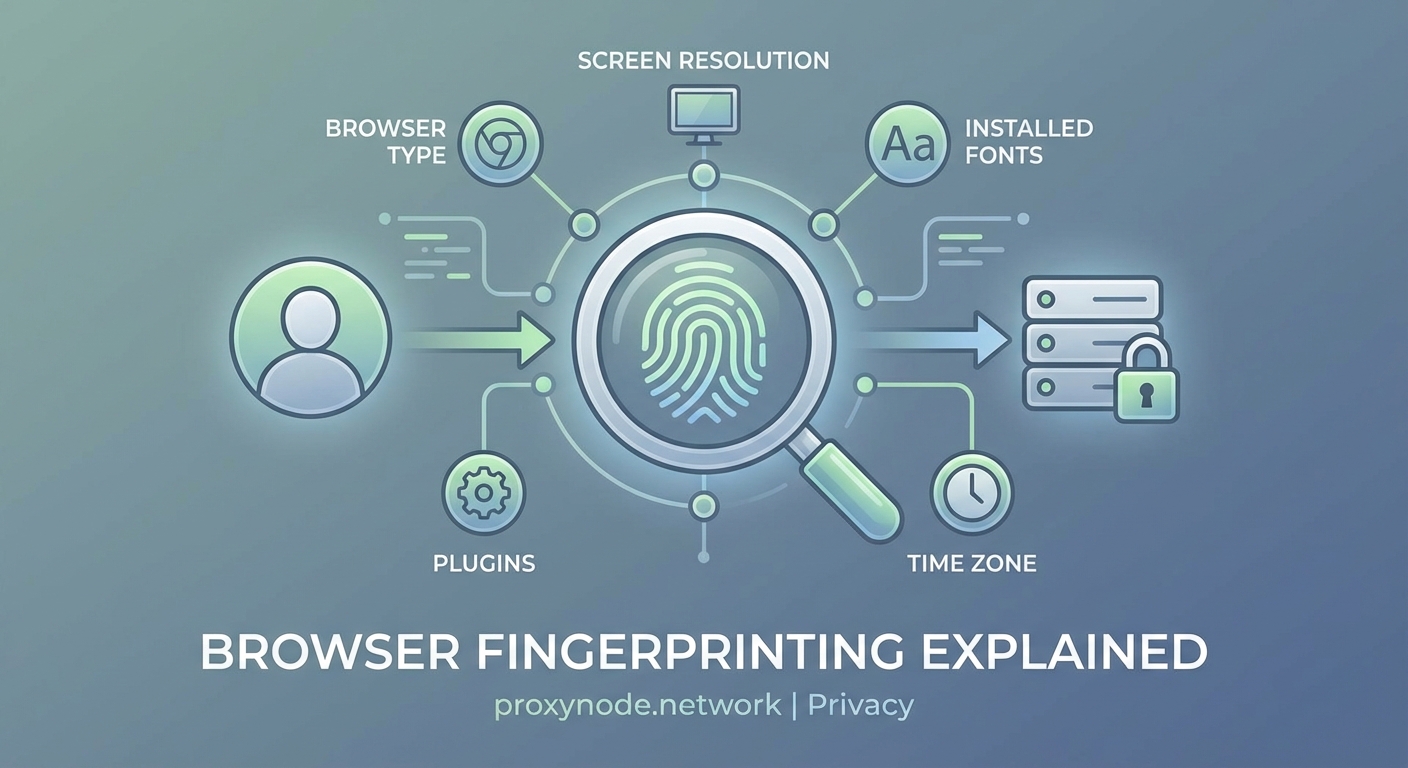
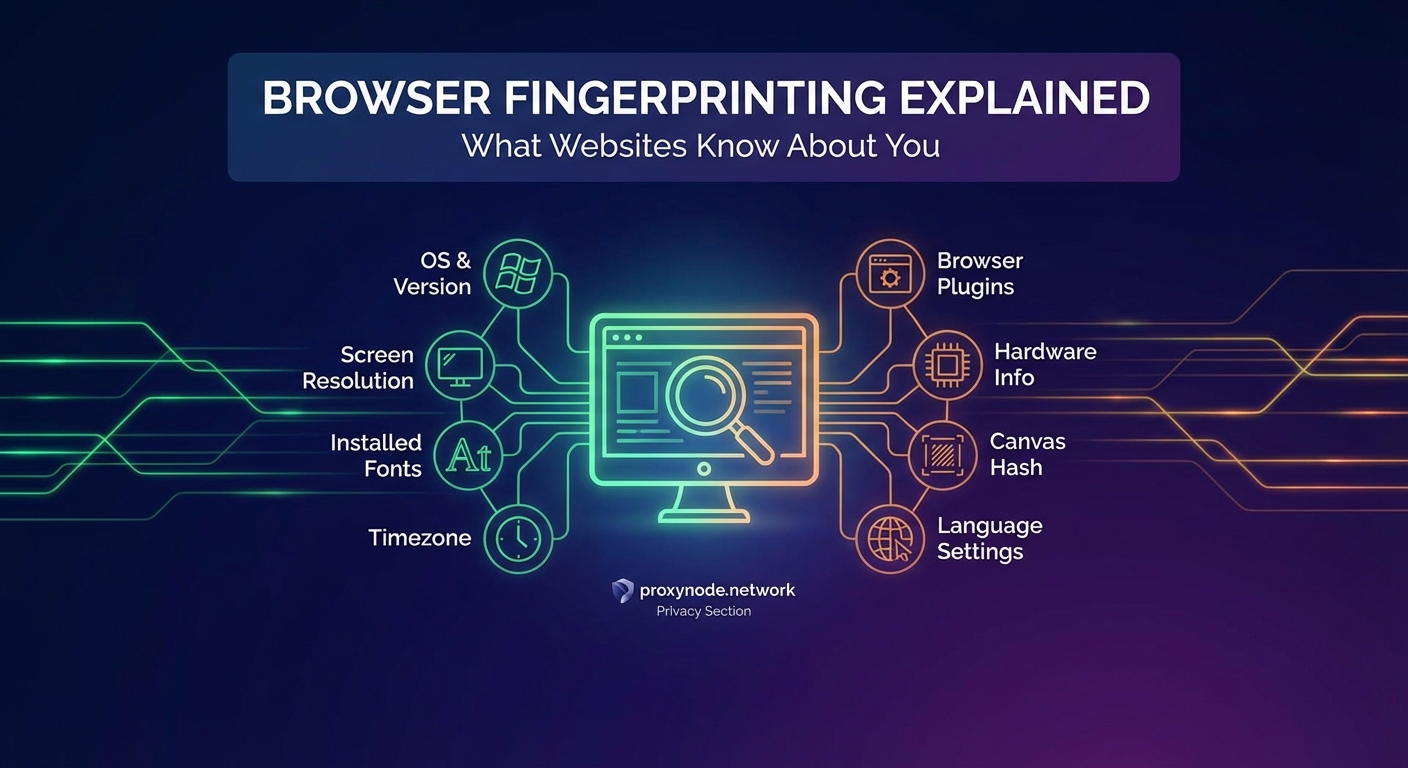
The scope of data collection might surprise you. Here’s what websites can typically gather:
- Screen resolution and color depth
- Timezone and language settings
- Installed fonts and plugins
- Operating system and version
- Browser type and version
- CPU architecture
- GPU renderer and vendor
- Touch support capability
- Audio context properties
- Canvas fingerprint
- WebGL fingerprint
- Battery status
- Network information
- Do Not Track preference
- Ad blocker presence
Each piece adds another layer of uniqueness. Your font list alone can be incredibly distinctive. If you’re a designer with 300 custom fonts installed, you’ve just made yourself far easier to identify.
Canvas fingerprinting deserves special attention. Websites ask your browser to draw hidden images or text. Different devices render these elements slightly differently based on hardware, drivers, and settings. The resulting image creates a unique hash that serves as an identifier.
WebGL fingerprinting works similarly. It tests how your graphics card renders 3D elements. The variations are subtle but consistent for your specific hardware configuration.
Why websites use fingerprinting
Follow the money. That’s usually the answer.
Advertisers want to track you across websites to build detailed profiles. They need to know which ads you’ve seen, which products you’ve browsed, and which purchases you’ve made. Cookies used to handle this job perfectly. Then privacy regulations arrived.
GDPR in Europe. CCPA in California. Browser makers started blocking third-party cookies by default. Users became more privacy-aware and started clearing cookies regularly.
Browser fingerprinting offered a solution that bypasses these protections. No cookies needed. No storage on your device. Just passive data collection that’s nearly impossible to avoid.
Legitimate uses exist too. Banks use fingerprinting to detect fraud. If someone logs into your account from a completely different device fingerprint, that’s a red flag. Content platforms use it to enforce regional restrictions and prevent account sharing.
Security researchers use fingerprinting to identify bots and scrapers. If 10,000 requests come from devices with identical fingerprints, that’s probably not 10,000 real users.
But the advertising industry remains the primary driver. The ability to track users without consent or notification is simply too valuable to ignore.
How fingerprinting differs from cookies

| Feature | Cookies | Browser Fingerprinting |
|---|---|---|
| Storage location | Your device | Website’s server |
| User control | Can delete anytime | Cannot directly remove |
| Lifespan | Set expiration date | Persists until hardware/software changes |
| Privacy mode | Deleted after session | Still works normally |
| Requires consent | Yes (in many regions) | Legal gray area |
| Accuracy | 100% reliable | 90-99% depending on method |
Cookies are straightforward. A website stores a small text file on your computer. That file contains an identifier. When you return, the site reads that identifier and recognizes you.
You control cookies. Delete them, and the tracking stops. Use private browsing, and they disappear after your session. Block third-party cookies, and cross-site tracking becomes much harder.
Fingerprinting flips this model. Nothing gets stored on your device. The website collects information your browser freely provides, then stores the resulting fingerprint on their servers. You can’t delete what you never had.
Private browsing mode offers no protection. Your device characteristics remain identical whether you’re browsing normally or incognito. The fingerprint persists.
Testing your own fingerprint uniqueness
Want to see how unique you really are? Several tools let you test your browser fingerprint.
- Visit a fingerprinting test website that analyzes your browser
- Review the collected data points and their values
- Check your uniqueness score among tested browsers
- Compare results across different browsers and devices
Most people discover they’re far more identifiable than expected. Even common configurations often prove unique when enough data points combine.
The EFF’s Cover Your Tracks tool (formerly Panopticlick) is particularly eye-opening. It shows exactly what information websites can collect and calculates how many bits of identifying information your configuration leaks.
The average browser fingerprint is unique among millions of samples. Even users who take basic privacy precautions often have highly identifiable configurations due to the sheer number of data points modern browsers expose.
Try testing multiple browsers on the same device. You’ll likely get different fingerprints because each browser handles rendering and capabilities differently. This actually makes you more trackable, not less, because now you have multiple unique identifiers associated with your behavior patterns.
Protection methods and their limitations
Complete protection is nearly impossible without breaking websites. But you can make fingerprinting harder.
Use common configurations. The more your setup resembles millions of others, the harder you are to identify. Default settings on popular browsers offer better anonymity than heavily customized configurations.
Limit browser extensions. Each extension adds unique characteristics. That obscure productivity tool you love? It’s making you more identifiable.
Consider fingerprint-resistant browsers. Tor Browser randomizes many fingerprint characteristics. Brave includes fingerprint randomization features. Firefox offers some protections through its Enhanced Tracking Protection.
Accept some functionality loss. Aggressive fingerprint protection breaks websites. Canvas blocking makes some graphics fail. JavaScript restrictions prevent interactive features. You’ll need to balance privacy against usability.
The privacy paradox emerges here. Installing anti-fingerprinting extensions makes you more unique, not less. Only 2% of users have certain privacy tools installed, so having them actually identifies you.
Rotating your fingerprint creates similar problems. If your fingerprint changes constantly, that behavior itself becomes identifying. Trackers can recognize the pattern of changes.
The technical arms race
Browser makers are fighting back. Safari blocks some fingerprinting scripts. Firefox resists font enumeration. Chrome has proposed privacy-focused alternatives.
But it’s an uphill battle. For every protection implemented, fingerprinting techniques evolve. Audio fingerprinting emerged when canvas blocking became common. Battery status APIs provided new tracking vectors. Even your typing patterns and mouse movements can become identifying characteristics.
The fundamental problem is architectural. Browsers need to share information to function properly. Websites need to know your screen size to display correctly. They need to understand your capabilities to deliver appropriate content.
Distinguishing legitimate functionality from tracking becomes nearly impossible. The same API that helps a video player optimize quality also enables fingerprinting.
Regulatory approaches show more promise. GDPR technically requires consent for fingerprinting in the EU. California’s privacy laws include similar provisions. Enforcement remains inconsistent, but legal pressure is mounting.
When fingerprinting becomes a bigger problem

Most casual browsing doesn’t warrant serious concern. Advertisers tracking you to show relevant ads is annoying but relatively harmless.
The risks escalate in specific scenarios. Journalists protecting sources need to avoid fingerprinting. Political activists in restrictive countries face real danger if tracked. Whistleblowers require genuine anonymity.
Financial privacy matters too. Your browsing patterns reveal income levels, shopping habits, and personal circumstances that could affect lending decisions or insurance rates.
Cross-device tracking amplifies concerns. If advertisers link your phone, laptop, and tablet fingerprints, they build comprehensive profiles of your entire digital life. They know where you go, what you read, who you communicate with, and what you buy.
Data breaches compound the problem. Fingerprint databases don’t expire like cookies. Once your fingerprint links to your identity in a database, that connection persists indefinitely unless you change your hardware or software configuration.
Making informed privacy choices
Perfect anonymity online is essentially impossible for most people. But understanding the tradeoffs helps you make better decisions.
For everyday browsing, basic precautions suffice. Use a mainstream browser with default privacy settings. Clear cookies periodically. Avoid unnecessary extensions.
For sensitive activities, step up protections. Use Tor Browser for genuine anonymity needs. Access sensitive sites from dedicated devices with minimal customization. Consider virtual machines that reset after each session.
Recognize that privacy is a spectrum, not a binary state. You don’t need to choose between complete exposure and total paranoia. Different activities warrant different protection levels.
Your threat model matters. Are you avoiding advertisers? Hiding from authoritarian governments? Protecting confidential sources? The answer determines appropriate precautions.
Your fingerprint follows you everywhere
Browser fingerprinting represents a fundamental shift in online tracking. The technology works silently, persists stubbornly, and resists simple solutions.
Understanding what information websites collect empowers better privacy decisions. You can’t eliminate fingerprinting entirely, but you can minimize your exposure and recognize when additional protections make sense.
The web wasn’t designed with privacy as a priority. Every feature that makes browsing better also creates new tracking opportunities. That’s not changing anytime soon. But awareness is the first step toward taking back some control over your digital footprint.