 By carl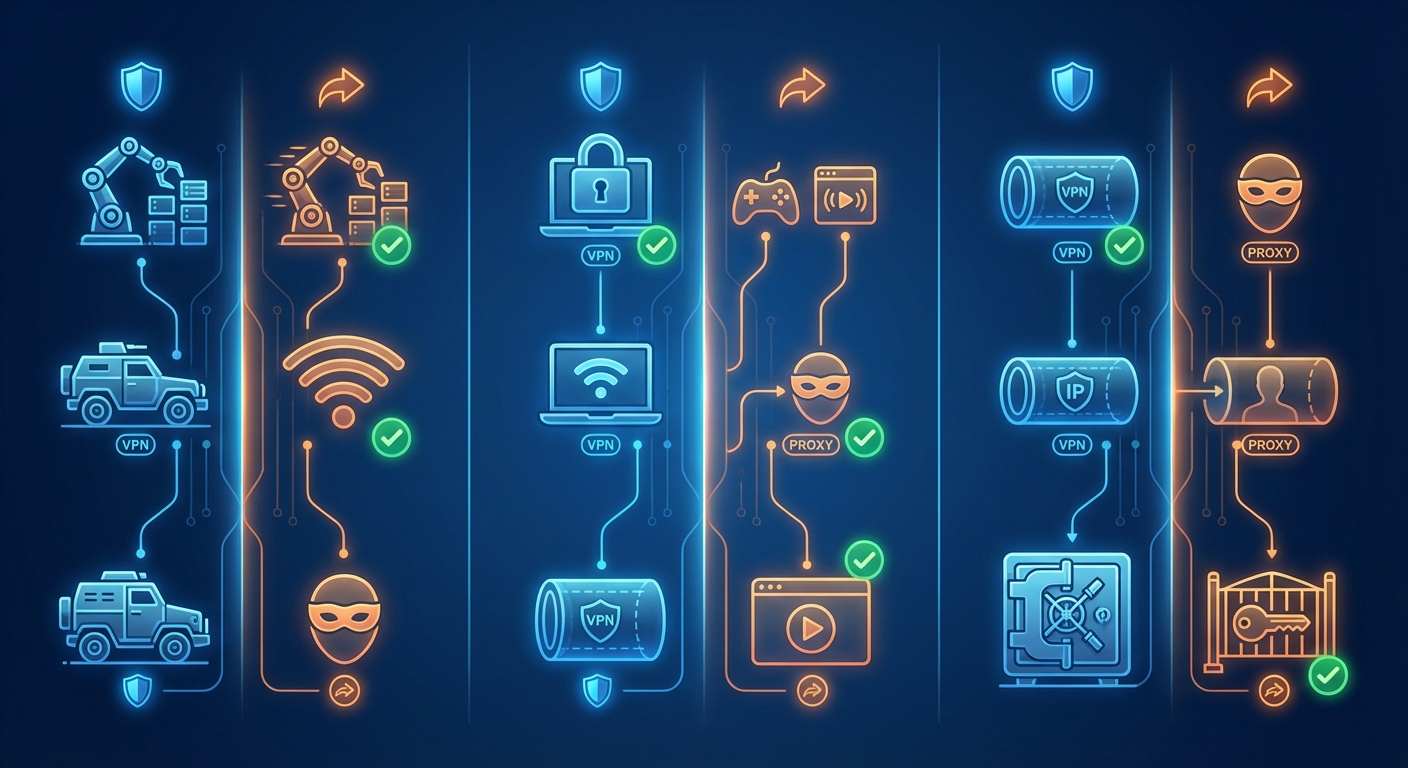
You’re trying to access geo-blocked content, hide your IP address, or browse more privately. Someone tells you to use a VPN. Another person swears by proxies. Both claim to solve your problem, but they work differently and excel in different situations.
Proxies route your traffic through a server to change your IP address but don’t encrypt data. VPNs encrypt all your internet traffic and route it through secure servers, offering stronger privacy and security. Proxies work best for simple tasks like accessing region-locked websites. VPNs suit anyone needing comprehensive protection, especially on public WiFi or when handling sensitive information. Your choice depends on whether you prioritize speed or security.
What proxies and VPNs actually do
Both tools act as intermediaries between you and the internet. They mask your real IP address by routing your connection through a remote server. Websites see the server’s IP instead of yours.
That’s where the similarities end.
A proxy handles requests at the application level. You configure it in your browser or a specific app. It changes your apparent location for that application only. Your other apps connect directly.
A VPN creates an encrypted tunnel for all your internet traffic. Everything from your device gets routed through the VPN server. Your internet service provider can’t see which websites you visit. Neither can anyone monitoring the network.
Think of a proxy as wearing a disguise to one event. A VPN is like traveling in an armored car everywhere you go.
How proxies work under the hood
When you connect through a proxy server, your browser sends requests to the proxy first. The proxy fetches the content and sends it back to you.
There are several types:
- HTTP proxies handle web traffic only
- SOCKS proxies work with various protocols including email and torrenting
- Transparent proxies don’t hide your IP at all and are often used for content filtering
- Anonymous proxies hide your IP but identify themselves as proxies
- Elite proxies hide your IP and don’t identify as proxies
Most free proxies are HTTP proxies. They work fine for browsing but offer zero encryption. Anyone monitoring the network can see what you’re doing.
SOCKS5 proxies offer more flexibility. They handle different types of traffic and support authentication. Still no encryption by default.
How VPNs create secure tunnels
A VPN client on your device establishes an encrypted connection to a VPN server. All your internet traffic flows through this tunnel.
The encryption happens before data leaves your device. Your ISP sees encrypted gibberish. The VPN server decrypts it, sends your request to the destination website, receives the response, encrypts it again, and sends it back through the tunnel.
Modern VPNs use protocols like WireGuard, OpenVPN, or IKEv2. These protocols determine how the encryption works and how fast your connection runs.
The encryption protects you on untrusted networks. Coffee shop WiFi becomes safe. Hotel networks can’t spy on your banking sessions.
Speed differences that matter
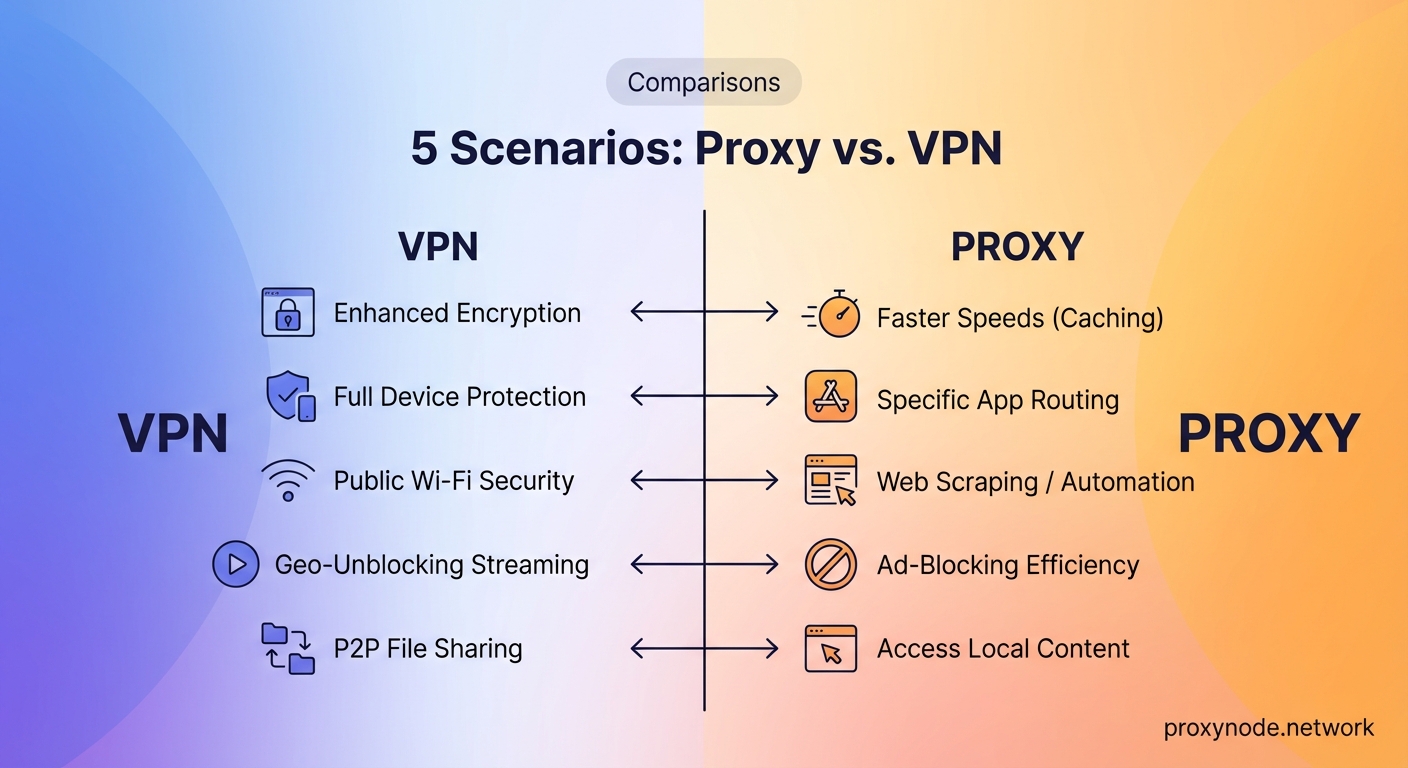
Proxies typically run faster than VPNs for one simple reason: no encryption overhead.
Your data travels through an extra server, which adds some latency. But without encryption and decryption processes, the delay stays minimal. Good for streaming or downloading when privacy isn’t critical.
VPNs slow things down more noticeably. Encryption takes processing power. The secure tunnel adds overhead to every packet. Distance to the VPN server matters too.
A well-configured VPN on a fast server might only reduce your speed by 10-20%. Budget VPNs or overloaded servers can cut your speed in half or worse.
For bandwidth-heavy tasks like 4K streaming, that difference becomes obvious. A proxy might buffer less. A VPN might struggle during peak hours.
| Feature | Proxy | VPN |
|---|---|---|
| Encryption | Usually none | Strong encryption |
| Speed impact | Minimal | Moderate to significant |
| Setup complexity | Simple | Slightly more involved |
| Cost | Often free | Usually paid |
| Privacy level | Low to moderate | High |
| Traffic coverage | Per-application | System-wide |
Security and privacy compared
This is where VPNs dominate.
Proxies change your IP but rarely encrypt your traffic. Your ISP sees everything. Network administrators see everything. Anyone with packet sniffing tools sees everything.
Free proxies are particularly risky. Some inject ads. Others log your activity and sell the data. A few actively steal credentials or install malware.
Even paid proxies focus on anonymity, not security. They hide who you are but not what you’re doing.
VPNs encrypt everything. Your ISP knows you’re using a VPN but can’t see which sites you visit. Public WiFi attackers can’t intercept your passwords.
The catch: you’re trusting the VPN provider instead. They can see your traffic after it leaves the encrypted tunnel. Choose a provider with a verified no-logs policy and independent audits.
If you’re handling anything sensitive like banking, medical records, or confidential work documents, use a VPN. Proxies don’t provide adequate protection for private information.
Real world use cases
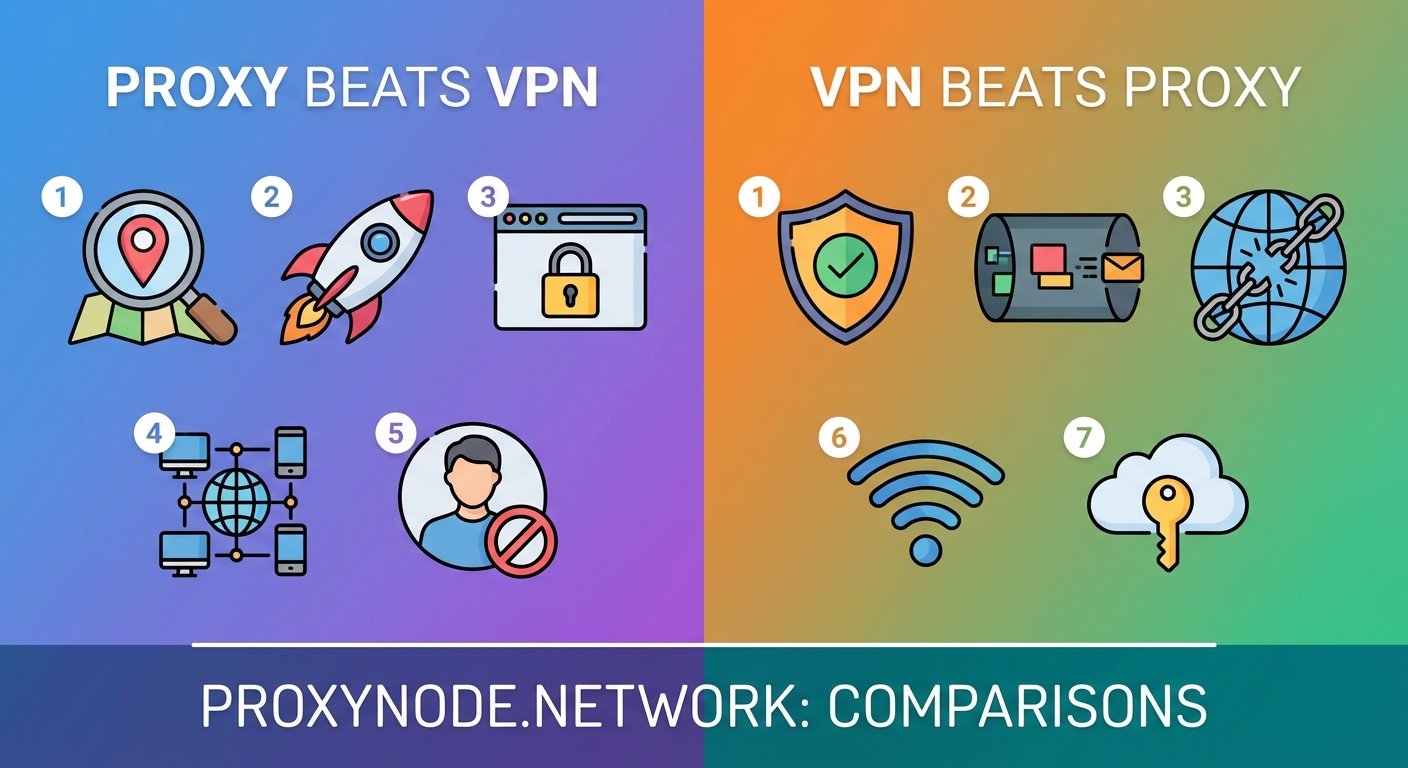
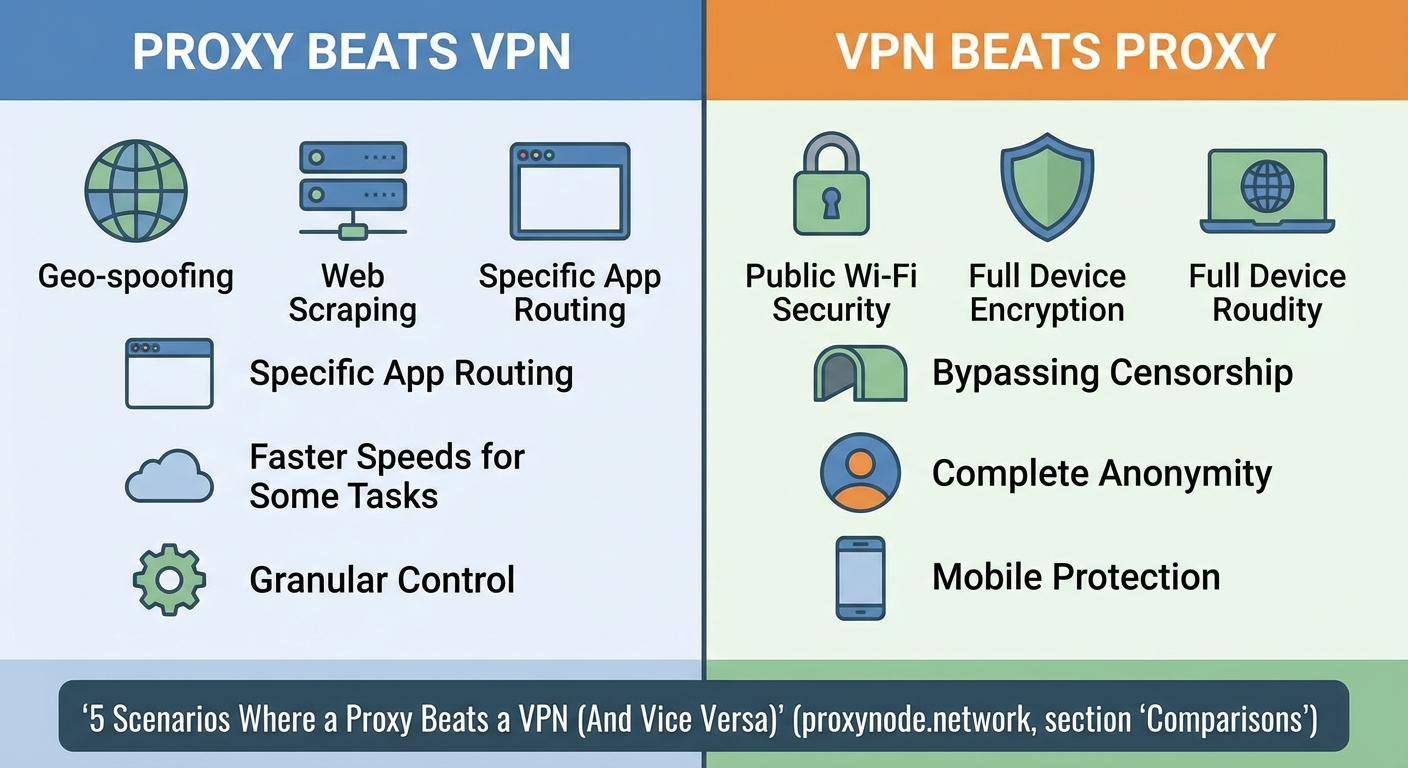
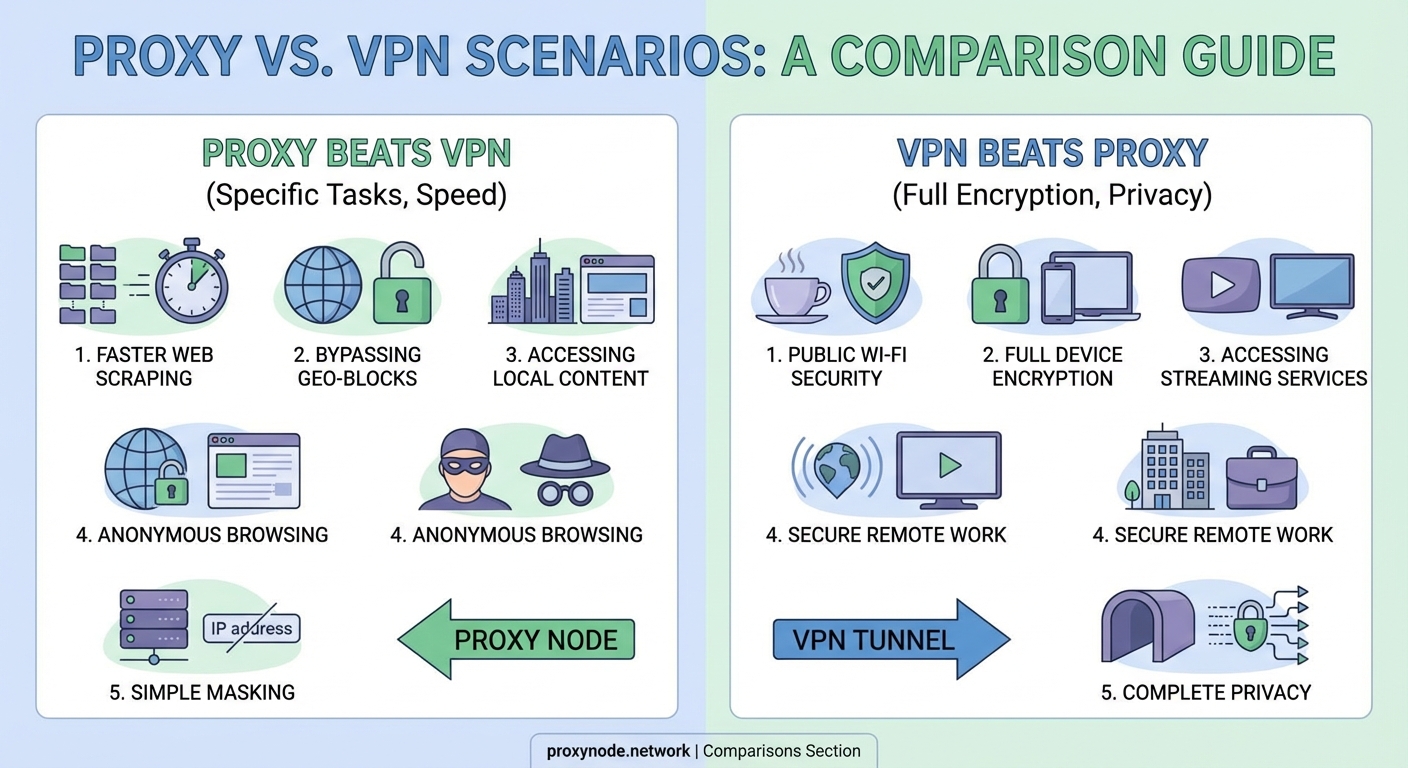
Use a proxy when:
- You need to access a region-locked website once or twice
- You’re doing market research and need to see search results from different locations
- You want to test how your website appears in various countries
- Speed matters more than privacy for a specific task
- You’re already on a secure network and just need a different IP
Use a VPN when:
- You regularly connect to public WiFi at cafes, airports, or hotels
- You work remotely and handle confidential business data
- You live in a country with internet censorship or surveillance
- You torrent files and want to avoid ISP throttling or legal notices
- You want comprehensive privacy across all your apps and services
Some people use both. They run a VPN for general protection and add a proxy for specific tasks that need different locations.
Cost and convenience factors
Free proxies are everywhere. Browser extensions, web-based proxies, and public proxy lists flood the internet. Convenient but risky.
Paid proxy services charge per gigabyte or offer monthly subscriptions. Residential proxies cost more than datacenter proxies. Expect $5 to $50 monthly depending on features and bandwidth.
VPN subscriptions typically run $3 to $12 per month with annual plans. Monthly plans cost more. The best services offer apps for all your devices, fast servers in dozens of countries, and strong privacy policies.
Setup difficulty differs too. Web proxies require zero configuration. Browser extensions need one click. System-wide proxies need manual network settings.
VPNs install like regular apps. Open the app, pick a server, click connect. Most people get it working in under two minutes.
Common mistakes to avoid
Many people configure a proxy in their browser but forget their other apps still connect directly. Your browser traffic goes through the proxy. Your email client, messaging apps, and background updates don’t.
Using free proxies for anything important is another error. You’re routing your traffic through servers run by unknown entities. Some are honeypots. Others are compromised machines in someone’s home.
With VPNs, the biggest mistake is assuming all providers are equal. Some keep detailed logs despite claiming otherwise. Others have weak encryption or leak your real IP through DNS requests.
Test your VPN with leak tests. Visit a DNS leak test website while connected. Make sure it shows the VPN server’s location, not your real one.
Forgetting to enable the kill switch is risky too. If your VPN disconnects unexpectedly, a kill switch blocks all internet traffic until the VPN reconnects. Without it, your device might send unencrypted traffic using your real IP.
Technical limitations you should know
Proxies work at the application layer. They can’t protect network-level traffic. DNS requests often bypass the proxy entirely, revealing which websites you visit.
They also struggle with some protocols. A basic HTTP proxy can’t handle FTP or other specialized traffic. SOCKS proxies handle more protocols but still lack encryption.
VPNs face different challenges. Some websites and services block known VPN IP addresses. Netflix, banking sites, and ticket sellers often detect and restrict VPN users.
Split tunneling helps. It lets you route some apps through the VPN while others connect directly. Useful when you need the VPN for privacy but want full speed for gaming or local network access.
Both tools add a point of failure. If the proxy or VPN server goes down, you lose connectivity. Reliable services maintain multiple servers and automatic failover.
Privacy policies and trust issues
Your proxy or VPN provider can see everything you do online after your traffic reaches their server. This makes their privacy policy critical.
Look for these elements:
- Clear statement about not logging browsing activity
- Independent audits verifying the no-logs claim
- Transparent ownership and jurisdiction
- Detailed explanation of what minimal data they collect (connection times, bandwidth used)
- Published transparency reports or warrant canaries
Free services make money somehow. Usually by selling your data, injecting ads, or using your device as an exit node for other users.
Paid services should earn money from subscriptions alone. If the business model isn’t clear, stay away.
Jurisdiction matters too. Some countries require data retention. Others have strong privacy laws. A VPN based in a surveillance-friendly country might face legal pressure to log user activity.
Making your choice based on actual needs
Start by identifying your primary goal.
Need to bypass a simple geographic restriction? A proxy works fine. Testing how your website looks in France or checking prices on a UK shopping site doesn’t require encryption.
Concerned about privacy and security? Get a VPN. Public networks, sensitive work, or living in a surveillance state all demand proper encryption.
Want both? Run a VPN for baseline protection. Add proxies for specific tasks needing different locations.
Budget plays a role. Free proxies exist but carry risks. Free VPNs are worse, often logging and selling your data despite privacy claims. Paying $5 monthly for a reputable VPN is worth it if you value your privacy.
Consider your technical comfort level too. Proxies sometimes need manual configuration. VPNs typically offer user-friendly apps but require understanding concepts like protocols and kill switches.
Getting started with either option
For proxies:
- Research paid proxy providers with good reputations if you need reliability
- Start with browser extensions for simple tasks
- Test the proxy with an IP checking website to confirm it works
- Never enter passwords or sensitive information through untrusted proxies
- Remember that only the configured application uses the proxy
For VPNs:
- Choose a provider with verified no-logs policies and strong encryption
- Download and install their app on all your devices
- Enable the kill switch in settings
- Test for DNS leaks after connecting
- Pick nearby servers for better speeds or distant ones for specific content
Both tools have legitimate uses. Neither is inherently better. The right choice depends entirely on what you’re trying to accomplish and how much you value privacy versus convenience.
Finding the right fit for your situation
Understanding the proxy vs VPN decision comes down to matching the tool to your actual needs. A proxy gives you a different IP address with minimal setup and maximum speed. A VPN wraps everything in encryption and protects you across all your online activities.
Most privacy-conscious users benefit more from a VPN. The comprehensive protection justifies the small speed trade-off and modest monthly cost. If you only need occasional access to region-specific content and you’re already on a secure network, a proxy might be enough.
Test both approaches with reputable providers. See which one fits your workflow and meets your security requirements. Your online privacy deserves more than guesswork.